Edit your photos where you watermark them
Crop for every feed, resize for email, straighten a horizon, fix the colour, then add a filter and a frame. Each step applies to one photo or the whole batch.
Edit your photos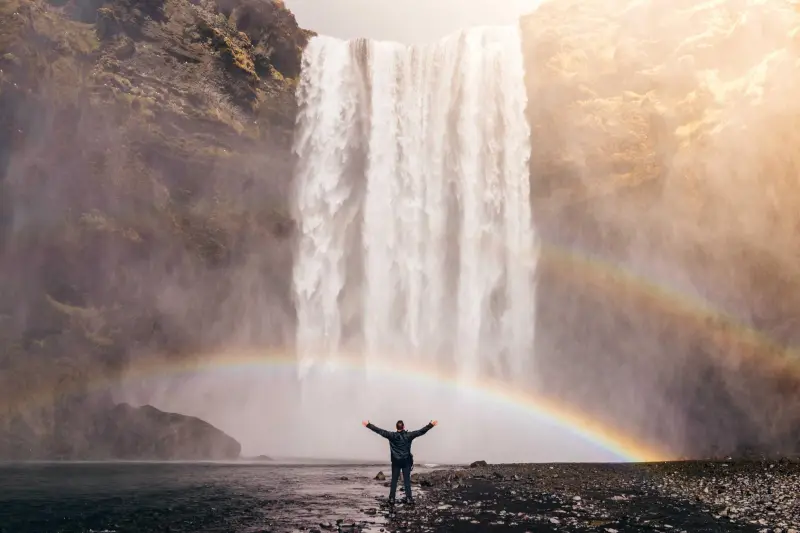 Insta post · 1080×1350
12 social sizes, ready to post
Pick the network and the crop box takes its shape. Move it over each photo, then download at the size the network shows. Crop works on videos too.
- Insta post1080×1350
- Insta square1080×1080
- Reel1080×1920
- TikTok1080×1920
- FB post1200×630
- FB cover820×312
- X post1600×900
- X header1500×500
- YouTube thumbnail1280×720
- LinkedIn post1200×627
- LinkedIn banner1584×396
- Pinterest pin1000×1500
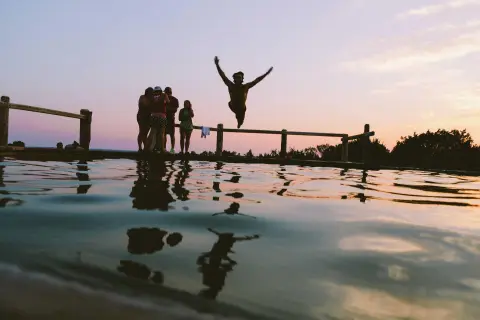
Also: free crop, the photo's own shape, square, 4:3, 3:2 and 16:9, and print sizes 4×6, 5×7, 8×10 and A4.
Resize for the web, email or print
Set a width and height in pixels or a percentage, or pick a size: Large 2048, Medium 1200, Small 800 or Email 600. Resize works on videos too. What size to share photos at
- Contain Fits inside the size, keeps its shape.
- Trim Fills the size, trims what is over.
- Stretch Fills the size exactly.

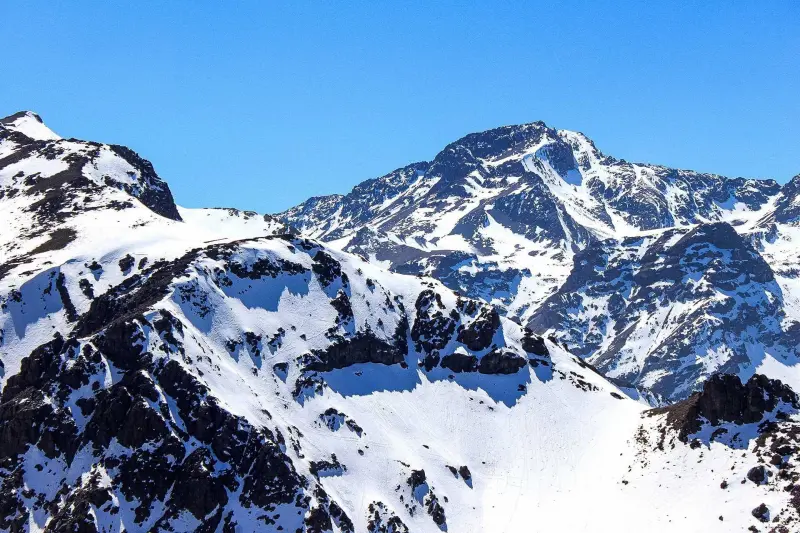
Straighten the horizon, fix the perspective
Turn by 90°, flip, or straighten up to 45° either way; Auto level finds the horizon for you. Perspective pulls leaning buildings upright.
Where a turn leaves empty corners, choose how to fill them: crop them off, fill them with a colour, or with a blur of the photo.
Fix the colour in one tap, or by hand
Auto corrects the light and colour for you. Or set brightness, contrast, saturation, warmth and tint yourself, and turn a photo mono or sepia.
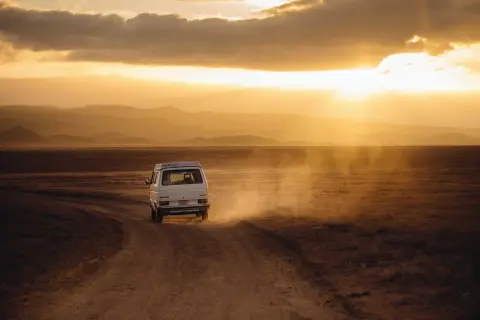
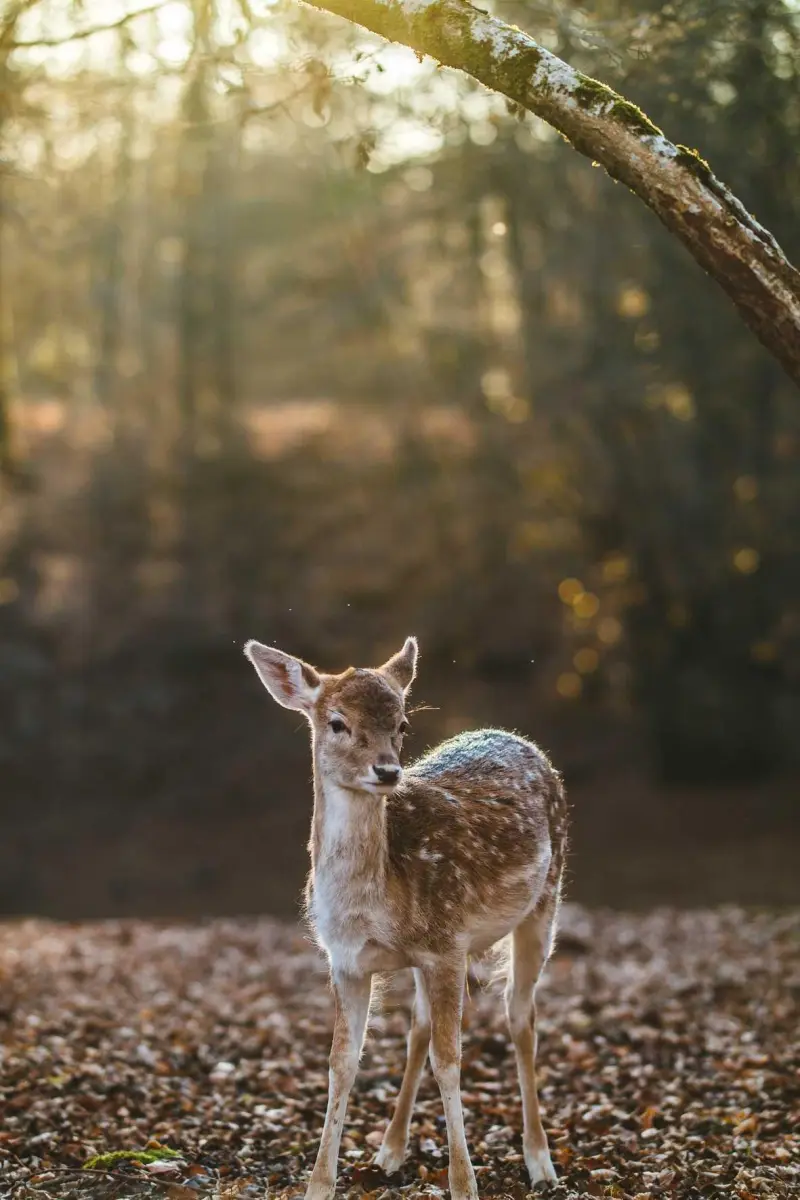 Original
Walden
18 filters, with a strength slider
From warm Walden to black-and-white Inkwell. Set how strong the filter is, so it lifts the photo without taking it over. Amaro, Inkwell, Rise and Walden are free.
These thumbnails are close to each filter's look; the editor shows the real one on your photo.
15 frames, from a clean border to an instant print
Add a caption of up to 60 characters under the photo. Info prints the camera, lens and exposure from the photo's EXIF, with your name. Seven frames are free.
- Border Free
- Gallery mat Free
- Instant Free
- Rounded Free
- Shadow Free
- Fade Free
- Fit Free
- Info Premium
- Film Premium
- Frame Premium
- Float Premium
- Shape Premium
- Stamp Premium
- Torn Premium
- Album Premium
Border comes solid or as a gradient. Fit pads the photo to 1:1, 4:5, 9:16, 16:9 or 3:2 with a blur of itself, so nothing is cropped. Shape cuts it to an arch, a circle or an oval.
Every step, on every file
Crop, resize, filter and frame the whole batch together, with your watermark on top. Then check each photo and adjust the one that needs it.
Up to 5,000 files per edit
Apply each step to all files or only the one on screen. The free plan processes one file per edit.
Undo, redo and history
Step back through what you did, and change any step before you finish.
Save the steps as a workflow
Keep resize, watermark and frame together as a template and run them on the next batch.
Questions about editing
Can I edit videos too?
Are the filters and frames free?
Can I convert my photos to another format?
Are my original photos changed?
The file you download is the one you post
Crop, colour, frame and watermark in one go. No account needed to start.
Edit your photos