Watermark templates to start from
Ten ready-made designs, from a signature with a tagline to tiled text. Pick one, type your name, and apply it to all your photos. The presets are free to load.
Use a template-
Signature with tagline Premium to download
-
Simple signature Premium to download
-
Multi-line signature Premium to download
-
Text with copyright symbol
-
Tiled text
-
Transparent text
-
Text with shadow
-
Thick label text
-
Text with inverted stroke
-
Centered text with diagonals



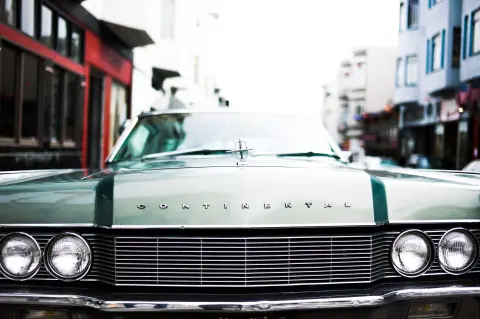




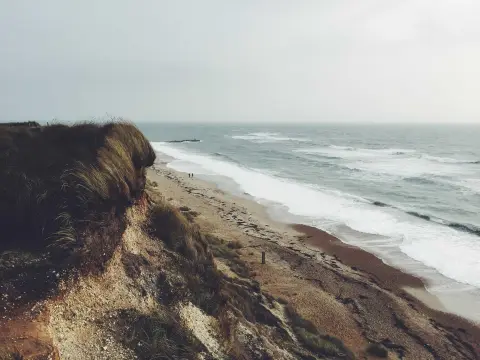

Signature designs: try them free, download with Premium.
From preset to finished photos in four steps
-
Add your photos
Drop in photos, videos or a whole folder. No account needed to start.
-
Open Templates
In the editor, open Templates and pick one of the ten presets.
-
Make it yours
Type your name, then change the font, colour, size or position if you like.
-
Apply and download
Apply it to all files, check the previews, and download one file or a zip.
Save your watermark once, reuse it on every batch
When a watermark looks right, save it as a template. Next time, load it and every photo gets the same design in the same place.
- Workflows. Save several steps together, such as resize, watermark and frame, and press Run workflow to apply them in order.
- Pin, sort and filter. Keep the ones you use most at the top of the list.
- You choose when. Nothing is applied on upload; you pick the template for each edit.
Saving is free. Loading your own templates is part of Premium.


Which design suits your work
Start from the preset closest to what you need. More examples in our watermark examples.
Photographers
A signature with your business name as the tagline, small in a corner.
Read moreReal estate
Your brokerage logo in a corner, with your phone number in a second line of text.
Read moreOnline sellers
Tiled text with your shop name, so a cropped copy still carries it.
Read moreCreators
Your @handle in bold text with a stroke, so it reads on any frame.
Read moreDocuments
CONFIDENTIAL or DRAFT across the middle of every page, with diagonals.
Read moreQuestions about templates
Are the watermark templates free?
Can I change a template?
Can I save my own watermark as a template?
What is a workflow?
Does a template apply by itself when I upload?