Watermark patterns that cover the whole photo
A corner watermark can be cropped off in seconds. Protect lays a fine pattern over the entire photo, so there is no clean part left to take. 12 patterns, 4 of them free.
Protect your photos-
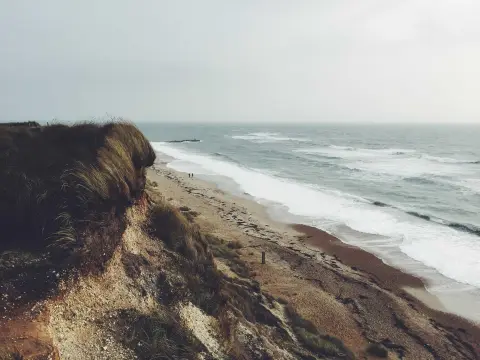
Lines Free
-
Grid Free
-
Hatch Free
-
Waves Free
-
Dots Premium
-
Ripples Premium
-
Crosses Premium
-
Zigzag Premium
-
Honeycomb Premium
-
Guilloché Premium
-
Rays Premium
-
Film grain Premium
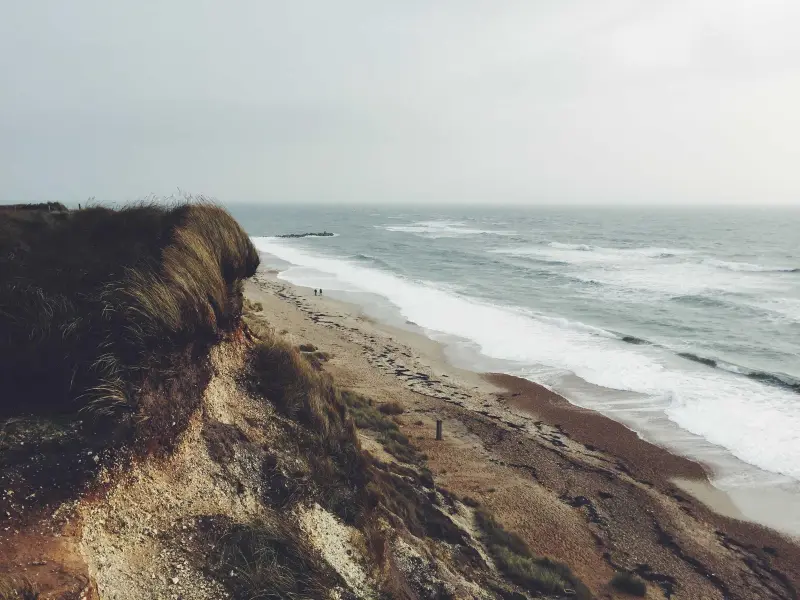 Guilloché
Four settings make it yours
Pick a pattern, then set its colour, opacity, size and thickness, so it shows clearly on a bright beach and a dark street alike.
A preview drawn by this page. In the editor you also set the thickness of the lines, and pick any colour.
Protect a whole shoot in three steps
Protect is a step in the editor, next to Watermark, Crop and Frame. It works on photos.
-
Add your photos and open Protect
Drop in one photo or a whole folder, then choose Protect in the editor's tools.
-
Pick a pattern and tune it
Choose one of the 12 patterns and set its colour, opacity, size and thickness while you watch the photo.
-
Apply it to every photo
Apply to all files in the edit, add a watermark on top if you like, then finish and download.

A pattern or a corner watermark?
They do different jobs. A corner watermark says who made the photo. A pattern makes the photo hard to use without you.

Corner watermark
Keeps the photo clean and credits you wherever it is shared. Good for portfolios and social posts, where people should enjoy the photo.
A crop or a quick retouch takes it off.
Protect pattern
Covers every part of the photo, so no crop leaves a clean copy. Good for client proofs, product photos, and anything you send before you are paid.
It changes how the photo looks, so keep it faint.
Questions about Protect
Which patterns are free?
Is a pattern the same as a tiled watermark?
Can a watermark pattern be removed?
Does Protect work on videos and PDFs?
Can I protect many photos at once?
Leave no clean corner to crop
Try every pattern on your own photos. No account needed to start.
Protect your photos