Create a Signature Logo for Your Photos
Type your name, pick one of 30 handwriting styles and swap letters for alternates. Then use it as your watermark on every photo you share.
- No account needed to start
- Up to 5,000 files per batch
In short
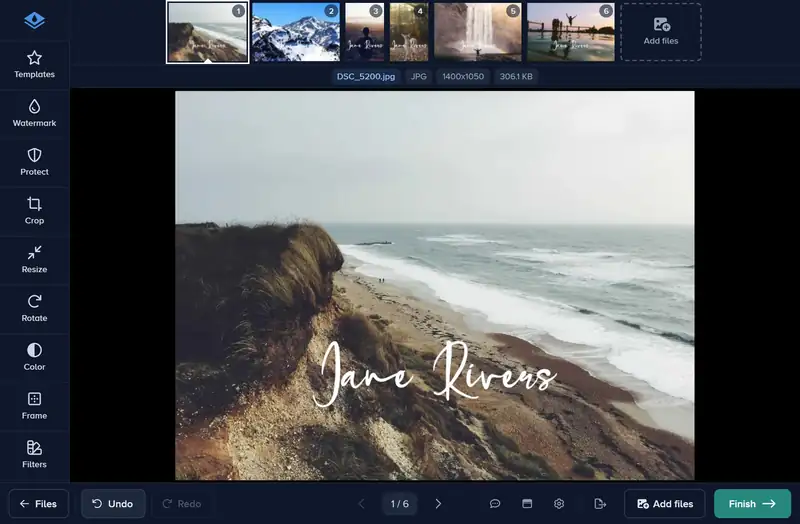
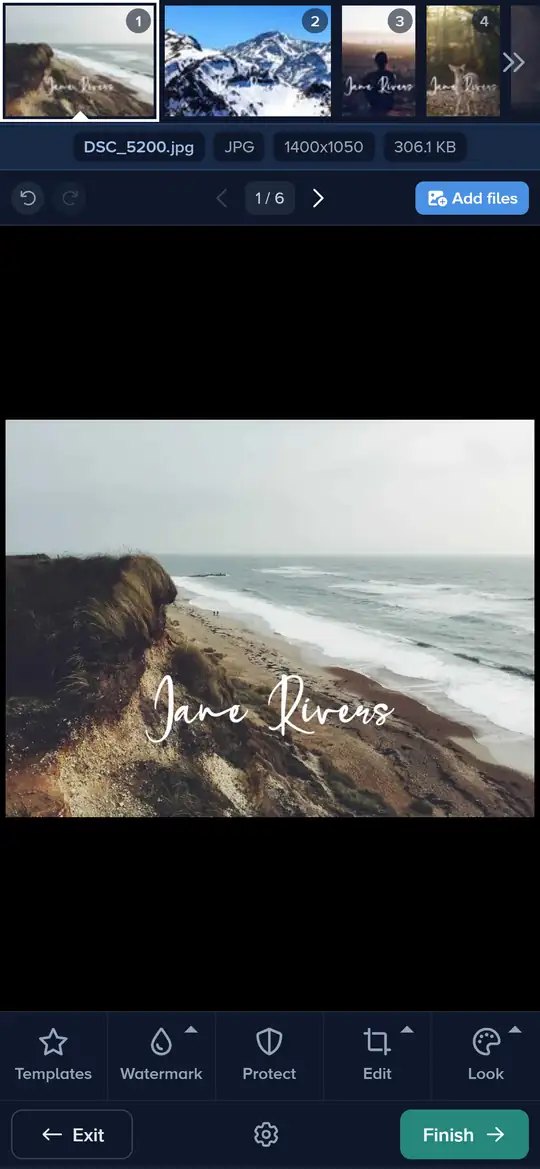
A signature logo gives your photos a personal, handwritten mark that a plain text watermark cannot. Watermark.ws has a signature maker built in: type your name, choose a handwriting style and swap letters for alternate characters until it looks like yours. Then place it on your photos like any other watermark. For a tagline such as Photography under your name, the watermark maker’s Signature & tagline design has one, and its downloads are free.
How to Make a Signature Logo in 3 Steps
Design your signature logo and start watermarking in minutes.
-
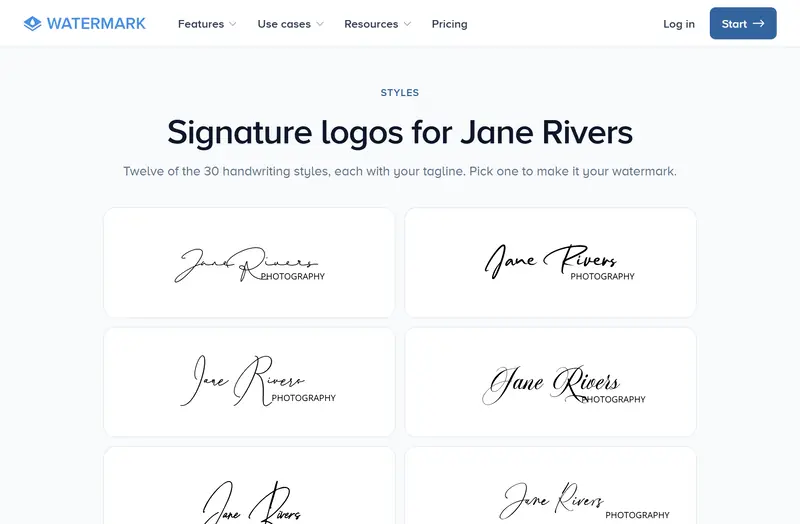
Step 1: Type Your Name and Pick a Style
Open the signature maker, type your name and browse the handwriting styles. Pick the one that fits your work; all 30 are in the editor.
-
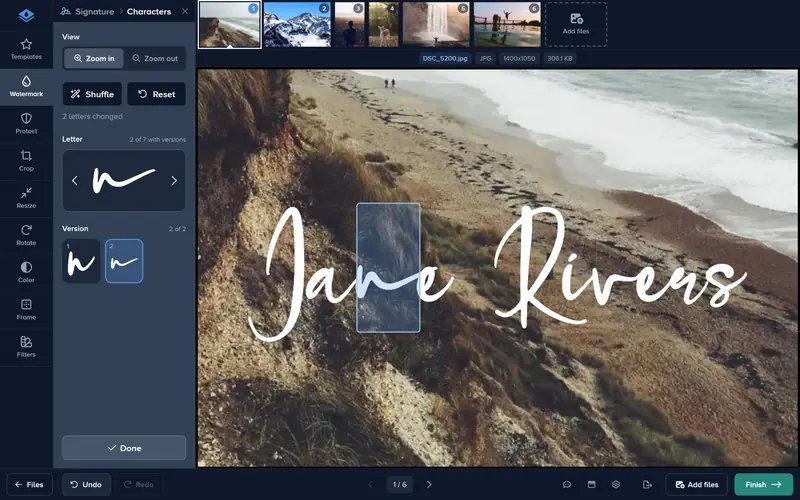
Step 2: Customize Your Design
Swap letters for alternates and set the color. Preview the signature logo before you use it.
-
Step 3: Use It as Your Watermark
In the editor, choose Signature in the Watermark tool, place it on your photos and apply it to all files. Downloading photos with the editor’s Signature needs Premium; the watermark maker’s signature designs download free.
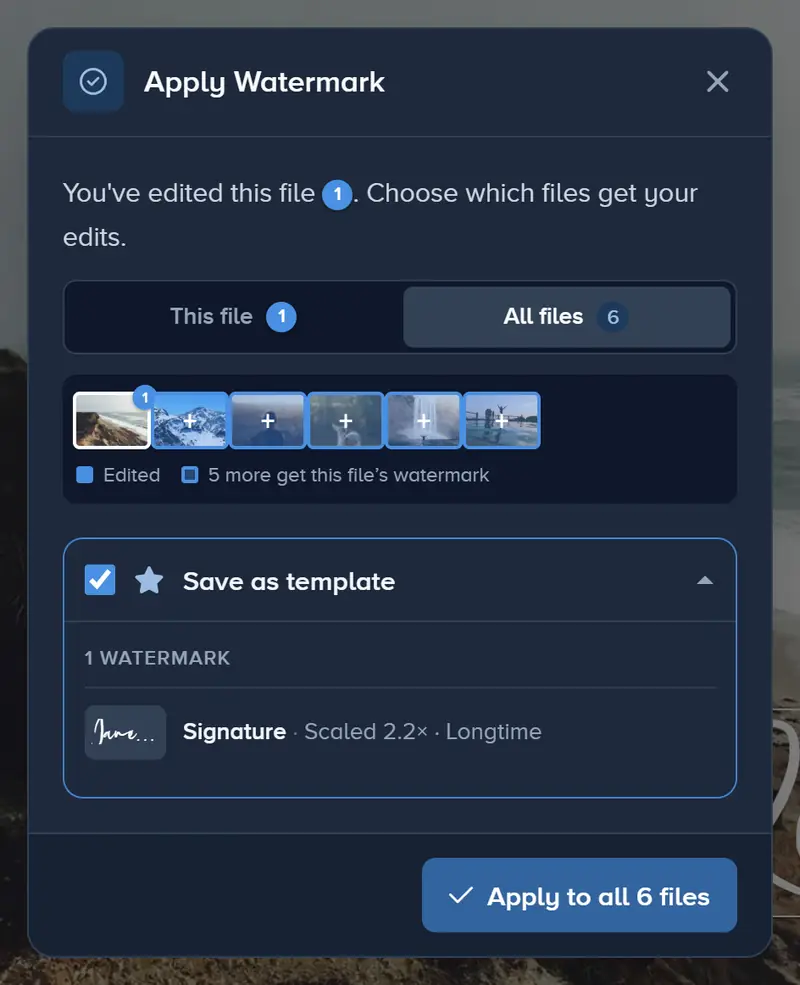
What you can do
Handwriting Styles
Thirty handwriting fonts turn your name into a signature, from neat script to loose brush lettering. Each one is previewed with your own name.
Alternate Characters
Swap single letters for alternate versions, so the capitals and the last letter look closer to the way you would write them.
A Tagline in the Maker
For a short line such as Photography or your website under your signature, use the watermark maker’s Signature & tagline design. Its downloads are free.
Sign Every Photo with Your Name
Create a handwritten signature logo and use it as your personal watermark. No design skills needed, just your name and a few clicks.
Create your signature logo- No account needed to start
- Works in your browser
Questions people ask
Do I need design skills to create a signature logo?
Can I add a tagline to my signature?
Can I use my signature logo as a watermark on all my photos?
Is the signature logo maker free?
Keep reading
 Guide
How to Batch Watermark Photos Online
Batch watermark up to 5,000 photos in one batch: design the watermark once, apply it to all, fix single photos and download a zip. Free to try, no install.
Guide
How to Remove the White Background From a Logo
Upload your logo, switch on Remove Background, and the white box around it disappears. Tune the edge with Fuzz and Blur, then apply it to every photo.
Guide
How to Watermark 100 Photos at Once
Add 100 photos to one edit, design the watermark on the first and apply it to all files in one click. Up to 5,000 files an edit, downloaded as one zip.
 Guide
Watermark Maker: Make Your Own Watermark Online
Make a text or logo watermark online with 600+ fonts, stroke, shadow, tiling and opacity. Free to design and try, nothing to install. No signup to start.
 Guide
How to Add a Watermark to a PDF Online
Add Draft, Confidential, your name or your logo to a PDF online, on every page with Premium. The file stays a PDF. No PDF editor or install needed.