How to Batch Watermark Multiple PDFs at Once
Stamp a folder of reports, contracts or handouts with the same watermark in one edit.
- No account needed to start
- Up to 5,000 files per batch
In short
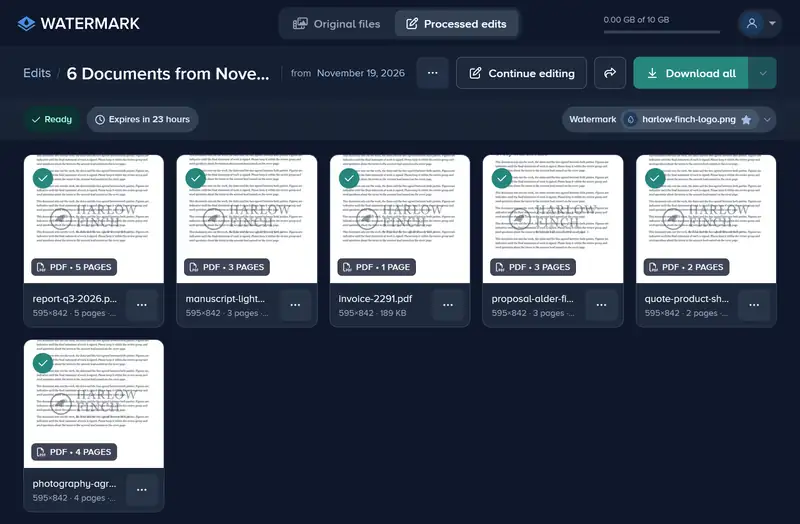
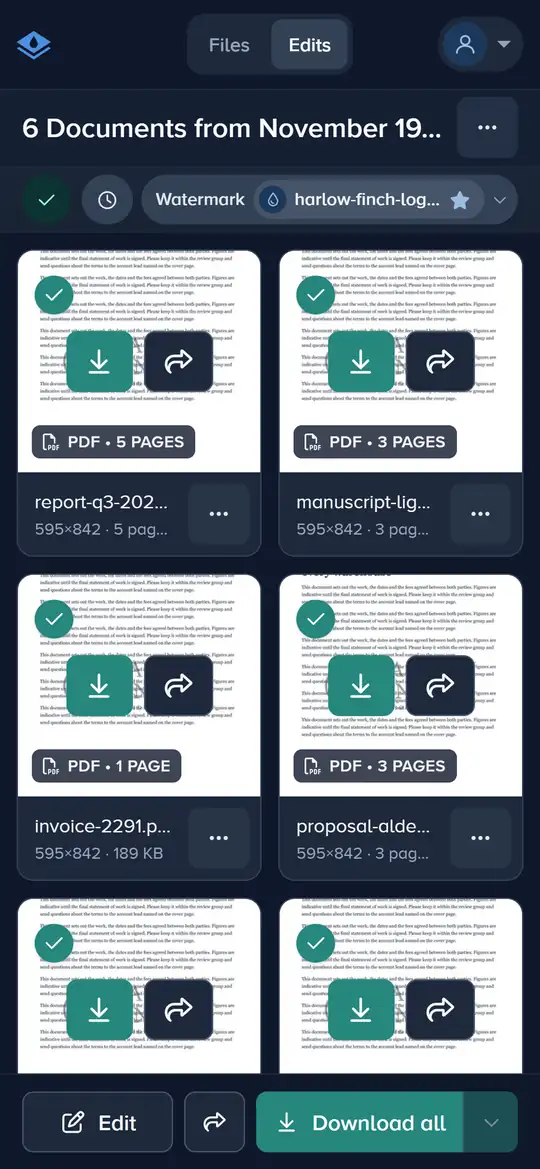
Add all your PDFs, open them in one edit, place the watermark once and apply it to all files. Premium and Ultimate take up to 5,000 files per edit and watermark every page of each PDF. The free plan processes only the first file of an edit, and only its first page.
How to Watermark Many PDFs in 4 Steps
One watermark, one Apply, every file in the edit.
-
Step 1: Add All the PDFs
Drag the PDFs, or the folder that holds them, onto the page, or click Upload from Device and pick them all.

-
Step 2: Open Them in One Edit
Select the PDFs, or click Select all, then click Edit. They open together, each showing its first page.

-
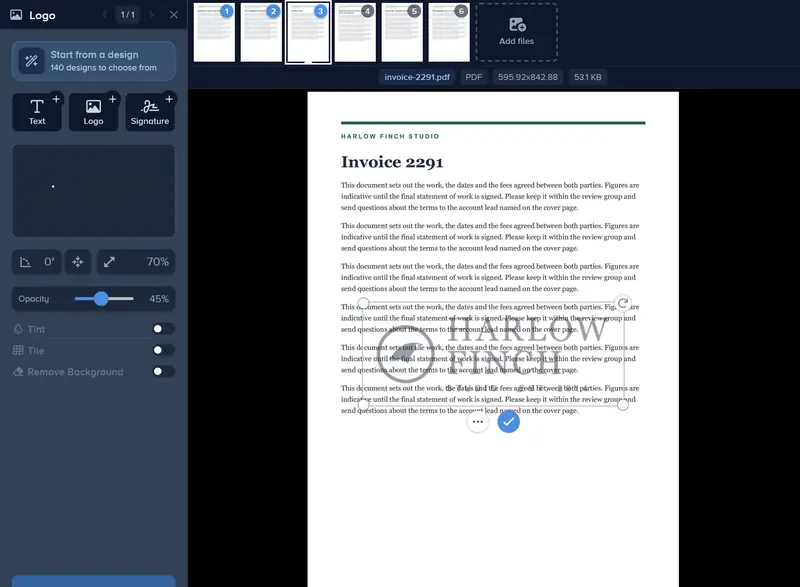
Step 3: Place the Watermark Once
Click Watermark and add your text or logo. Step through a few of the files to check it sits clear of the text on each.
-
Step 4: Apply to All and Download
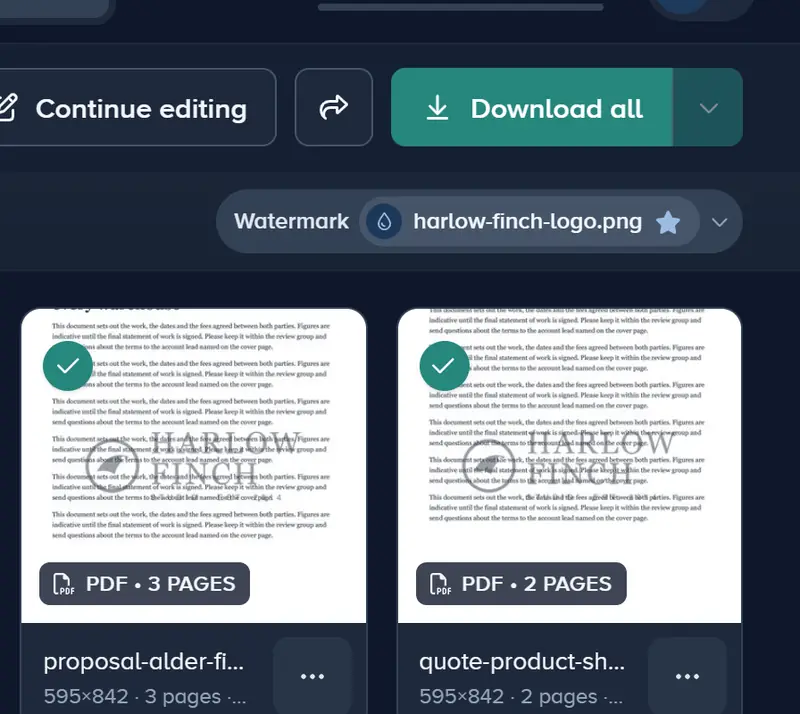
Click Apply and choose All files, then Finish. On the finished edit, Download all saves them together as a zip.
If It Doesn’t Look Right
Only One PDF Was Watermarked
On the free plan an edit processes its first file only. Premium and Ultimate process every file in the edit, up to 5,000.
It Lands on Text in Some Files
Files with different layouts put different things under the same spot. After applying to all files, open the one that needs it, move the watermark there and apply it to that file only.
Some Files Came Back as PDFs
Files in .doc, .odt, .rtf or .pptx are turned into PDFs when they are watermarked. Only PDFs and .docx files keep their format.
The Download Takes a While
A large edit is zipped before it downloads. You can close the window and we email you when the zip is ready; an edit over 4 GB comes as several zips.
Watermark the Whole Folder in One Edit
Add your PDFs, place the watermark once, and download them all together.
Watermark your PDFs- No account needed to start
- Works in your browser
Questions people ask
How many PDFs can I watermark at once?
Can I mix PDFs with photos in the same edit?
Can I use the same watermark on next month’s batch?
Are my original PDFs changed?
Keep reading
 Guide
Add a Logo Watermark to Your Photos
Upload your logo, set its size, opacity and position, and put it on one photo or a whole shoot. PNG, SVG or JPG logos up to 50 MB and 8,000 px. Free to try.
Guide
How to Add a Logo to a Video
Upload your logo, set its size and opacity, place it on the video’s frame and download the video with your logo on it. PNG, SVG or JPG logos up to 50 MB.
Guide
How to Add a Text Watermark to Photos
Type your name, website or © line, pick a font, then set its size, color, opacity and place. Apply it to one photo or a whole batch and download them.
 Guide
How to Batch Watermark Photos Online
Batch watermark up to 5,000 photos in one batch: design the watermark once, apply it to all, fix single photos and download a zip. Free to try, no install.
Guide
How to Change the Color of a Logo Watermark
Recolor your logo watermark with Tint: type your brand’s hex code, pick a shade that suits the photo, or switch Tint off to get the original colors back.
Guide
How to Change the Watermark on One Photo in a Batch
Open the photo in the files strip, move or change its watermark, and apply. That photo keeps its own watermark while the rest of the batch shares the other.