How to Watermark a Whole Folder of Photos
Drag the folder onto the page, put one watermark on every photo in it, and download them together.
- No account needed to start
- Up to 5,000 files per batch


In short
Drag the folder from your computer anywhere onto the page: every photo in it is added, the ones in its subfolders too, up to 5,000 files an edit. Design the watermark on the first photo and apply it to all files. The free plan processes the first file of each edit; Premium and Ultimate process them all.
How to Watermark a Folder in 4 Steps
No need to pick the photos one by one.
-
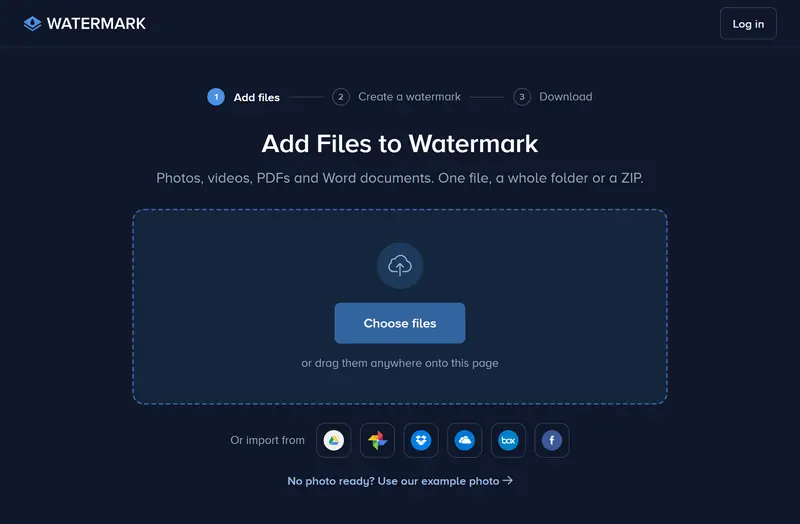
Step 1: Drop the Folder Onto the Page
Drag the folder from your desktop or file manager and drop it anywhere on the page. Its photos, and those in its subfolders, are added. A ZIP of the folder works too.
-
Step 2: Design the Watermark
Open the Watermark tab and set up your text or logo on the first photo. The rest keep uploading while you work.

-
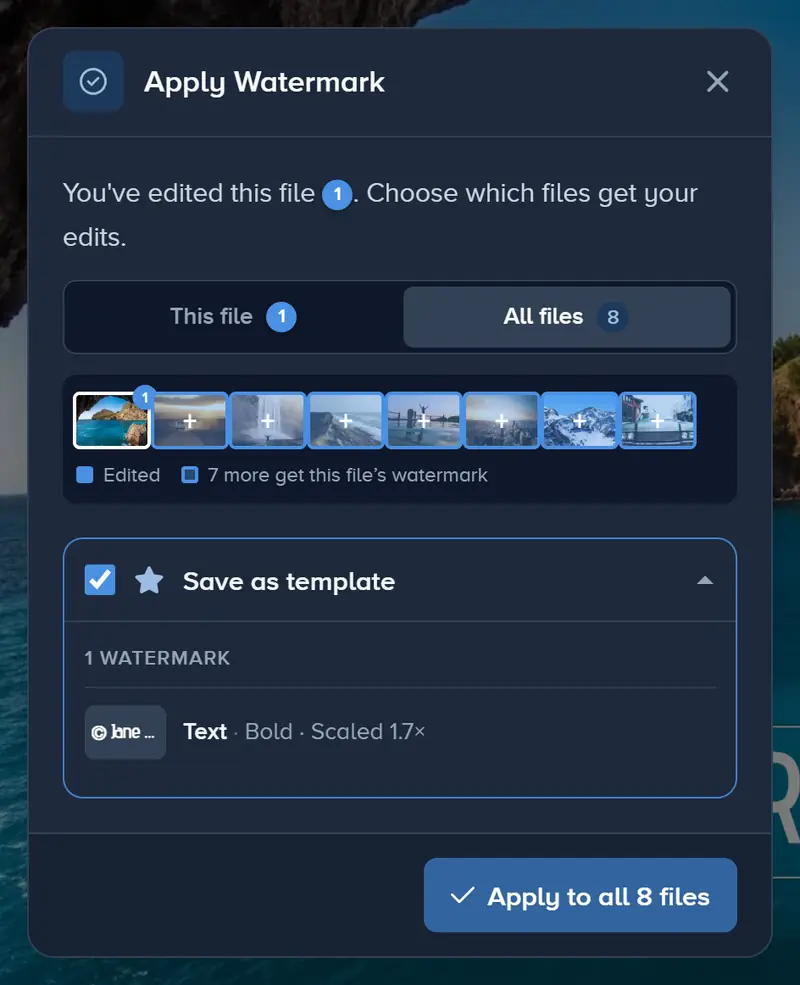
Step 3: Apply It to All Files
Click Apply and keep All files picked. Every photo from the folder gets the watermark, the ones still uploading included.
-
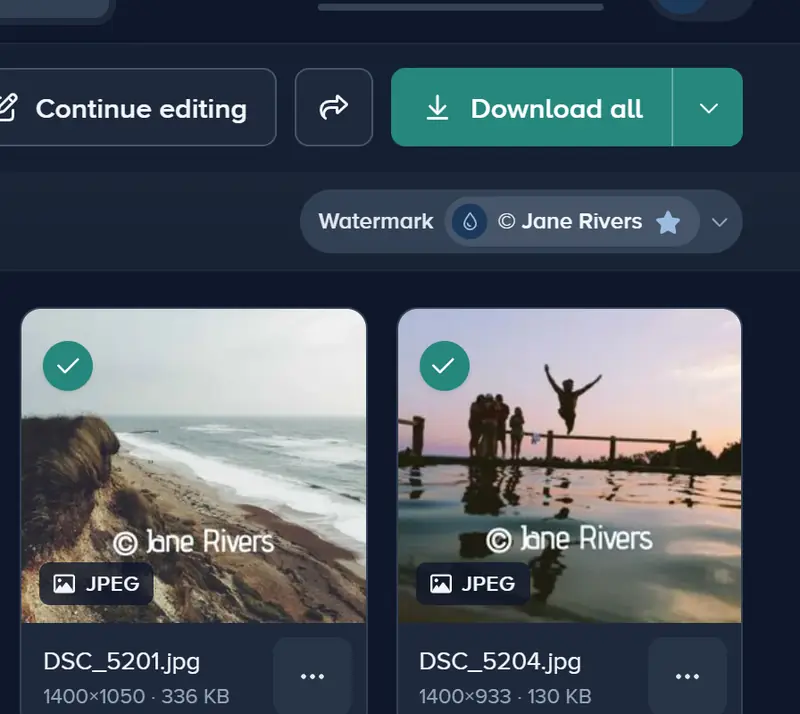
Step 4: Download Them Together
Click Finish, then Download all to save the watermarked photos in one zip.
If It Doesn’t Look Right
You’re on a Phone
A phone can’t drop a folder. Tap Choose files and select the photos from your library, or pick them from Google Drive, Dropbox or another app under Or import from.
Some Files Were Skipped
Files that describe your photos, such as .xmp and .aae, are skipped on purpose. Anything over 100 MB, or a type the editor can’t read, is left out, and the upload list says why.
The Folder Holds More Than 5,000 Files
An edit holds up to 5,000 files. Drop part of the folder into this edit, then start a new edit for the rest.
Watermark Your Folder Today
Drop it on the page, design the watermark once, and download the lot.
Add your folder- No account needed to start
- Works in your browser
Questions people ask
Are photos in subfolders included?
Can I drop a ZIP instead of the folder?
Can I add photos kept in Google Drive or Dropbox?
Keep reading
 Guide
Add a Logo Watermark to Your Photos
Upload your logo, set its size, opacity and position, and put it on one photo or a whole shoot. PNG, SVG or JPG logos up to 50 MB and 8,000 px. Free to try.
Guide
How to Add a Logo to a Video
Upload your logo, set its size and opacity, place it on the video’s frame and download the video with your logo on it. PNG, SVG or JPG logos up to 50 MB.
Guide
How to Add a Text Watermark to Photos
Type your name, website or © line, pick a font, then set its size, color, opacity and place. Apply it to one photo or a whole batch and download them.
Guide
How to Apply an Edit Only to the Photos You Changed
Open the photos that need an edit, then click Apply and pick Edited files. Only those photos get the watermark or crop; the rest of the batch stays as it is.
Guide
How to Batch Watermark Multiple PDFs at Once
Watermark many PDFs in one edit: place the watermark once, apply it to all files, and download them together. Up to 5,000 files per edit on Premium.