How to Watermark a Full-Length Video
Put your watermark on a whole film, talk or stream recording, from the first frame to the last.
- No account needed to start
- Up to 5,000 files per batch
In short
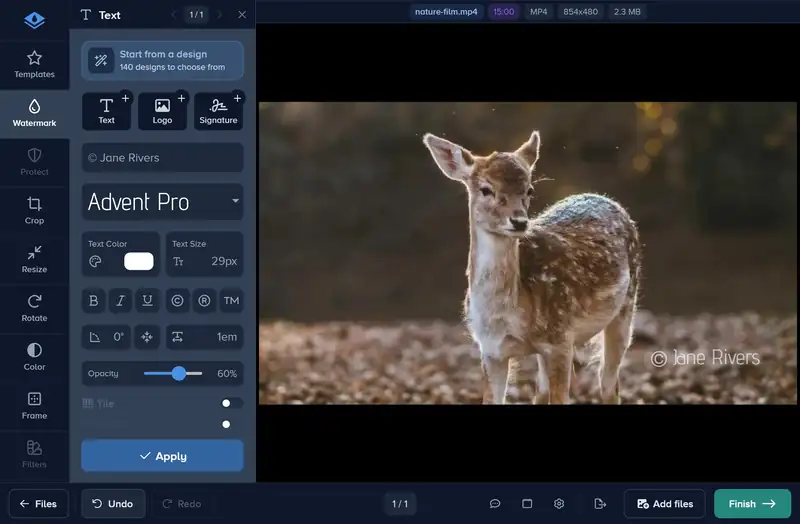
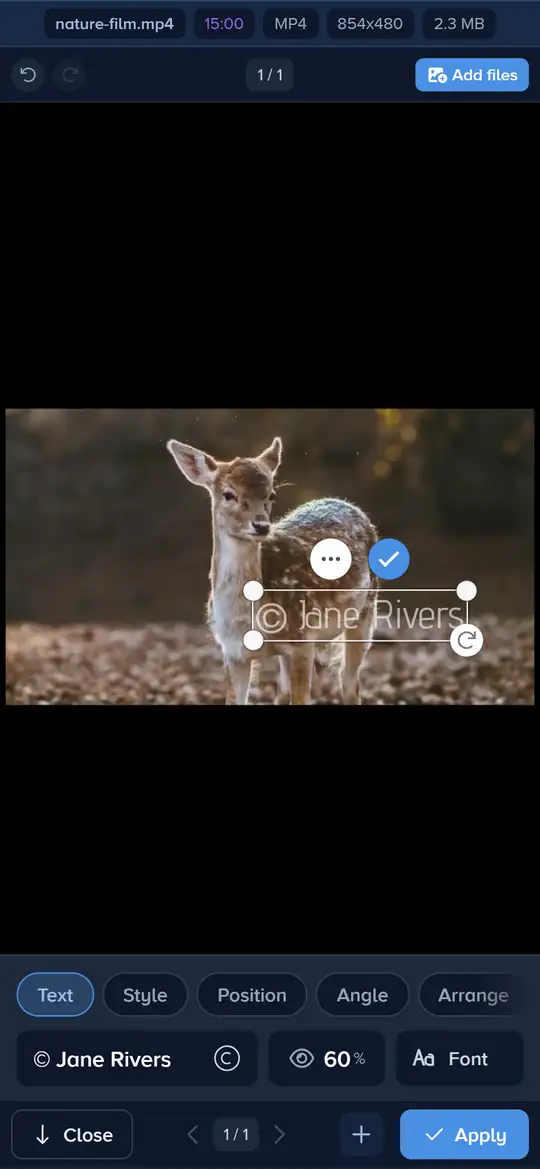
Ultimate processes videos up to 4 hours long, so the watermark runs from start to finish. The free plan and Premium process the first 30 seconds of each video: the file you download is that 30-second part, not the whole video. Each video can be up to 2 GB.
How to Watermark a Full-Length Video in 4 Steps
Upload it once; our servers do the long part.
-
Step 1: Add the Video
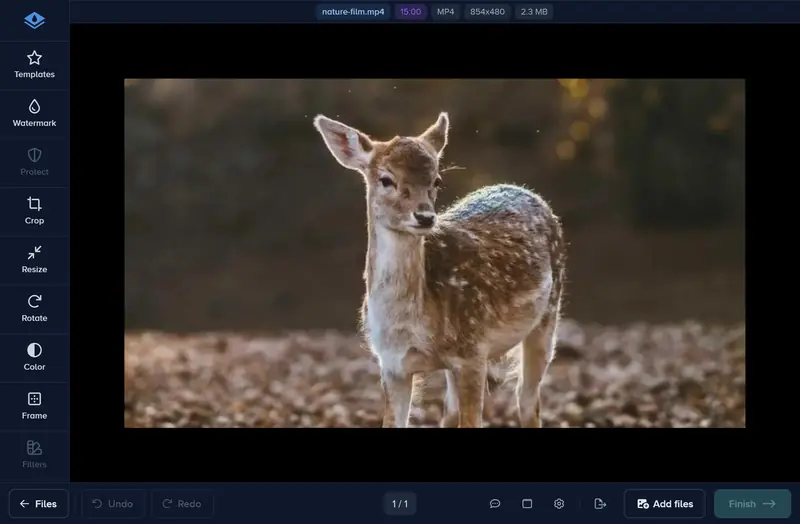
Click Choose files or drag the video onto the page. It can be up to 2 GB; keep the page open until the upload has finished.
-
Step 2: Place the Watermark
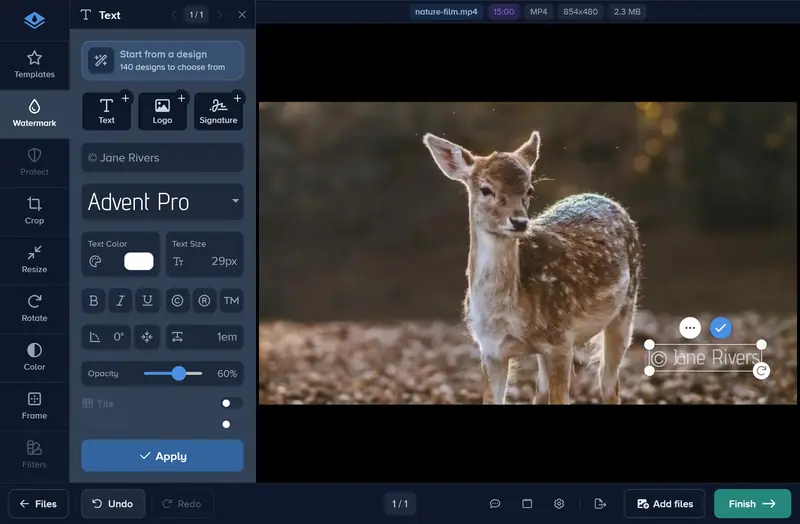
Open the Watermark tab and add your text or logo. For a long watch, a corner watermark at a lower Opacity stays readable without tiring the eye.
-
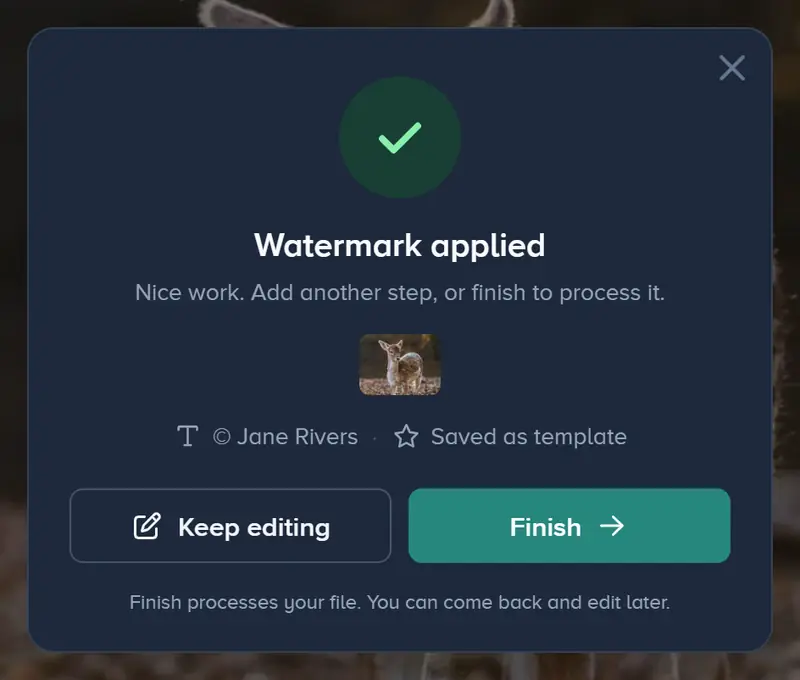
Step 3: Apply and Finish
Click Apply, then Finish. A long video takes a while to process on our servers, and you can close the page and come back to it under Edits.
-
Step 4: Download the Whole Video
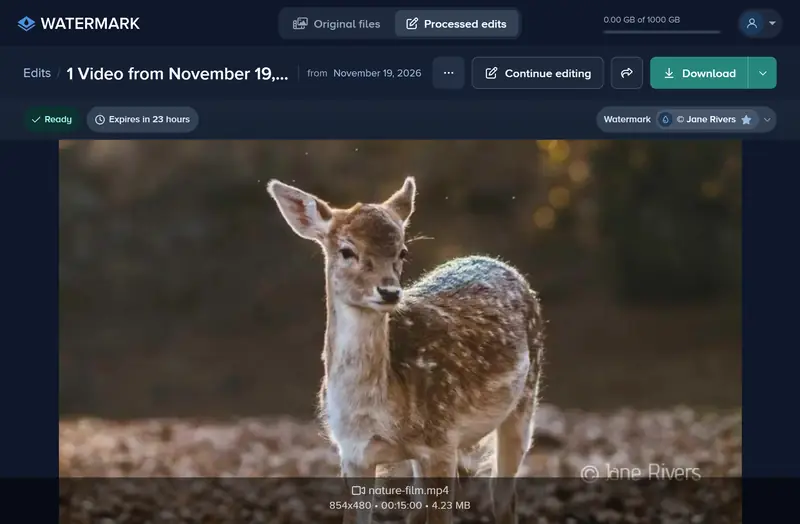
On Ultimate, click Download for the full video with the watermark on every frame.
If It Doesn’t Look Right
Download Offers a 30-Second Preview
On the free plan and Premium, only the first 30 seconds are processed, so that is what Download offers. Upgrade to Ultimate and open the finished edit again: it is processed again in full, with no new upload.
It’s Still Processing
A long or high-resolution video takes much longer than a photo. Refresh the edit under Edits to see how far it has got; progress is often further along than it looked.
The Video Is Over 2 GB
Export it again at a lower bitrate or resolution, or split it into parts and add them all to one edit.
The Video Runs Longer Than 4 Hours
Ultimate processes the first 4 hours. Split a longer recording into parts and add them all to the same edit.
Watermark Your Whole Video
Upload it, place the watermark, and download it from start to finish on Ultimate.
Watermark your video- No account needed to start
- Works in your browser
Questions people ask
How long can a video be?
What happens to the rest of a longer video on Premium?
Do I have to upload the video again after upgrading?
Keep reading
 Guide
Add a Logo Watermark to Your Photos
Upload your logo, set its size, opacity and position, and put it on one photo or a whole shoot. PNG, SVG or JPG logos up to 50 MB and 8,000 px. Free to try.
Guide
How to Add a Logo to a Video
Upload your logo, set its size and opacity, place it on the video’s frame and download the video with your logo on it. PNG, SVG or JPG logos up to 50 MB.
Guide
How to Add a Text Watermark to Photos
Type your name, website or © line, pick a font, then set its size, color, opacity and place. Apply it to one photo or a whole batch and download them.
Guide
How to Apply an Edit Only to the Photos You Changed
Open the photos that need an edit, then click Apply and pick Edited files. Only those photos get the watermark or crop; the rest of the batch stays as it is.
Guide
How to Batch Watermark Multiple PDFs at Once
Watermark many PDFs in one edit: place the watermark once, apply it to all files, and download them together. Up to 5,000 files per edit on Premium.
 Guide
How to Batch Watermark Photos Online
Batch watermark up to 5,000 photos in one batch: design the watermark once, apply it to all, fix single photos and download a zip. Free to try, no install.