On this page
Should Car Dealers Watermark Vehicle Photos?
Car dealers should watermark vehicle photos on the channels they control, such as their own website, social media and email, and keep a clean set for listing sites, because several major ones forbid text, logos or watermarks on the images. Shoot each car once, then export two versions.
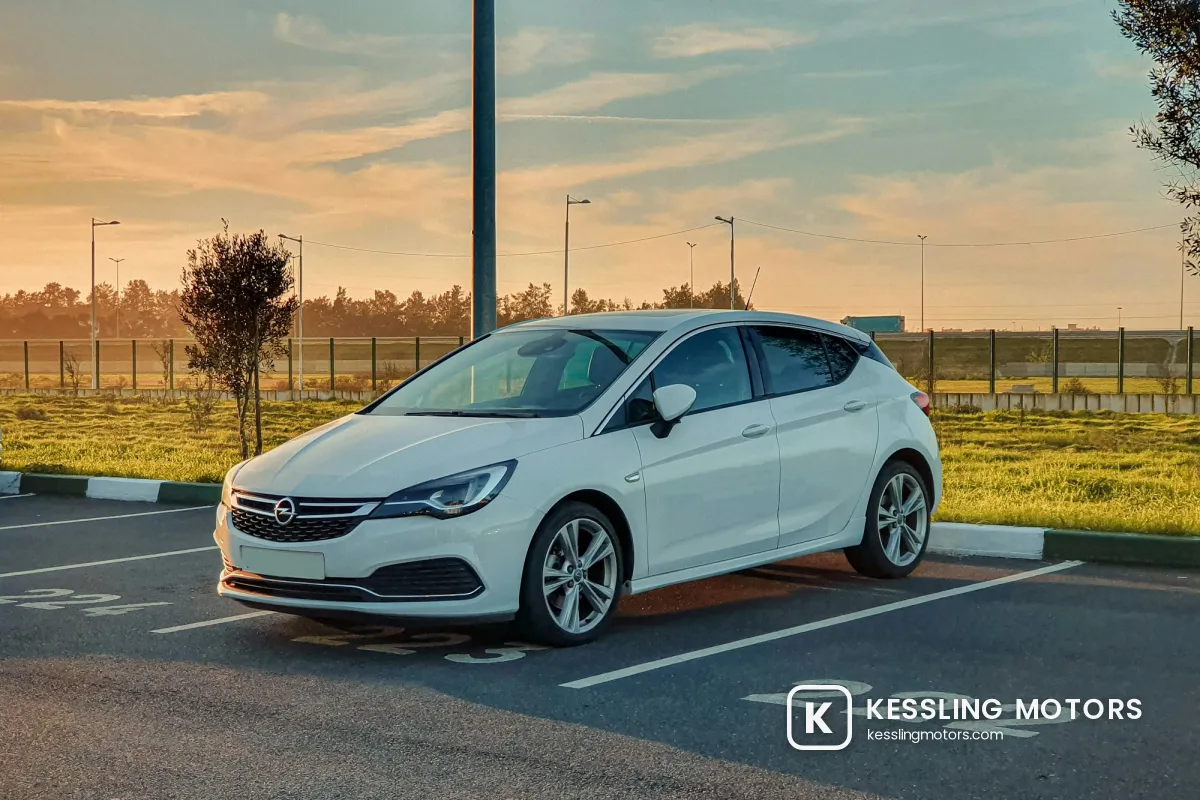
- On your website and social media: a small dealer logo and web address on the ground in front of the car, never over the car itself.
- On listing sites and vehicle ads: clean photos. Autotrader in the UK and Google's vehicle ads, for example, do not accept text or watermarks on images.
- Never on the photo: prices, monthly payments, finance offers or phone numbers. They go stale and break listing rules.
- For a whole inventory: one saved template, applied in batches, with a clean export kept alongside.
Listing Site Rules on Watermarks and Text
The biggest reason dealers get watermarks wrong is that every site has its own rules, and the strictest ones ban anything added to the photo. These are the rules we could confirm in each site's own documentation at the time of writing:
| Site | What its rules say about images |
|---|---|
| Autotrader (UK) | Retailers may not display any text on images, including contact details such as phone numbers and email addresses, third-party affiliates or finance offers. |
| Google vehicle ads | Images with overlaid watermarks or superimposed logos or text are disapproved. Logos in the background are discouraged. |
| Cars.com (US) | Photos and other content may not promote special offers, a price other than the listing price, or payments and financing. |
| Facebook Marketplace | Meta's guidance for vehicle listings has said that images with banners, text or placeholder images are generally not allowed. |
Rules change and differ by country, and inventory feeds often send the same photos to many sites at once. Check the current photo guidelines of every site your feed reaches. If even one of them bans overlays, the feed needs clean photos.
On listing sites, your branding comes from the dealer profile, the listing text and the photos themselves: a consistent backdrop, a tidy lot and the same angles for every car make your listings recognizable without anything printed on them.
Keep Prices, Payments and Phone Numbers Off the Photo
 Price and phone banner
 Logo only
Sales banners with a monthly payment and a phone number are the overlay listing sites object to most. They also age badly. The price drops, the finance offer ends, the sales line changes, and the photo keeps showing the old numbers on every site and in every screenshot that has already spread. A monthly payment shown on its own can also trigger extra disclosure requirements under finance advertising rules.
Put prices, offers and contact details in the listing fields, where you can change them in seconds. If the photo carries anything at all, keep it to a small logo and a web address that will still be right next year.
Where to Put a Dealer Logo on Car Photos
Buyers study vehicle photos closely. They zoom in on paint, wheels and panel gaps, so anything over the car gets in the way of the one thing the photo is for.
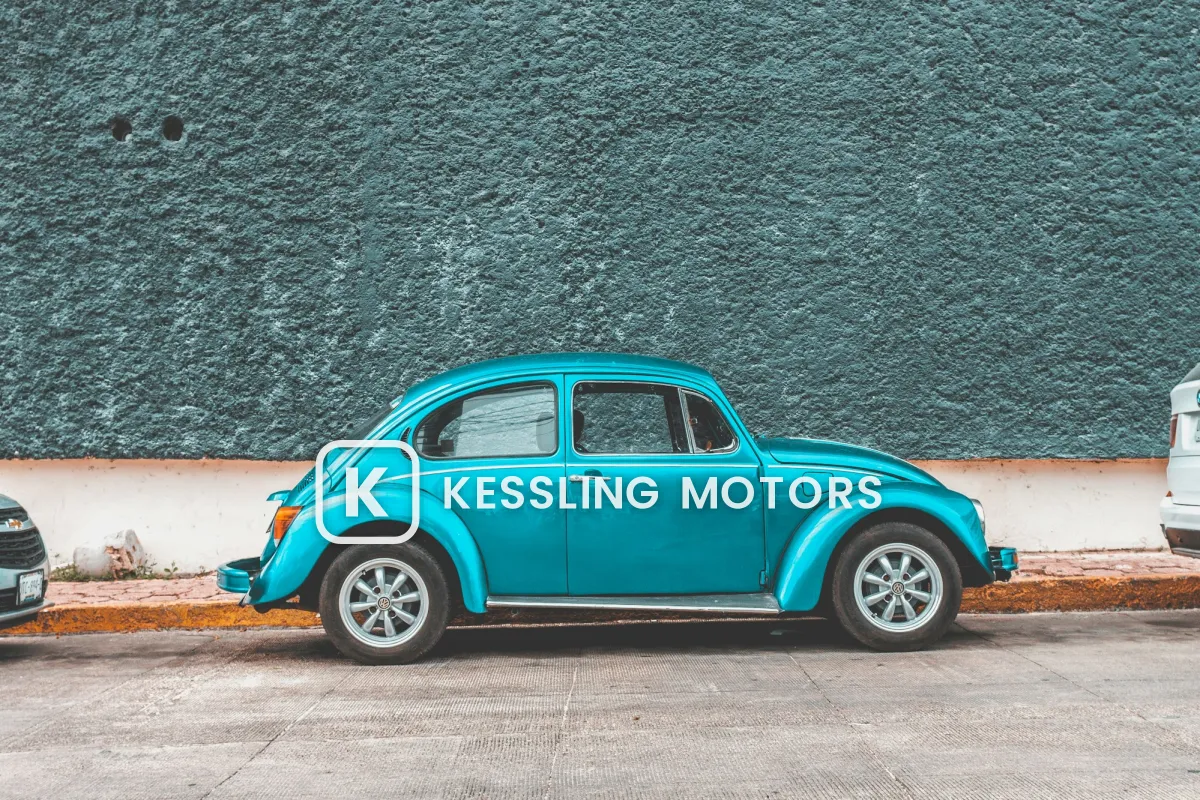 Over the car
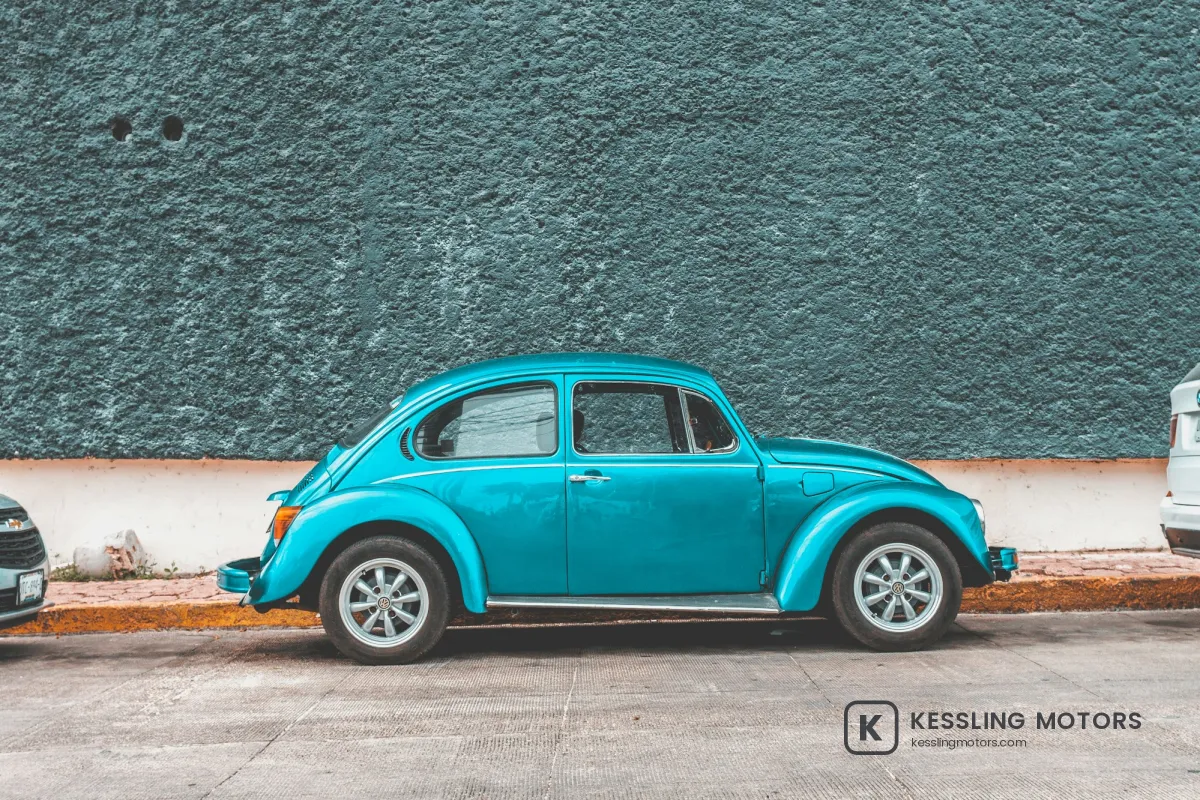 On the ground
- Put it on the ground. Asphalt, concrete or showroom floor in front of or beside the car is the natural spot. It is plain, and it is not what the buyer is inspecting.
- Same corner, every photo. A buyer flicking through 30 photos should see the logo in the same place each time.
- Match the background. Charcoal on light concrete and showroom floors, white with a soft shadow on dark asphalt and interiors.
- Never cover condition details. Scratches, tire tread and the odometer reading must stay visible. A logo over damage looks like an attempt to hide it.
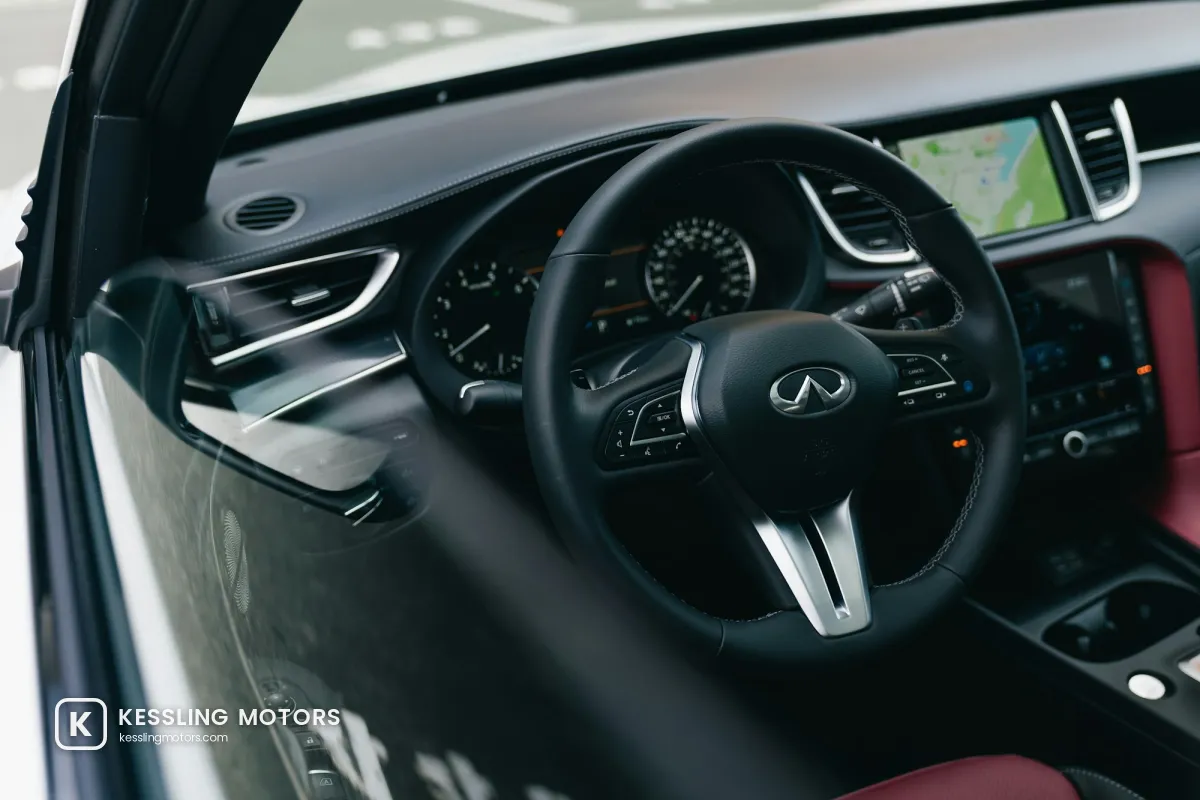
Dark interiors and bright showrooms need different versions of the same logo, so keep a white and a charcoal copy. Choosing a watermark color covers when to use which.
Why Dealers Brand Their Own Channels
If listing sites want clean photos, why watermark at all? Because a good photo of a car leaves your website quickly. It is shared on social media, saved by shoppers comparing cars, and sometimes copied into other sellers' ads, including fake listings that use real photos to look legitimate.
- Shared photos lead back to you. A logo and web address on a reposted photo tells people where the car is for sale.
- Copied photos are easier to spot. Your logo turning up in another seller's ad is evidence that the photo is yours.
- Your channels look consistent. The same mark on every car makes a website and a social feed look like one dealership.
If you find your photos in someone else's listing, report it to the site. What to do when someone steals your photos walks through the steps, and for copies in Facebook Marketplace listings, how to report copyright infringement on Facebook covers the form.
Watermarking a Whole Inventory in Batches
A dealership takes dozens of photos per car and adds new cars every week, so the watermark has to take seconds, not minutes. The answer is to shoot once and export twice.
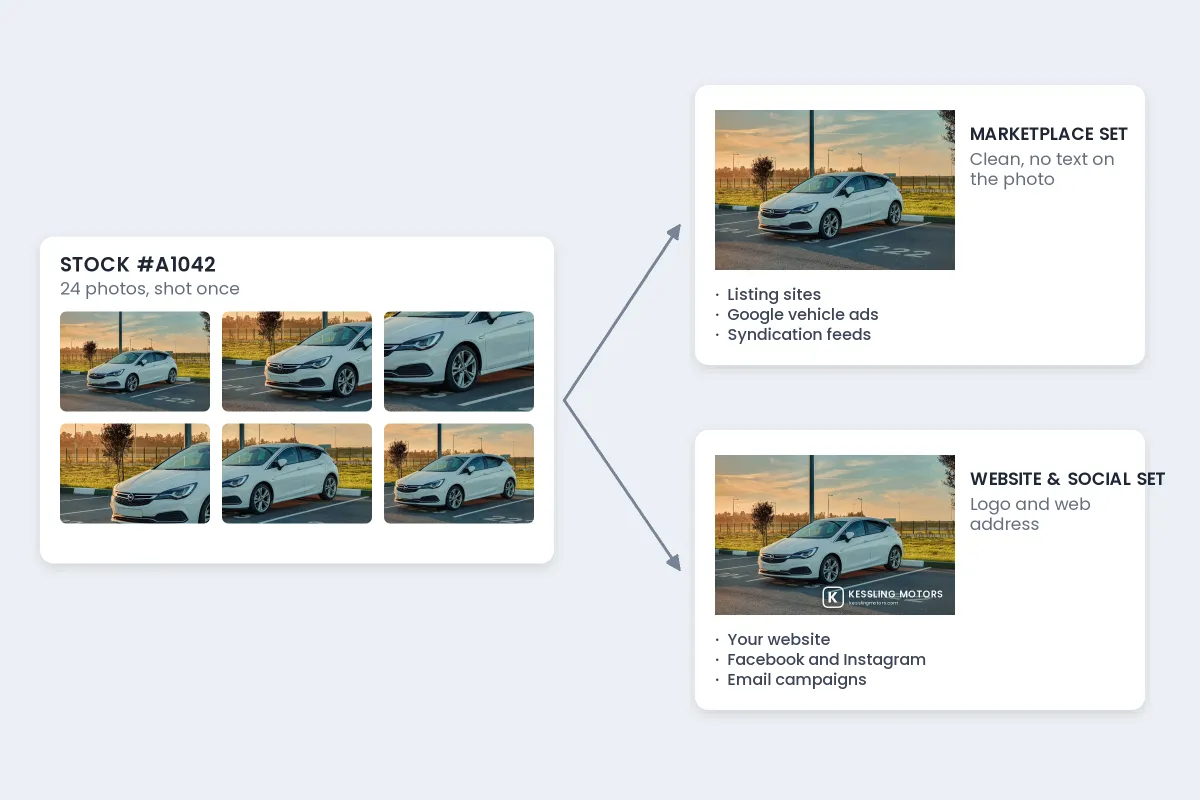
- Name folders by stock number, so the clean and branded sets of each car stay together.
- Keep the originals clean. They are your marketplace set. Never overwrite them with branded versions.
- Apply one saved template to every photo of the car for the branded set.
- Check the exceptions. Close-ups of wheels or damage may need the logo moved or left off.
- Upload each set where it belongs: clean to the feed and listing sites, branded to your website and social media.
The same approach works for any business with a large catalog. The batch watermarking workflow covers templates and folder structure in more depth.
Setting It Up in Watermark.ws
-
Upload a car's photos
Drag in every photo of one vehicle, or several vehicles at once. Your original files are not changed.
-
Add your logo
Upload the dealer logo as a transparent PNG, and add your web address as text if it is not part of the logo.
-
Place and style it
Set it in a lower corner over the ground, adjust size and opacity, and add a soft shadow for dark asphalt.
-
Save it as a template
Save a white and a charcoal version, so every new car takes one click.
-
Nudge and download
Move the logo on any photo where it lands on the car, then download the branded set.
For a step-by-step walkthrough of large batches, see the guide to batch watermarking photos.
Sample photos: White hatchback at sunset by Youssef D, Showroom by Lorenzo Hamers, Teal classic car by Erik Odiin, Car interior by Erik Mclean on Unsplash.