
On this page
Should Newborn and Family Photographers Watermark?
Yes, but only some versions of the photos. Newborn and family photographers watermark the images that are unpaid or public: proofs, sneak peeks and their own social posts. The photos a family has paid for go home clean, because they will be printed, framed and kept for decades.
- Proof gallery: a clear PROOF mark and web-sized files, so the family can choose but not print.
- Sneak peeks and your own posts: a small, soft signature beside the baby, never across a face.
- Final gallery: no watermark. Ask the family to tag you when they share instead.
- On any public image: your studio name only. Keep the child's full name, birth details and home address off it.
| Version | Who sees it | Watermark |
|---|---|---|
| Proof gallery | The parents, before ordering | PROOF overlay with a proof number |
| Sneak peek | Parents, then their family and friends | Small signature beside the baby |
| Your social posts and portfolio | Future clients | Small signature, with the parents' permission |
| Final gallery | The family, after paying | None |
Never Across the Baby's Face
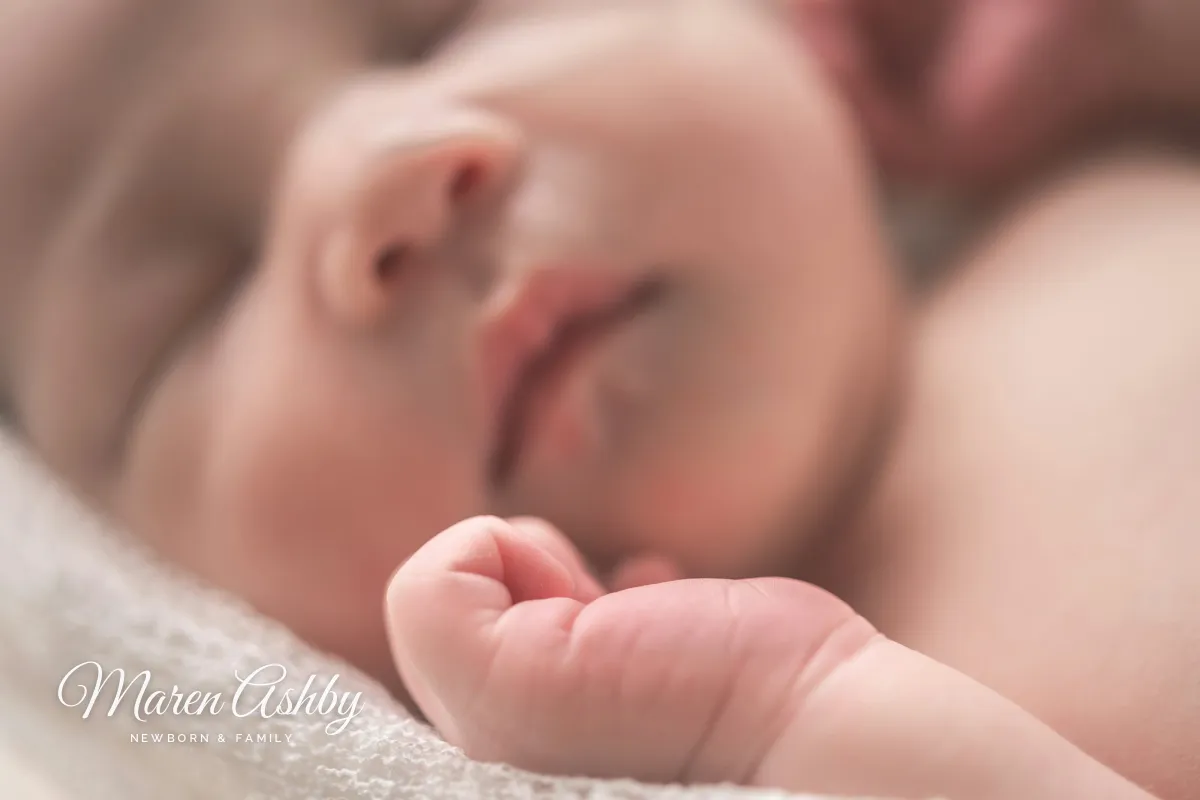
Newborn photos are close, quiet and soft. A watermark that would be fine on a landscape can spoil one completely, and parents notice instantly when a name runs across their baby's face.
 Across the face
 On the blanket
- Put it on the wrap, blanket or backdrop. There is almost always a plain area of fabric beside the baby.
- Pick a color from the photo. White works on most wraps; on pale, airy images a warm gray or soft brown blends better than black.
- Keep it small. On a phone, a signature about a fifth of the photo's width is easy to read and easy to ignore.
- Stay inside the frame. Parents crop photos for their feeds, and a mark pressed into the corner is the first thing to go.
A script signature suits this kind of work, because it feels personal rather than corporate. Signature watermarks covers how to make one that stays readable when small.
Proof Galleries: Protect the Unpaid Photos
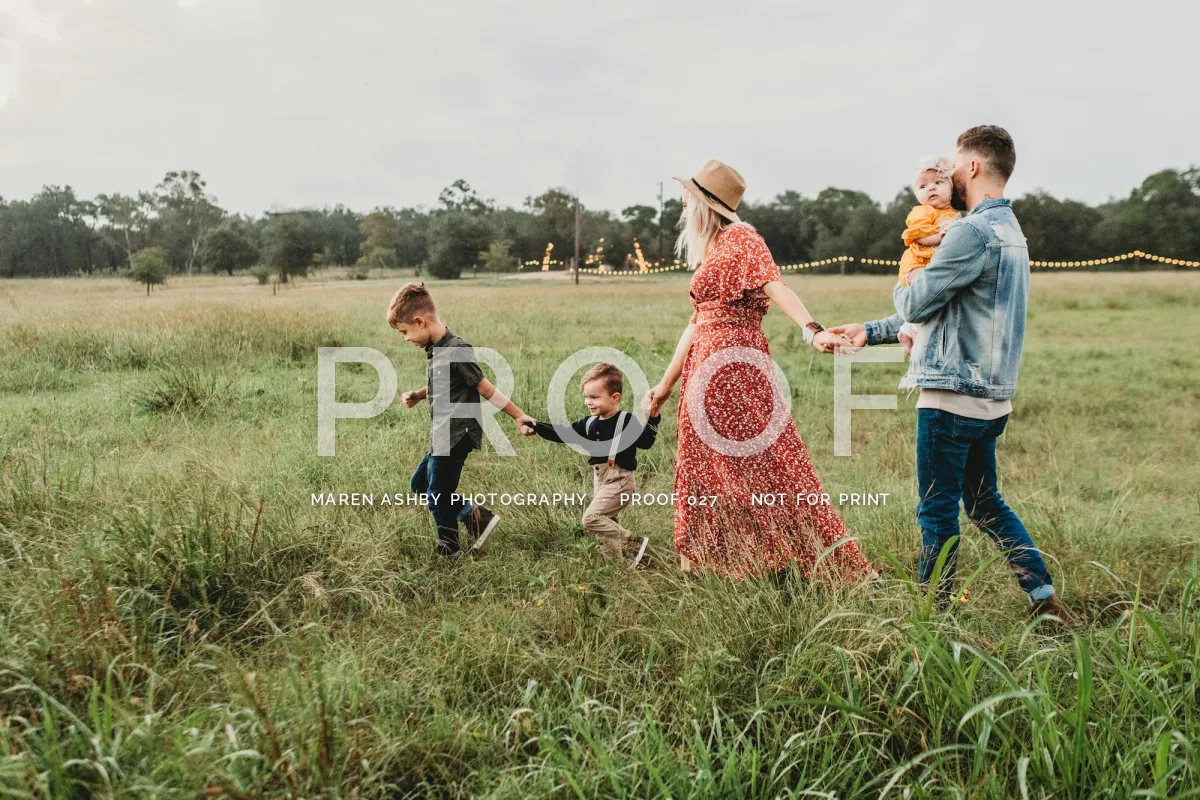
If families choose their favorites before ordering, the proof gallery is where a watermark does real work. A screenshot of an unmarked proof is a free print, and a family photo is exactly the kind of image people want to print.
 Proof
Proof
 Final
Final
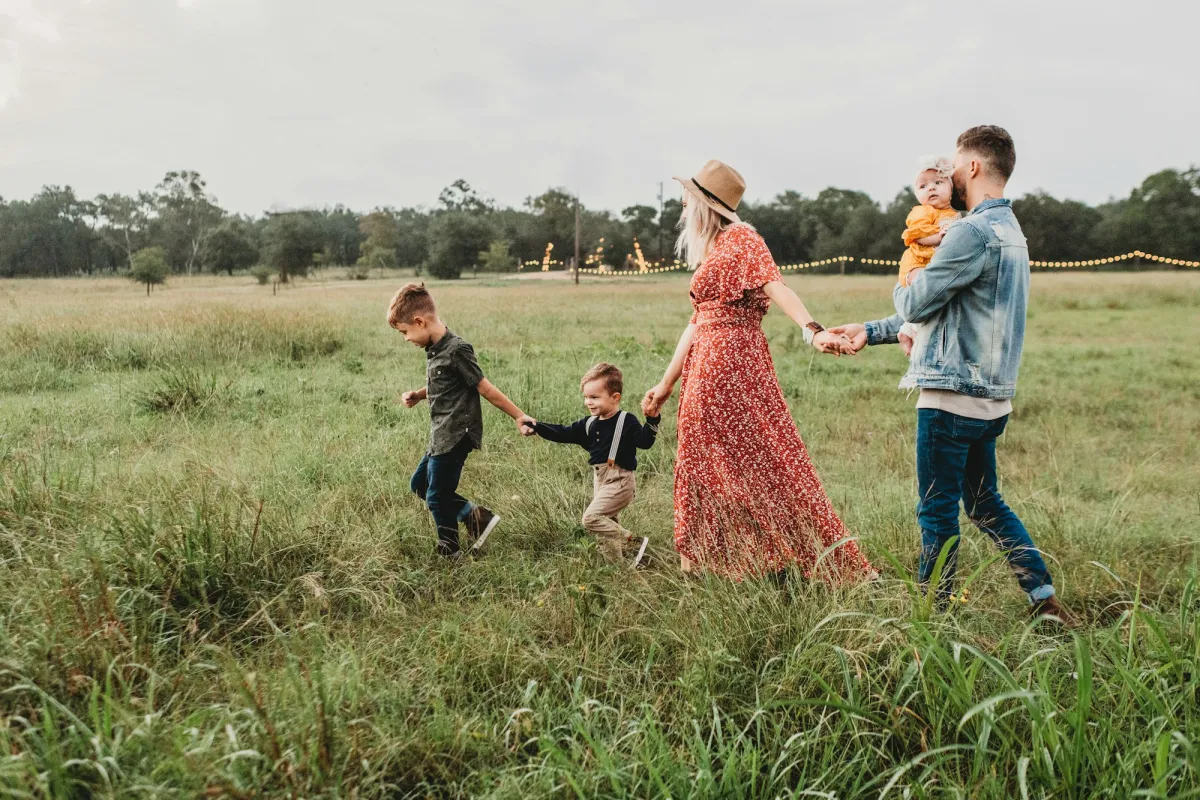
A large, faint PROOF across the middle, with a small line carrying your name and a proof number, keeps the photo clearly unfinished while the family can still see every expression. The number has a second use: parents can tell you "027 and 031" instead of describing the photo. Send proofs at web size, around 1,500–2,000 pixels on the long edge, so even a screenshot will not make a good print. The full workflow is in how to watermark client proofs.
Many online gallery services let you protect a client gallery with a password and switch off downloads for proofs. For galleries of children, use both, and share the password with the parents only.
Sneak Peeks and Sharing With Family
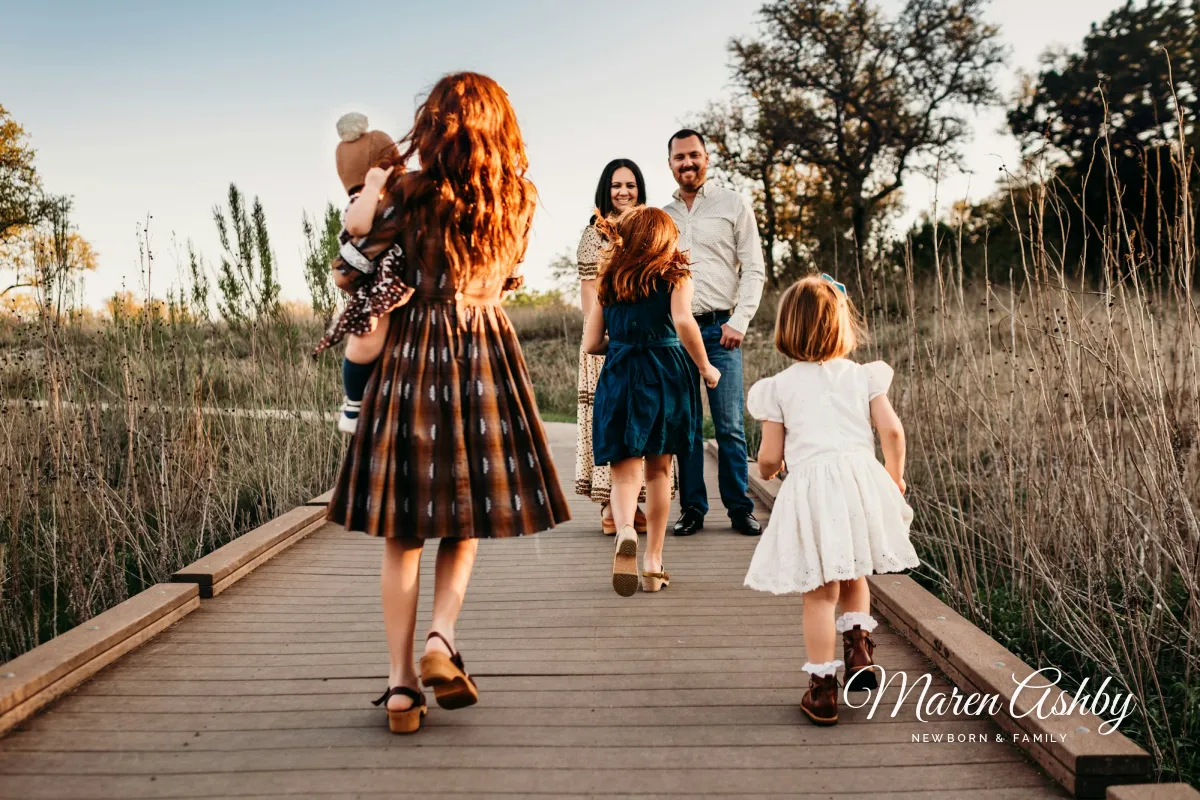
A newborn sneak peek travels further than almost any photo you deliver. Parents send it to grandparents the same evening, and it ends up in family chats, birth announcements and social posts within a day. That reach is your best word of mouth, as long as your name goes with it.

Give the family a small set of share-ready images: sized for phones, with a soft signature, and separate from the full-resolution finals. They get something to post right away, and you get credited every time it is forwarded.
The finals stay clean. A watermark on photos a family has paid for reads as distrust, and it would end up on the wall. A line in your contract asking them to tag or credit you when they post does more for your business. For sizing the share set, see resizing photos before sharing them online.
Children's Privacy When You Post Online
A watermark protects your credit. It does nothing for the family's privacy, and on photos of children that matters more. Before any image of a child goes on your website or social media, think about what it reveals and who agreed to it.
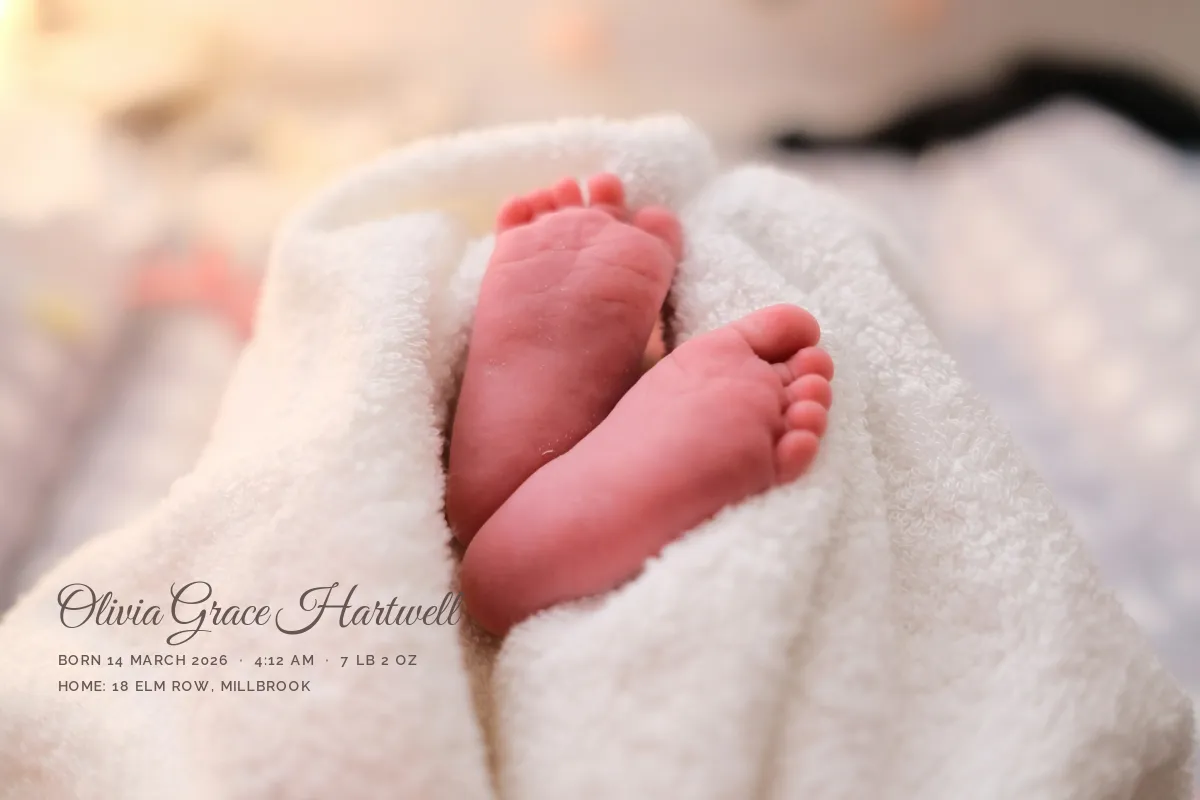 Too much for a public post
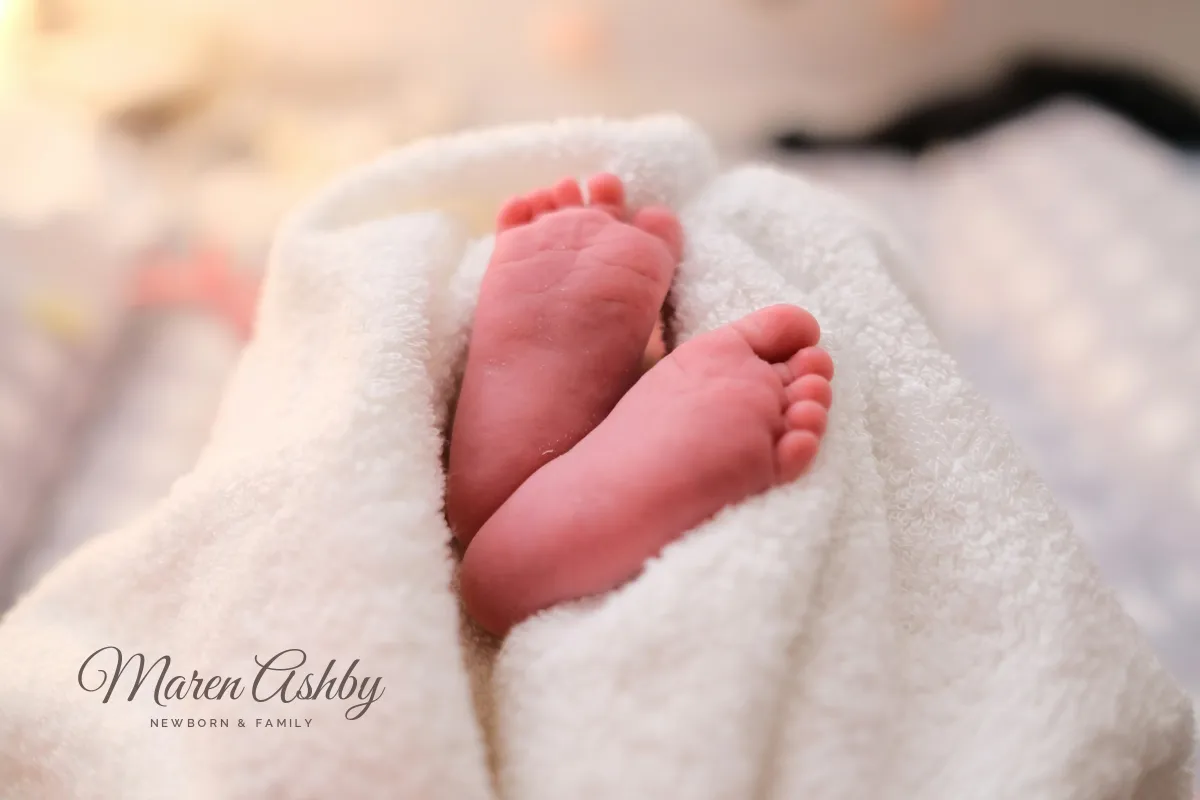 Studio name only
Birth-announcement overlays are popular, and they are lovely on a print the family keeps. On a public post, a full name, exact birth date and a street name together hand strangers far more than anyone intended. Keep the overlay for the family's private copies, and use only your studio name on what you publish.
- Get permission in writing. Your contract should say whether you may use the family's photos in your portfolio, on social media or in advertising, and parents should be able to say no. Do you need a model release? covers when that consent is required, including for children.
- Leave out names and places. First names, birth dates, schools and neighborhoods do not belong in captions or tags.
- Check the location data. Phones and some cameras record GPS coordinates in the photo's metadata. Some platforms remove them on upload; your own website and emailed files may not. See how to remove location data from photos.
- Respect a change of mind. If parents later ask you to remove a photo, take it down.
The rules differ by country. In the UK and the EU, a photo of an identifiable person is personal data under the GDPR, which says children merit specific protection. Elsewhere the rules may be looser, but clear permission and restraint are good practice everywhere.
Newborn and Family Watermark Checklist
- Watermark proofs clearly, with a proof number.
- Put signatures on the wrap, blanket or background.
- Give families a softly signed share set.
- Get written permission before posting a child's photo.
- Deliver the paid finals without a watermark.
- Put a watermark across a baby's face.
- Publish full names, birth dates or addresses on images.
- Send full-resolution proofs.
- Post photos of children the parents have not cleared.
- Watermark the photos a family will frame.
Setting It Up in Watermark.ws
-
Create your signature
Type your name in a script font from the preset library, or make one with the signature logo creator and upload it as a transparent PNG.
-
Save a template per version
A "Proof" template with a faint PROOF, your name and a resize to web size, and a "Share" template with a small signature in a warm gray or white.
-
Upload the session
Add the whole gallery at once and apply the right template to every photo.
-
Move the exceptions
Open any photo where the signature lands on the baby and drag it onto the blanket or background.
-
Download
Your original files are not changed, so the clean finals are always ready to deliver.
Sample photos: Smiling newborn by Filip Mroz, Sleeping newborn by Hu Chen, Family in a meadow by Jessica Rockowitz, Baby under a blanket by Jonathan Borba, Family on a boardwalk by Jessica Rockowitz, Newborn feet by Marcel Fagin on Unsplash.