On this page
Why Listing Photos Get Copied
A professionally shot listing is one of the most valuable image sets in any market: bright, wide-angle, carefully staged photos of a specific property. Once it is online, it gets reused in ways the agent and photographer never agreed to — by competing agents after a listing changes hands, by websites that scrape listings, and in fake rental ads built from real listing photos.
The natural response is to watermark every photo. In real estate, though, the first question is not how to watermark, but where you are allowed to.
Check Your MLS Rules First
Many multiple listing services restrict what may appear on listing photos, and those restrictions often cover watermarks. As one example, the Arizona Regional MLS (ARMLS) Rule 8.23 prohibits contact information and branding — phone numbers, email, names, websites, entity names or advertising of any kind — on listing media, and allows no watermarks except the ones ARMLS itself provides. Its guidance names photographer watermarks and company logos as violations.
Every MLS sets its own rules, and they change. At the time of writing, restrictions like ARMLS's are common, and breaking them can lead to fines. Before you upload, read your own MLS's photo rules — and assume that anything on the MLS is also syndicated to the portals that pull from it.
In practice this means the photos you upload to the MLS should usually be clean: no logo, no phone number, no photographer watermark. Branding belongs on the channels you control.
Keep Two Versions of Every Listing
The simplest way to follow the rules and still brand your marketing is to export every listing twice.

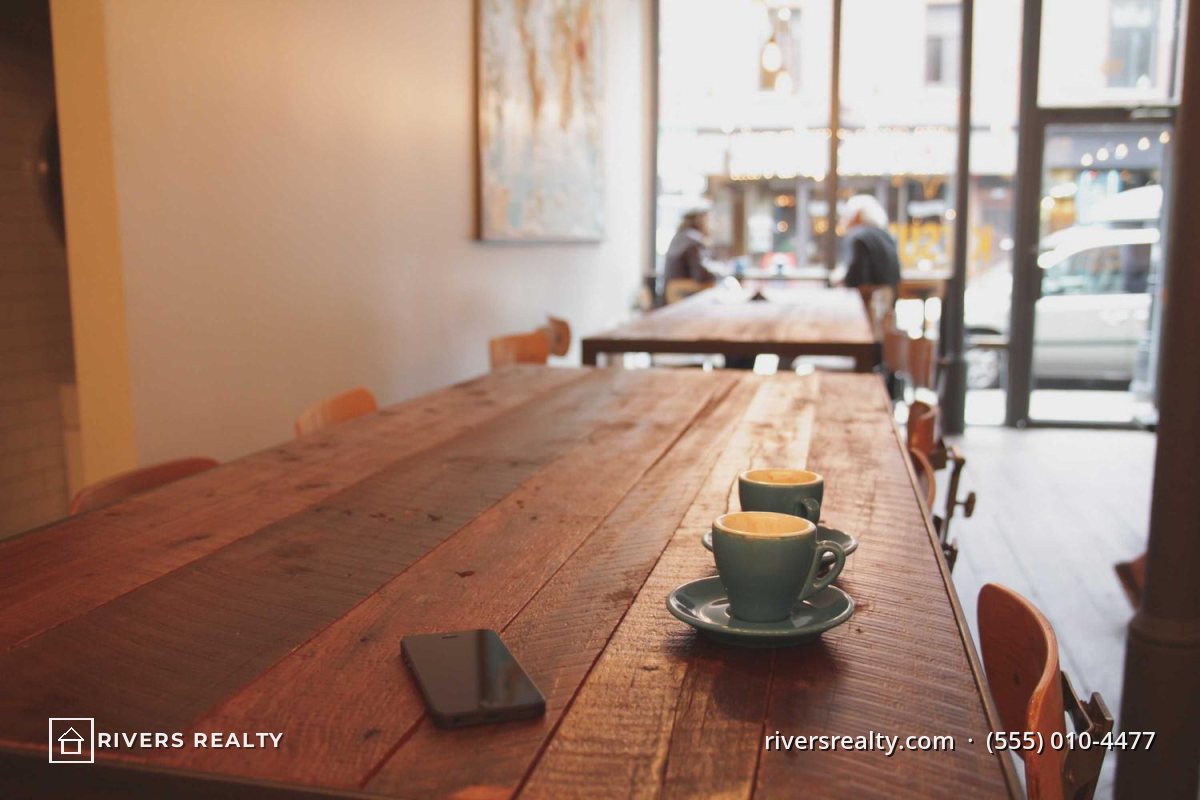
- The MLS set is clean, following your MLS's rules exactly.
- The branded set carries your logo, and optionally your website or phone number, for your own website, social media, email campaigns and printed flyers.
Branded photos on your own channels do the job the MLS will not let a watermark do: when they are shared, screenshotted or copied, your name goes with them.
Where to Put a Logo on a Property Photo
Buyers study listing photos closely — flooring, windows, the view, the condition of the walls. A watermark that hides any of that makes the property look worse and invites the question of what is being covered up.

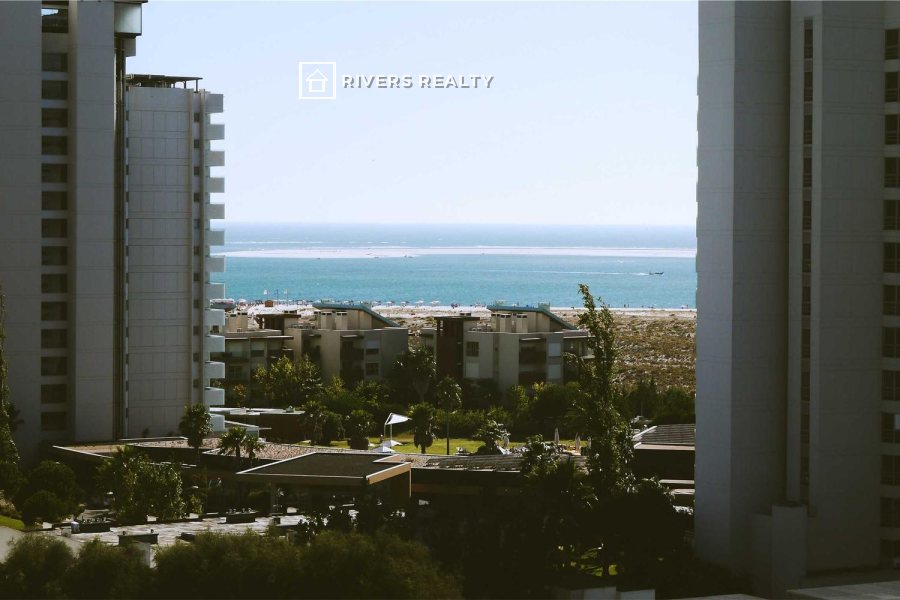
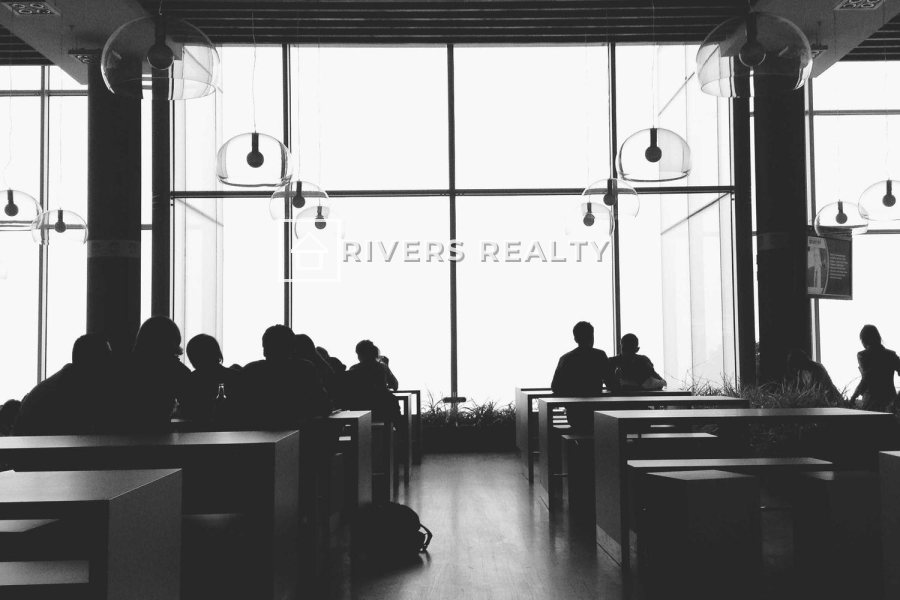
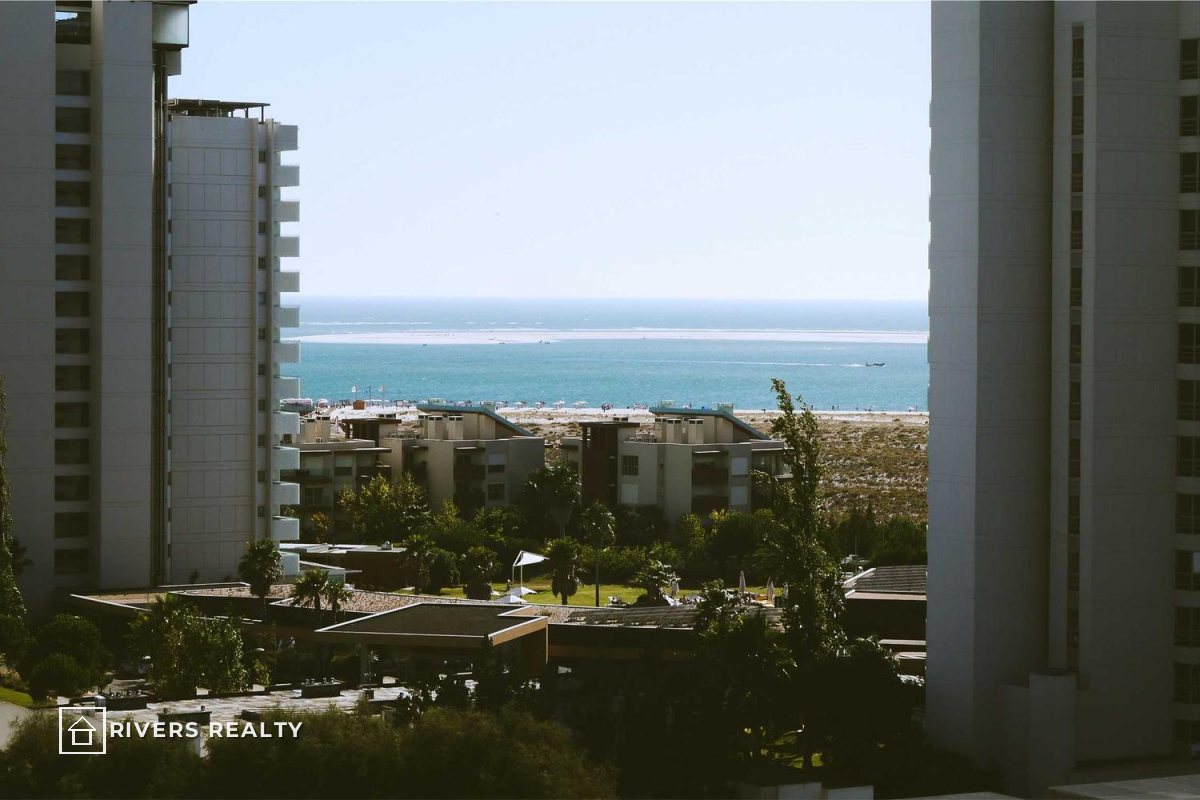
- Keep it small: roughly 15–25% of the image width for a logo, at 70–90% opacity.
- Keep it consistent: the same position and size on every photo of the listing, so the set looks professional side by side.
- Avoid selling points: views, windows, kitchens and fireplaces should always be clear.
For the trade-offs of each position, see where to put a watermark on a photo. For logo files that look clean on photos, see logo or text watermark.
Who Owns Listing Photos?
This surprises many agents: when a professional photographer shoots a listing, the photographer usually owns the copyright, and the agent receives a license to use the photos. Unless the agreement transfers ownership, the photos are not the agent's — and not the seller's — to hand out freely.
| Question | Why it matters |
|---|---|
| Who owns the copyright? | Decides who can license the photos to others and who can act when they are copied. |
| What is the agent licensed to do? | MLS, portals, the agency website, social media, print — list them. |
| What happens when the listing ends? | A new agent relisting the property may need their own license, or new photos. |
| Can the photographer use the photos? | Most photographers want to show listings in their own portfolio. |
Writing this down protects everyone. It gives the photographer a clear basis to object when a different agent reuses the photos for a relisting, and it gives the agent certainty about where the photos can be used. See how to license your photos for the terms worth including.
Virtual Staging and Edited Photos
There is one kind of label that rules increasingly require rather than forbid: disclosure that a photo has been digitally altered. Virtual staging, removed furniture and replaced skies can all change how a property looks.
- California: Assembly Bill 723, chaptered in October 2025, requires real estate licensees who use a digitally altered image in advertising to include a statement that the image has been altered and a link or QR code to the original, unaltered image. Routine adjustments such as lighting, color correction, cropping and straightening are excluded.
- MLS rules: some MLSs provide their own approved "virtually staged" or "digitally altered" watermarks. ARMLS, for example, lists these among the only watermarks it allows.
Disclosure rules differ by state, country and MLS, and they are changing quickly. Check the current requirements with your MLS and brokerage before publishing edited photos.
For Real Estate Photographers
If you shoot listings, you usually cannot watermark the files you deliver for the MLS. Your protection comes from your license terms and from the versions you publish yourself.
- Deliver clean MLS files sized for listing use, as your license describes.
- Credit yourself on your own channels — your portfolio, social media and marketing images.
- Keep originals and records of every shoot. If photos are reused after a listing changes hands, they show what you shot and what you licensed. See what to do when someone steals your photos.
Real Estate Photo Checklist
- Read your MLS's photo rules before uploading.
- Upload clean photos to the MLS.
- Keep a branded set for your own website, social media and print.
- Put the logo low in the frame or in the sky, small and consistent.
- Agree in writing what the photo license covers, including after the listing ends.
- Add logos, phone numbers or photographer credits to MLS photos where rules forbid it.
- Cover windows, views, kitchens or other selling points.
- Assume the agent owns photos a photographer took.
- Publish virtually staged photos without the disclosure your rules require.
- Use a different logo position on every photo of a listing.
Making the Branded Set in Watermark.ws
- Upload the whole listing — every room, in one batch.
- Add your logo as an image watermark, and optionally a text watermark with your website or phone number. You can add up to ten watermarks to the same photos.
- Place it once — low in the frame or in the sky — and set the size and opacity.
- Adjust any photo where the logo lands on a window or a feature.
- Save it as a template so every future listing is branded the same way, then download the batch.
Your original files are never changed, so the clean MLS set stays exactly as you uploaded it. For more on how agents use Watermark.ws, see watermarking for real estate agents.
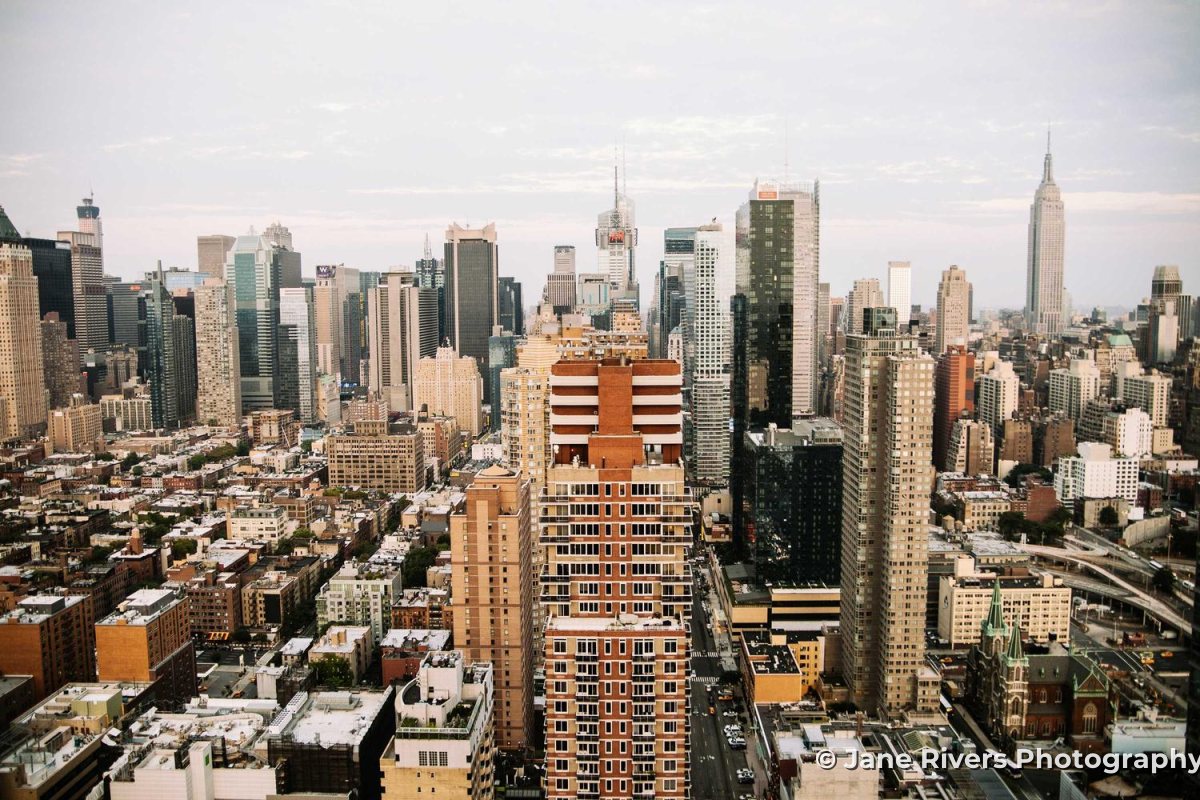
Sample photos: Sea-view apartments by Rúben dos Santos, Room with a long table by Luke Chesser, Room with tall windows by Adam Przewoski, City skyline by Benjamin Combs on Unsplash.