
On this page
Event Photography Is a Volume Business
A race, a tournament, a conference or a concert can produce hundreds or thousands of photos. Usually the people in them — runners, players, parents, attendees — browse an online gallery, find themselves and buy the photos they like. The gallery has to be online quickly, while the event is still fresh.
That changes what a watermark is for. On a portfolio, a watermark is mostly credit. On an event gallery, it is what stops a buyer from taking a screenshot instead of buying the photo — while still letting them see enough to want it.
- Previews need a clear, hard-to-remove mark and a reduced size.
- Purchased photos should arrive clean, or with only a small credit.
- Faces, expressions and bib numbers have to stay visible, because that is how people find and choose their photos.
- The whole process has to run on hundreds of photos at once.
Two Versions of Every Photo
Plan for two versions from the start: a preview for the gallery, and the file a buyer receives.


The preview uses a centered PREVIEW mark with the studio name, plus two faint lines from corner to corner — no crop can remove them. The purchased file is clean, with a small corner credit if your terms allow it, so the photo still points back to you when the buyer shares it. Some photographers deliver purchases with no mark at all; either is reasonable, as long as buyers know what to expect.
Text and logo watermarks in Watermark.ws have a Diagonal Lines option that draws two lines from corner to corner, with their own color and opacity.
Keep Faces and Bib Numbers Visible
People choose event photos by their own face: whether they look strong, happy, or at least not mid-blink. At races, many galleries also let participants search by bib number. A preview mark that covers the face or the number hides exactly what the buyer needs to see.


Place the mark beside or below the subject, across the course, the crowd or the field. It still covers enough of the photo to make an unpaid screenshot unattractive. At busy events, set the position once for the whole batch and then fix the handful of photos where it lands on someone’s face.
Preview Marks for Different Events



| Event | Preview mark | Purchased file |
|---|---|---|
| Races and marathons | PREVIEW + studio name, beside the runner; faces and bibs clear | Clean or small credit |
| Team and youth sports | Centered mark on the field, diagonal lines | Clean or small credit |
| Concerts and nightlife | Mark below the stage or crowd, white with shadow | Small credit, as agreed with the artist or venue |
| Conferences and corporate events | Light mark for attendee galleries | Clean files for the organizer |
| Galas and parties | Mark below faces | Clean or small credit |
For how strong the mark should be, the ranges in how transparent a watermark should be apply: previews usually sit around 30–50%. The guide to client proofs covers the same idea for commissioned shoots.
When the Organizer Wants Their Logo Too
Organizers and sponsors often want to use event photos on their own channels, sometimes with their logo on them. That is a business arrangement, so settle it before the event: who may use which photos, where, for how long, and how you are credited.

- Put the usage in writing. Social media only, or advertising too? A single season, or indefinitely?
- Agree the credit. A co-branded version with both the organizer’s logo and your credit keeps everyone visible.
- Keep versions separate. Co-branded files for the organizer, preview files for the participant gallery, clean files for buyers.
Watermark.ws lets you add up to ten watermarks to the same photos — for example the organizer’s logo and your text credit — and position each one independently.
Youth Sports, Schools and Private Events
Some events call for more care than a public race. Youth sports, school events, weddings and private parties involve people who did not choose to be in a public gallery, and organizers often have their own rules about how photos may be shared.
- Follow the organizer’s photo policy. Schools, clubs and venues often decide whether galleries are public, password-protected or shared only with participants.
- Prefer private or password-protected galleries where your gallery platform supports them, and share the link only with participants and families.
- Keep previews watermarked and small. A clear preview mark and a reduced size make previews less useful to anyone they were not meant for.
- Deliver clean files only to buyers, and only the photos they bought.
Rules on photographing and publishing images of people, especially minors, vary by country and by organization. When in doubt, ask the organizer before the event and put the answer in writing.
Fast Turnaround: Set It Up Before the Event
The quickest galleries are the ones where the watermark was ready before the first photo was taken.
-
1
Build your preview template in advance
Set up the PREVIEW mark, studio name, diagonal lines and opacity on a few test photos, and save it as a template.
-
2
Upload by session
Keep each event — or each race wave, match or session — in its own folder so batches stay manageable.
-
3
Apply the template to the whole batch
When you apply a setting, Watermark.ws asks whether it should go on just this file or all files in the batch. Choose all.
-
4
Resize for the gallery
Add a Resize step so previews are large enough to judge on a screen but too small to print well.
-
5
Scan for faces and fix exceptions
Move the mark on any photo where it lands on a face or a bib number.
-
6
Download all and upload to your gallery
Download every preview at once. Your originals are never changed, so the clean files are ready when orders come in.
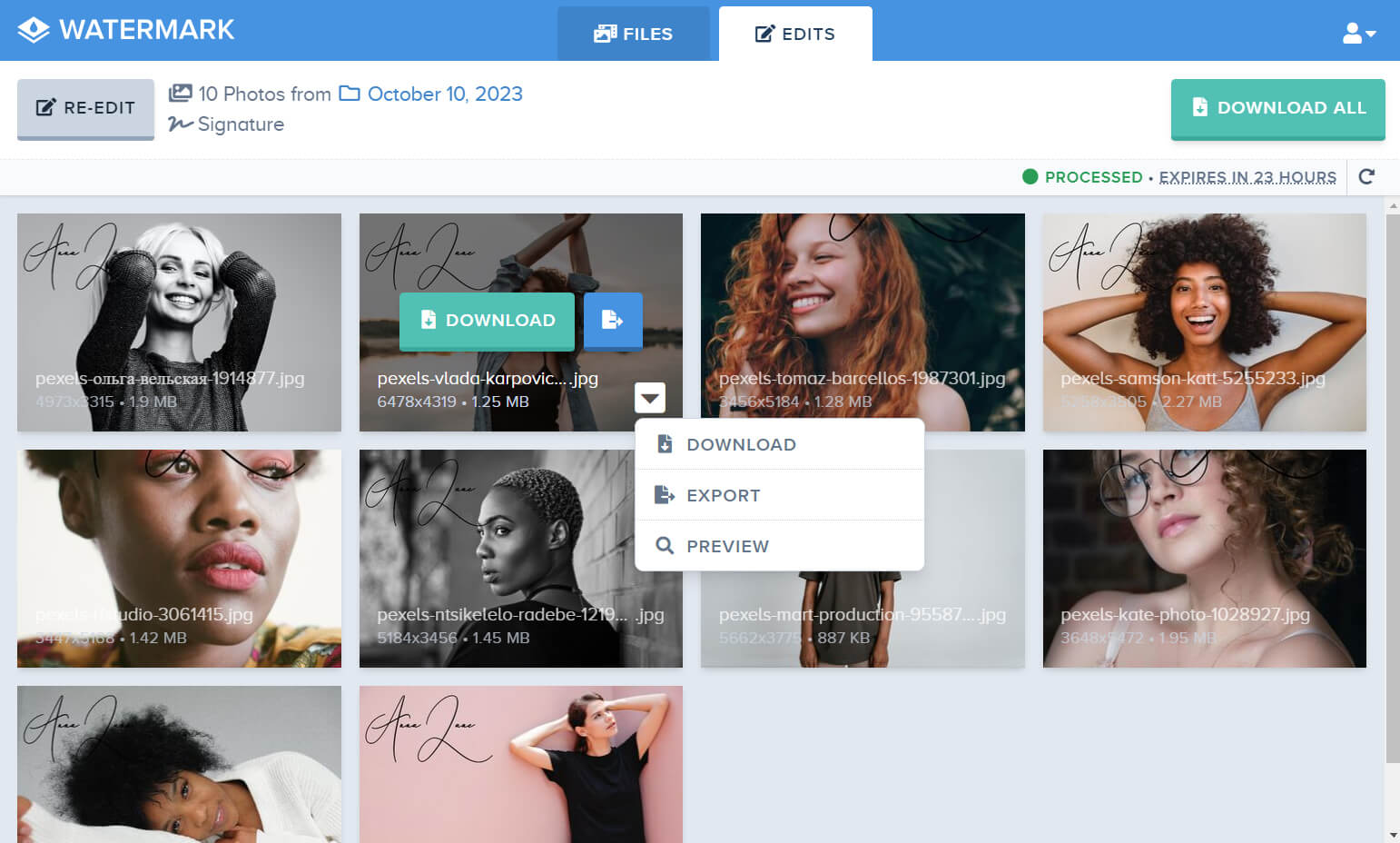
For a general walkthrough, see how to batch watermark photos.
Sample photos: Concert by Gonzalo Poblete, Runner at sunset by Linh Nguyen, Night lights by Maria Carrasco, Mountain biker by William Hook, Baseball by Jon Eckert, Cyclist by the water by Diogo Tavares on Unsplash.