On this page
- How to Watermark Drone Photos: The Short Answer
- Placing a Watermark on Wide Aerial Shots
- Three Watermark Styles That Suit Aerial Work
- Watermarking Drone Video
- Licensing Aerial Photos to Real Estate Agents
- Working With Tourism Businesses and Hotels
- Drone Rules That Affect Selling Your Photos
- Setting It Up in Watermark.ws
How to Watermark Drone Photos: The Short Answer
Drone photographers watermark for the same reasons as everyone else: to get credit when a photo travels, and to stop clients and strangers using images they have not paid for. What changes is the picture itself. Aerial shots are busy from edge to edge, top-down frames have no sky to put a name in, and the same clip ends up as a 16:9 video, a vertical reel and a square post.
- On photos you post: a small one-color logo or name, placed over the calmest texture in the frame (water, sand, a field or sky) with a soft shadow.
- On previews for clients: a faint tiled mark or a large PREVIEW across the whole frame, sent at web size until the license is paid.
- On video: a small, semi-transparent mark inside a safe margin, re-placed for every crop rather than cut from one master.
- On files a client has licensed: usually nothing, or a small credit if you agreed one. Real estate listing sites often forbid watermarks.
Placing a Watermark on Wide Aerial Shots
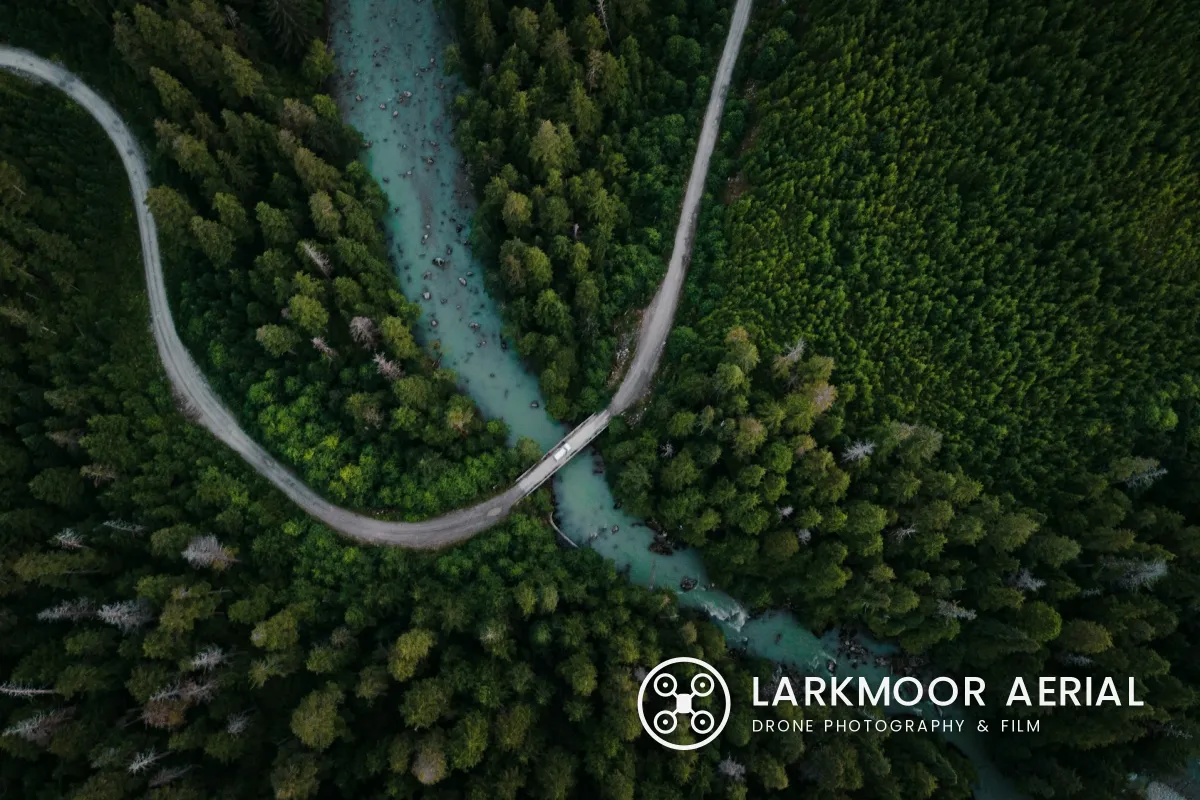
The usual advice, a small name in the lower right corner, works badly from the air. A coastline or a forest is detailed right to the edge, so a thin corner mark breaks up against waves, rocks and trees. It is also the first thing to go when someone crops the photo to fit a feed.
 Small, in the corner
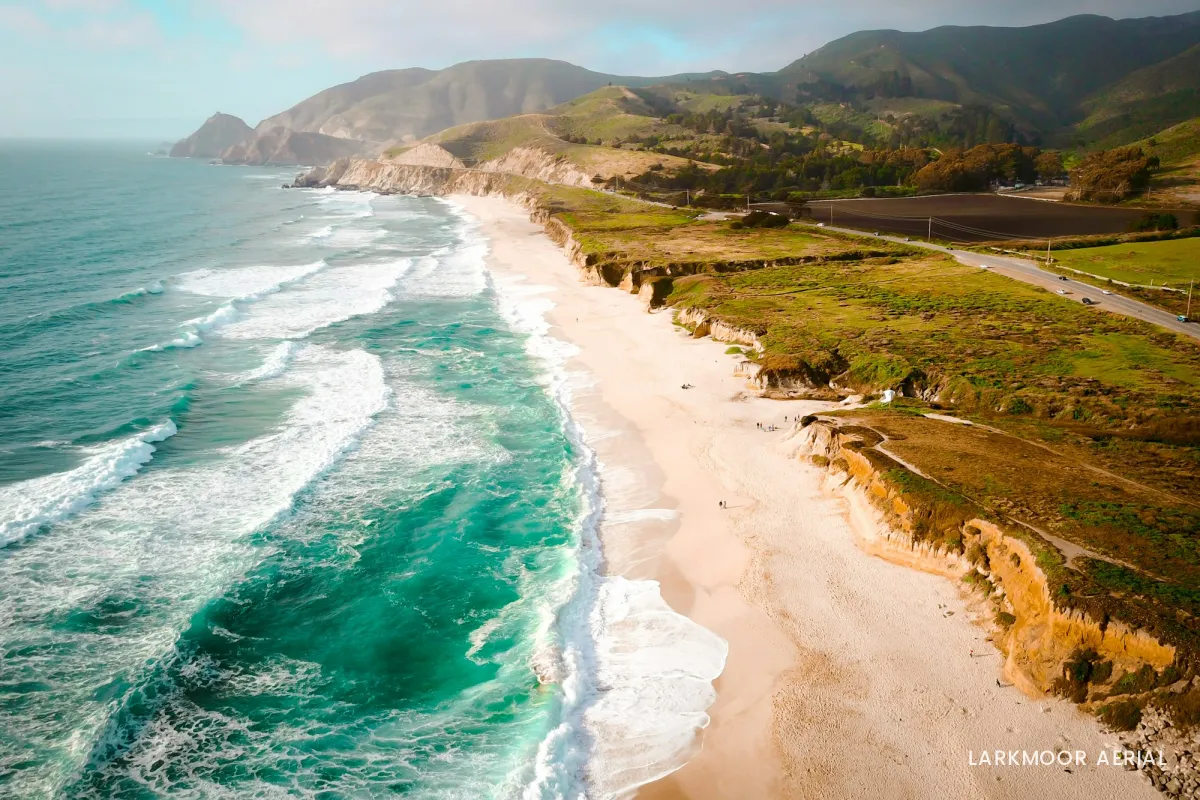
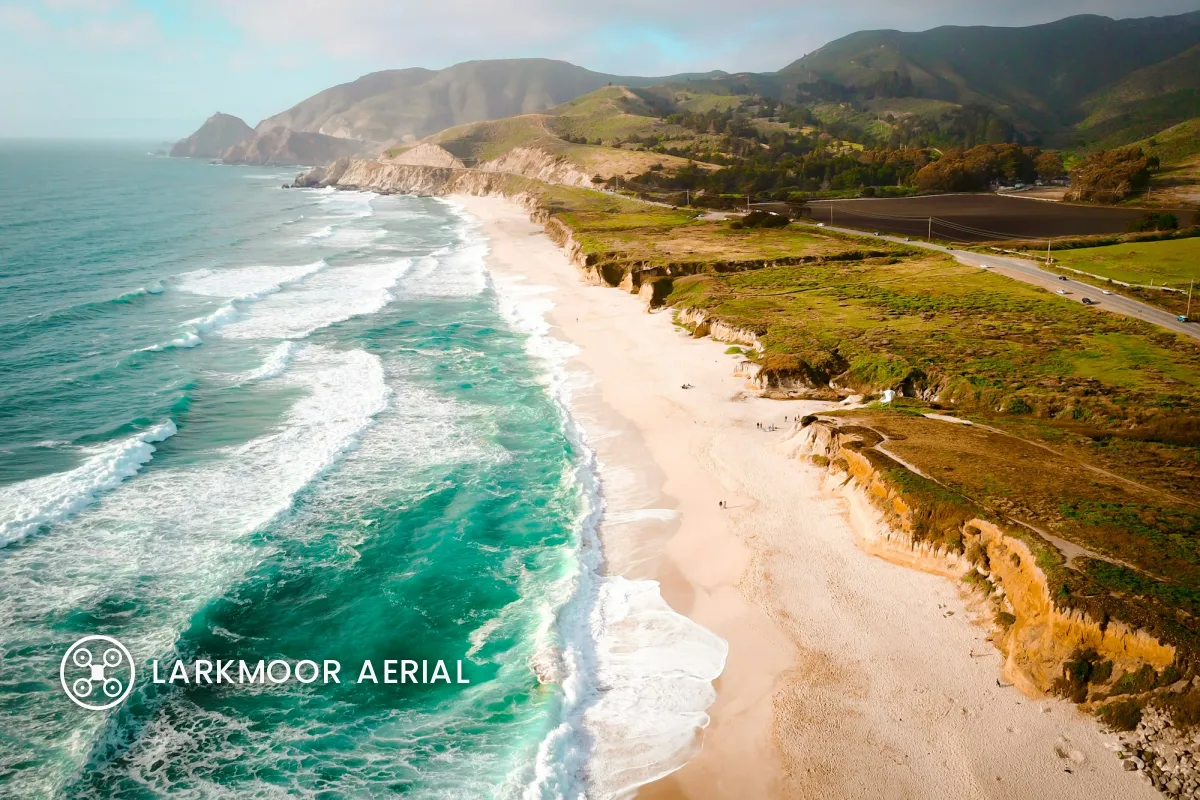 Over calm water
Moving the same mark onto the dark water fixes both problems. The water is the calmest texture in the frame, white reads cleanly on it, and it sits far enough inside the edge to survive a square or 4:5 crop. Look for that kind of patch in every aerial photo:
- Open water, sand, snow, fields and sky are the quiet areas. Rooftops, treetops and surf are the busy ones.
- Match the color to the patch. White over dark water and forest; charcoal over sand, snow and bright sky.
- Size it from the short edge. A logo roughly 4–6% of the photo's height stays readable on a phone without taking over a landscape.
- Keep it off the subject. The road, the coastline or the property is why the photo exists. Let the mark sit beside it.
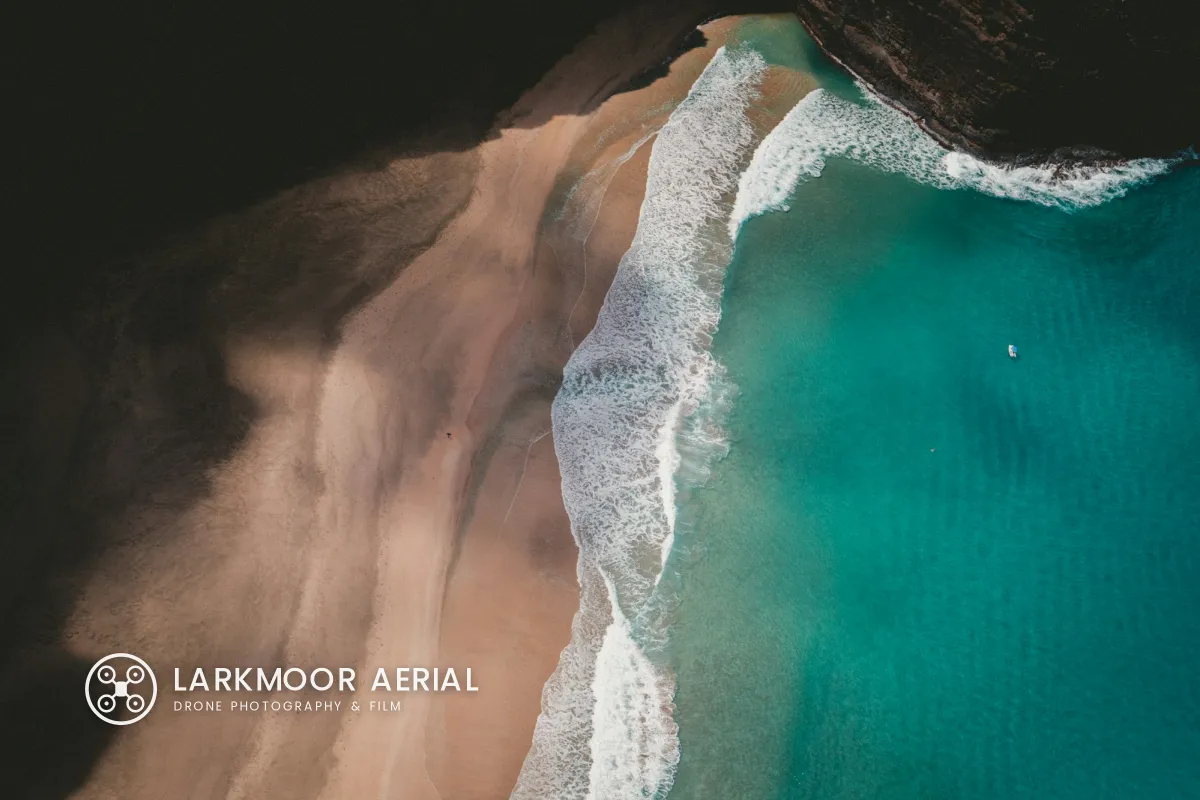
Top-down shots need one more decision. With no horizon, the photo might be posted at any rotation, so place the mark last, after you have chosen the final orientation. Smooth sand, a calm lake or an empty field gives a clean background for it.
Three Watermark Styles That Suit Aerial Work
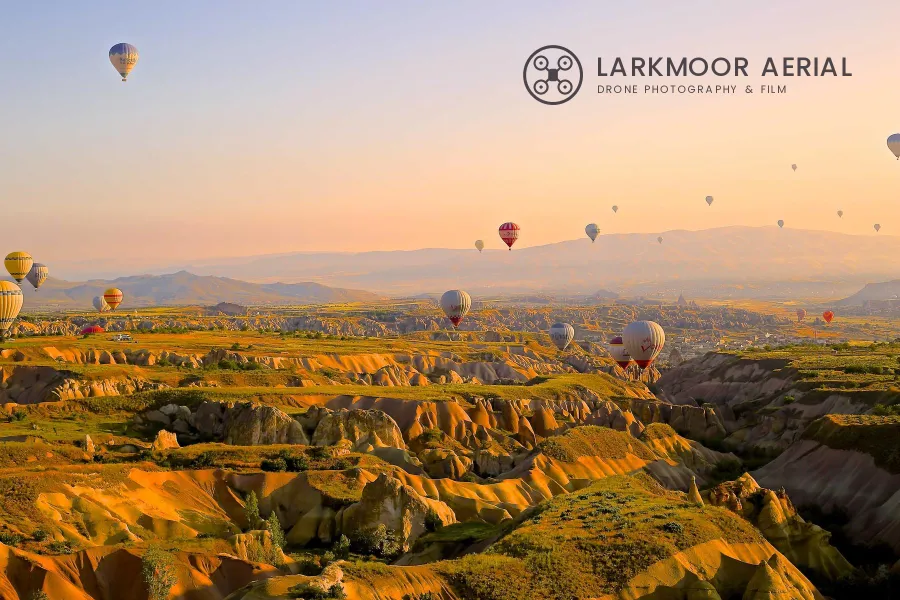
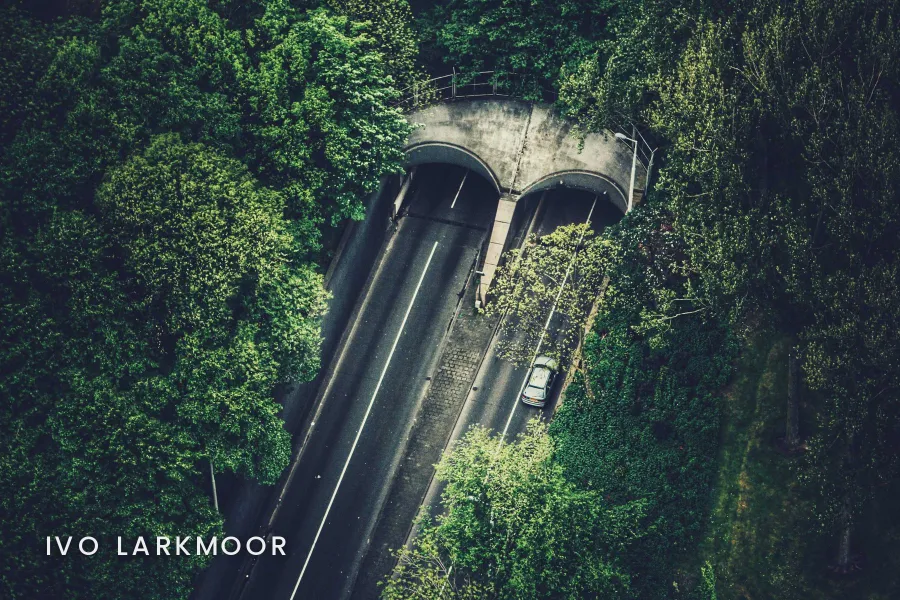
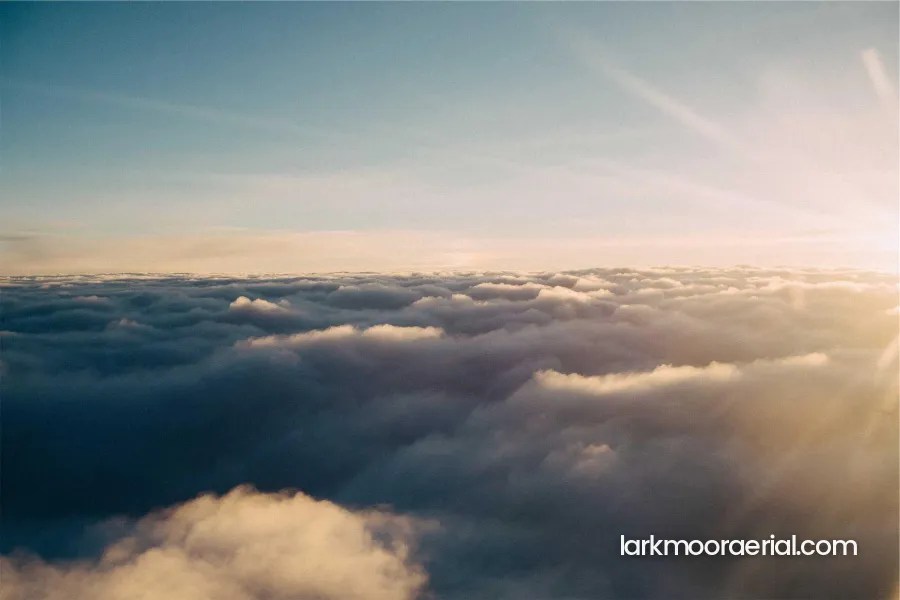
Detailed icons fall apart when an aerial photo is shrunk to phone size, so keep any logo simple and in one color. A line drawing of a drone, a compass or an initial in a ring holds up; a full-color badge with fine lettering does not. If you are still deciding between a symbol and plain text, logo vs text watermarks compares the two.
Watermarking Drone Video
A video watermark sits on every frame, so it has to be quieter than a photo watermark. Most drone filmmakers use a small logo, often called a bug, at around 50–70% opacity in one corner. Keep it a margin of roughly 5% in from the edges, so it is not clipped by screens and players that trim the frame.
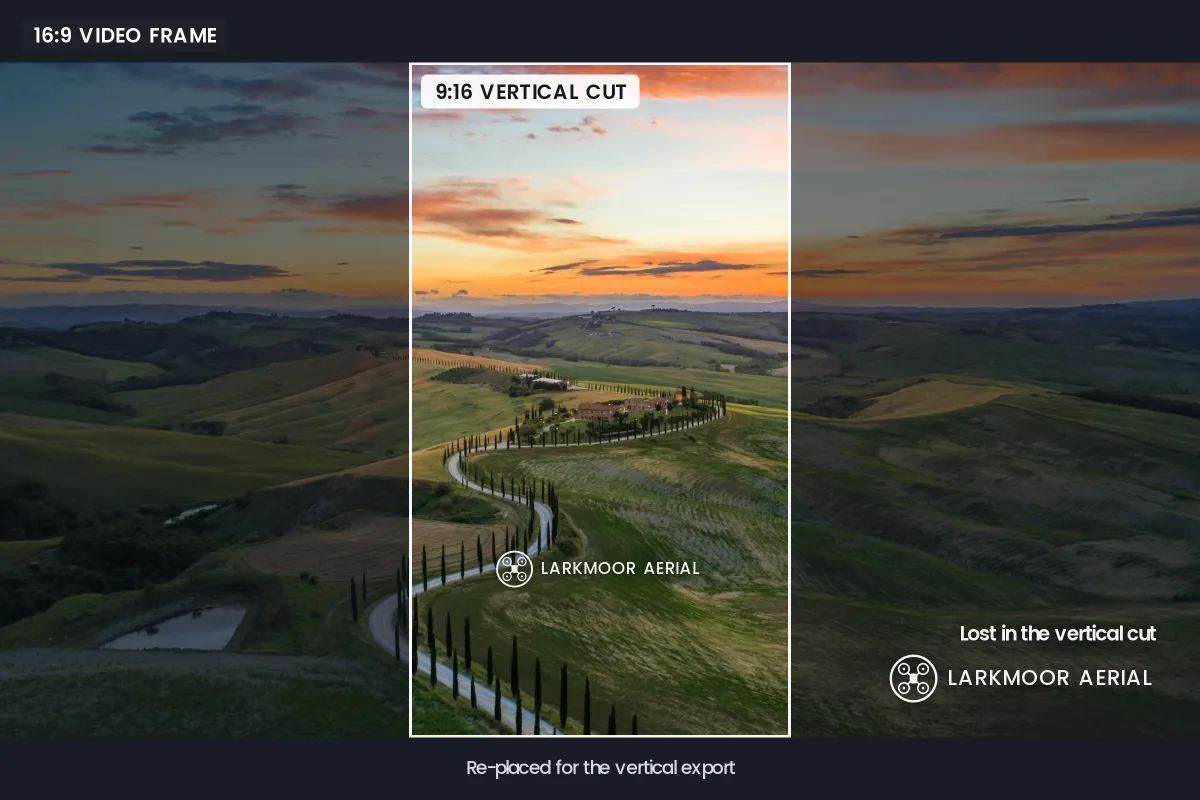
The bigger trap is cropping. Drone clips are routinely recut from 16:9 to 9:16 for reels and shorts, and a vertical cut keeps only the middle third of the frame. A watermark burned into the wide master is simply cut off. Export each format clean, then add the watermark to each export in its own position. Video watermark best practices covers opacity, timing and placement in more detail.
Some drone apps can stamp the maker's logo or flight data onto photos and video. If yours does, switch it off in the camera settings so your own mark is the only one on the frame.
Licensing Aerial Photos to Real Estate Agents
Property is one of the biggest markets for drone work, and it comes with a rule that surprises many pilots: listing services often prohibit watermarks, logos and contact details on listing photos. The files you deliver for a listing usually have to be clean. Watermarking real estate photos explains those rules and where branding is allowed.
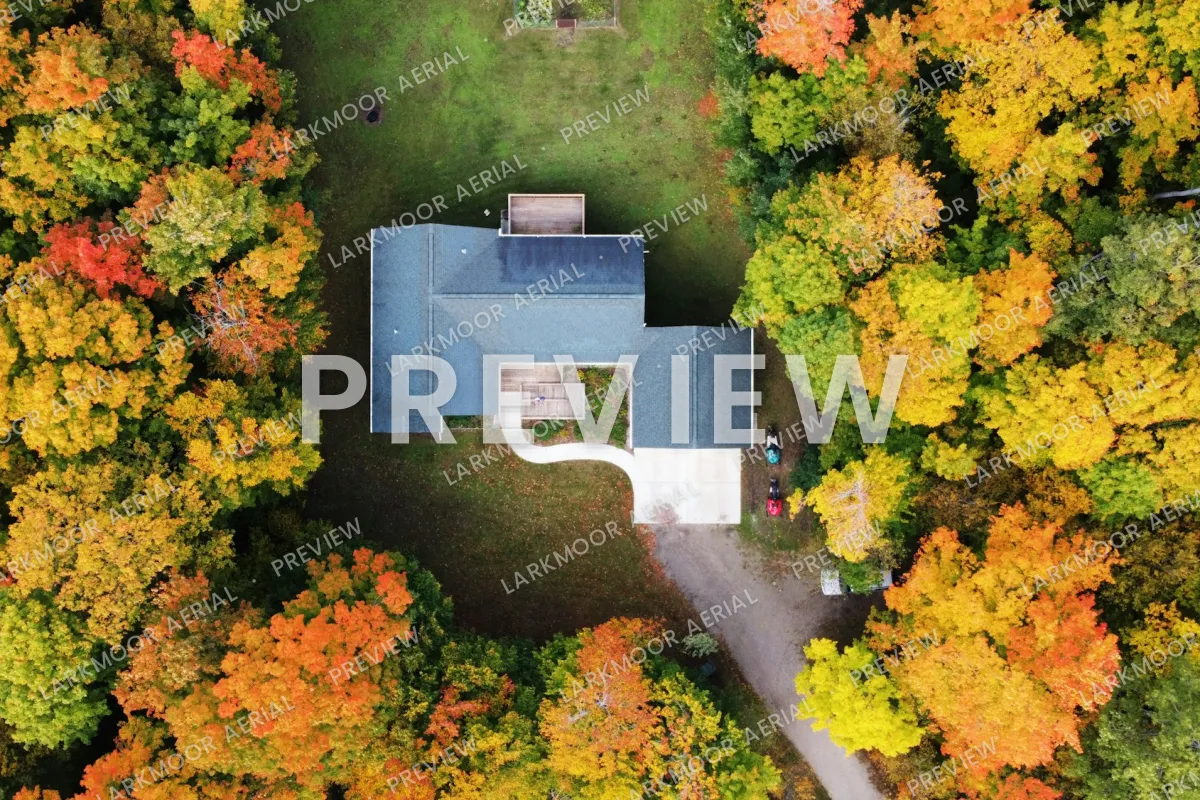 Preview before payment
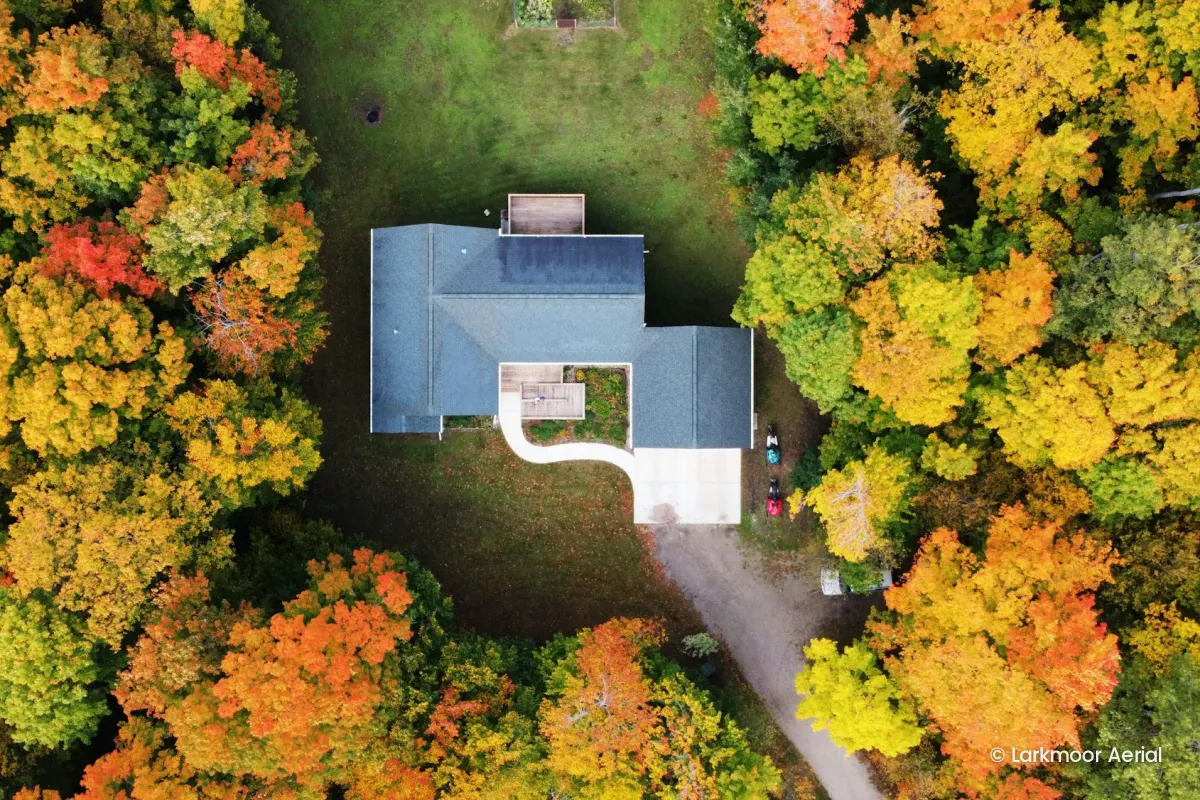 Licensed file
That makes the watermark a tool for the stage before delivery. Send the agent a gallery of web-sized previews with a faint tiled mark, let them pick, and deliver the full-resolution clean files once the invoice is paid. Your protection after that comes from the license, not the pixels:
- Which property and which uses. The listing, the agent's website and social media are typical. Print brochures and billboards may cost more.
- How long. For the life of the listing, or a set period.
- Who else may use them. Builders, architects, the next listing agent and the new owners often ask later. Decide whether that needs a new license.
- Credit. A photo credit in the caption or on the agent's website, where the MLS rules allow it.
For how to write those terms down, see how to license your photos, and for pricing them, how much to charge for photo licensing.
Working With Tourism Businesses and Hotels
Hotels, tour operators, wineries and tourism boards buy aerial photos because nothing else shows a place so well. They also share them widely, on social media, in press kits and on partner sites, so the credit often gets separated from the image.
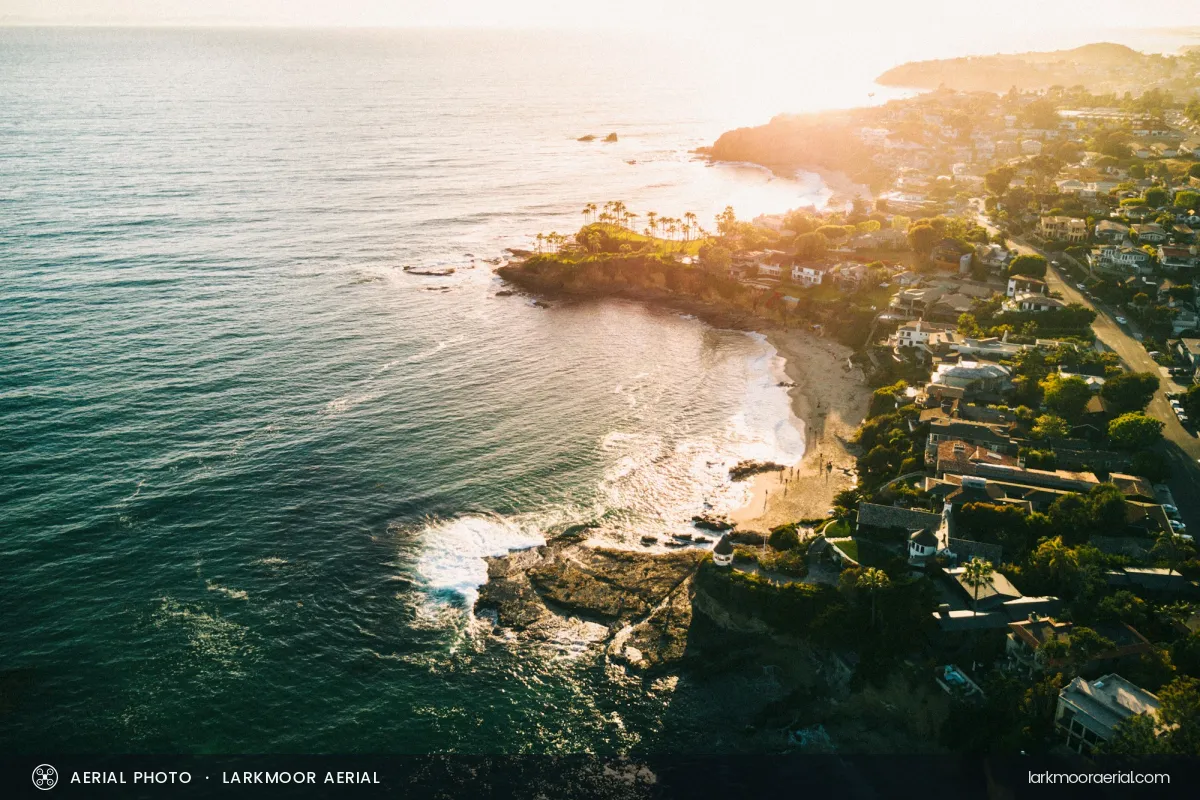
For images the client will hand on to others, a slim credit band along the bottom is a fair compromise, if they agree to it. It reads clearly as a credit rather than protection, and it stays with the photo when it is reposted. For the client's own advertising, deliver clean files and agree a caption credit instead. Agree up front, too, whether the client gets exclusive use of the shots, because exclusivity stops you selling the same view to the hotel next door.
Drone Rules That Affect Selling Your Photos
A watermark does nothing for the questions a client may ask about how the photo was made. Before you sell aerial work, know which flying rules apply where you fly. As of 2026:
| Where | What applies to paid work |
|---|---|
| United States | Flying for work or business falls under the FAA's Part 107 rule, which needs a Remote Pilot Certificate. The FAA lists taking photos to help sell a property or service as a Part 107 operation. |
| United Kingdom | The CAA's categories depend on the drone and the risk of the flight, not on payment. Low-risk commercial work can be flown in the Open category with the same Flyer ID and Operator ID as leisure flying. |
| European Union | EASA's rules are risk-based and do not separate leisure from commercial flying. Riskier operations need an authorization from the national aviation authority. |
Copyright works as it does for any other photo. Unless you shot the images as an employee or signed the rights away, you normally own them and license their use to the client. The details differ by country, so put ownership and usage in your contract rather than relying on defaults. Who owns the photos explains those defaults and what the contract should say.
Setting It Up in Watermark.ws
-
Upload a shoot
Drag in a batch of aerial photos, or your exported videos. Watermark.ws handles photos and common video formats such as MP4 and MOV.
-
Add your logo or name
Upload your logo as a transparent PNG, or type your name or website. Pick a font from the preset library or upload your own.
-
Style it for the scene
Set the size, opacity and color, and add a soft shadow for busy textures. Keep a white and a charcoal version.
-
Save templates per job
A corner logo for social posts, a tiled PREVIEW for client galleries and a credit band for tourism shares, each one click away.
-
Nudge the exceptions
Open any photo where the mark lands on the subject and move it to a calmer patch, then download the batch.
For video specifically, the guide to watermarking videos online walks through the upload and export.
Sample photos: River and forest road by Ben den Engelsen, Coastline by Sasha • Make Stories Studio, Beach from above by Jakob Owens, Hot air balloons by Daniela Cuevas, Tunnels by Alexandre Perotto, Above the clouds by Liane Metzler, Tuscan road by Luca Micheli, House in autumn trees by Dillon Austin, Coastal town by Derek Liang on Unsplash.