
On this page
- Six Things a Watermark Can Say
- Choose by What You Want the Watermark to Do
- Keep It Short
- The © Symbol, the Year and “All Rights Reserved”
- ® and ™: Use Them Correctly
- Web Addresses and @Handles
- Accents, Other Alphabets and Special Characters
- Watermark Text Checklist
- Setting Your Watermark Text in Watermark.ws
Six Things a Watermark Can Say
Most people type their name and move on. But the words in a watermark decide what happens when the photo travels without you — whether a stranger can find you, whether it looks like a business, and whether it reads at all when the photo is small. Here are the six most common choices on the same photo:






Choose by What You Want the Watermark to Do
Start from the job, not from the words. The same photographer might use different text on different sets of photos:
| You want… | Write | Example |
|---|---|---|
| Credit when the photo is shared | Your name, with © | © Jane Rivers |
| People to find and hire you | Your website | janeriversphoto.com |
| Followers on one platform | Your @handle | @janeriversphoto |
| To look like a business | Business name or logo | Rivers & Co. Photography |
| Clients not to use a preview | PROOF plus your name | PROOF · Jane Rivers |
| Credit and findability together | Two short lines | © Jane Rivers / janeriversphoto.com |
If you are unsure, a name with © is the safest default: it is short, it works on every platform, and it is unmistakably a claim of ownership. If you have a logo, logo or text watermark compares the two.
Keep It Short
A watermark has a fixed amount of space. Every extra word makes each letter smaller, and small letters disappear first when the photo is shrunk for a feed or a thumbnail. Below, both watermarks are given the same maximum width:


The long version says more and communicates less: at normal viewing size it is a gray smudge. Aim for something you can read in one glance — roughly two to four words. If you need more information, put it on a second, smaller line, or in the photo’s metadata where it does not cost any space. Copyright in photo metadata explains how.
The © Symbol, the Year and “All Rights Reserved”
You do not need a © symbol for your photos to be protected. Copyright exists automatically once you take a photo, and in the United States a copyright notice has been optional for works published since March 1, 1989, according to the U.S. Copyright Office (Circular 3). So why use it?
- It tells everyone the photo is not free to use. Many people assume anything online without a notice is fair game.
- It can matter in a dispute. The Copyright Office notes that a proper notice can prevent an infringer from claiming they did not know the work was protected.
- It costs two characters. “© Jane Rivers” is barely longer than “Jane Rivers”.
The year is part of the formal notice — © year of first publication, then the owner’s name — but in a watermark it is optional. The trade-off: a year dates your photos, and a watermark template with this year’s date on it will be wrong next January. Many photographers leave it out of the visible watermark and keep the full notice in the metadata.
“All rights reserved” dates from the Buenos Aires Convention of 1910, which required it in some countries. Every country in that convention has since joined the Berne Convention, which does not require any notice, so the phrase no longer has a legal job. It is harmless, but it takes up a lot of space in a watermark. For the full format, see how to write a copyright notice.
Notice rules differ between countries. If you are relying on a notice for a legal claim, check the rules where you work. Copyright laws by country is a good starting point.
® and ™: Use Them Correctly
The © symbol is about copyright — the photo. The ® and ™ symbols are about trademarks — your business or brand name. They are not interchangeable:
| Symbol | Means | When you can use it |
|---|---|---|
| © | Copyright | On your own photos and creative work. No registration needed. |
| ™ | Trademark claimed | Next to a brand name you use as a trademark, registered or not. |
| ® | Registered trademark | Only once the trademark is actually registered, for the goods or services it is registered for. |
The ® symbol is the one people get wrong. The U.S. Patent and Trademark Office is explicit that it may not be used before a registration is granted — not even while an application is pending — and deliberately misusing it can be treated as fraud. If your studio name is not a registered trademark, leave ® out of your watermark. For most individual photographers, © and a name is all that is needed.
Web Addresses and @Handles
A web address in a watermark is a direct route back to you — but only if people can read it and type it. Drop everything they do not need:
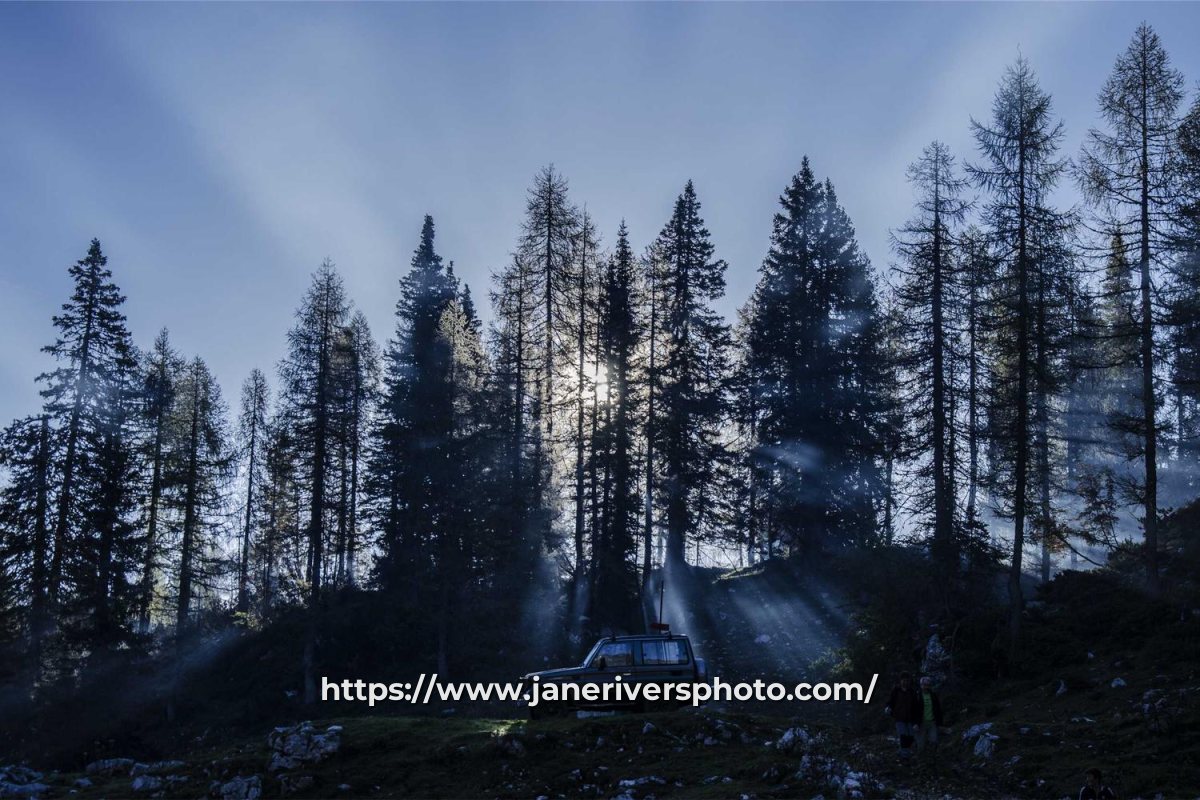

- Leave out https:// and www. Browsers add them; in a watermark they only make the text smaller.
- No paths or trailing slashes. A deep link that changes one day breaks every photo it is on.
- Use lowercase. Web addresses are not case-sensitive, and lowercase reads cleanly.
- Use your @handle where the photo lives. On a platform where people follow accounts, a handle is easier to act on than a website. See watermarking photos for Instagram.
One caution: a web address or handle should be one you expect to keep. Photos stay online for years, and a watermark pointing to an expired domain or an abandoned account sends people nowhere — or somewhere you would not choose.
Accents, Other Alphabets and Special Characters
A watermark can only show characters that exist in the font you choose. Many decorative fonts cover only the basic Latin alphabet. Type a name with accents, or in Japanese, Arabic, Cyrillic or another script, and characters the font does not have appear as empty boxes:


The copyright symbol rendered in both, because the first font contains it — the Japanese characters did not. The fix is simply a font that covers your language. Watermark.ws lets you upload your own TTF, OTF or TTC font files, so if none of the preset fonts supports your script, upload one that does.
Names like Zoë, Müller or Ødegaard can render fine in one font and lose their accents in another. Check the preview before applying the watermark to a batch.
Watermark Text Checklist
- Pick the text by its job: credit, findability or branding.
- Keep it to two to four words, or two short lines.
- Use © with your name — it is short and clear.
- Write web addresses as just the domain, in lowercase.
- Use the same text on every photo so people learn to recognize it.
- Squeeze a full sentence into one line.
- Use ® unless your trademark is actually registered.
- Put a year in a template you will reuse for years.
- Point to a website or handle you might not keep.
- Use a font that does not contain every character in your name.
Setting Your Watermark Text in Watermark.ws
-
1
Add a text watermark
Type your name, website or handle.
-
2
Insert symbols with one click
Buttons next to the text field add ©, ® and ™, so you do not have to hunt for them on your keyboard.
-
3
Use two lines if you need them
Press Enter for a second line, then adjust the line spacing and alignment.
-
4
Pick a font that suits the text
Check every character renders, and see the best fonts for watermarks for fonts that stay readable.
-
5
Save it as a template
Reuse exactly the same text, font and size on every batch.
Sample photos: Sailboat by Pawel Kadysz, Sunset beach by Michael Baird, Paris by Louis Pellissier, Forest by Ales Krivec, Textile by Eli DeFaria on Unsplash.