On this page
Can You Watermark Etsy Listing Photos?
You can watermark Etsy listing photos. Etsy does not ban watermarks, and plenty of sellers use them. But Etsy’s own help center says it generally would not recommend them, and it gives a concrete reason: watermarked photos are unsuitable for some Etsy features and ineligible for off-site advertising such as Google Shopping.
So the real question is not whether you are allowed to, but which photos to mark and how. Most sellers who care about both protection and visibility end up with the same setup:
- Allowed, not recommended. Etsy permits watermarks but advises against them, mainly because of features and ads.
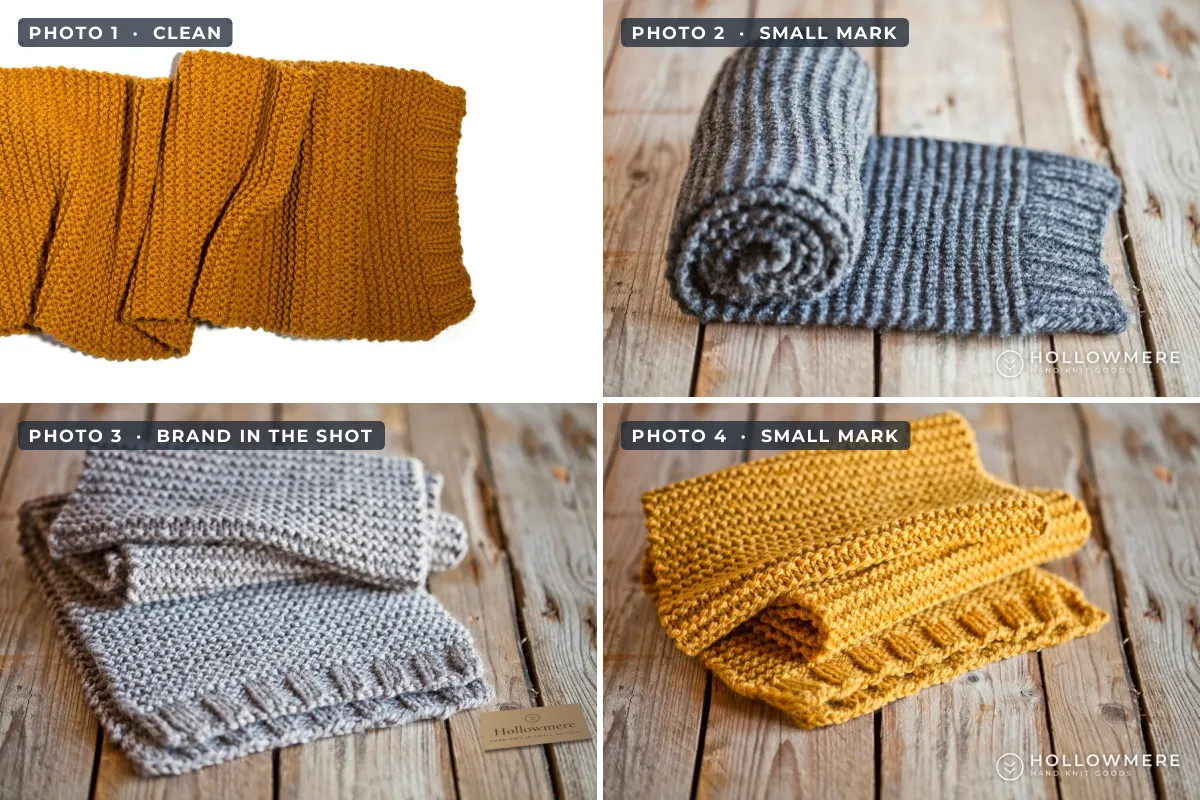
- Keep the first photo clean. It is your thumbnail and the photo most often used in ads, and it gets cropped into several shapes.
- Put your brand inside the photo. A tag, card, label or packaging in the shot is what Etsy itself suggests.
- Mark the later photos lightly, if at all. A small, consistent logo on detail and styled shots brands the copies that get lifted most.
- Protect the file, not just the picture. For prints and digital downloads, show the work in a setting rather than uploading the file itself.
What Etsy’s Rules Say About Watermarks
Etsy covers this in its help article on protecting listing images. The key passage reads: “While some sellers use watermarks, we generally wouldn’t recommend them. Using watermarks makes photos unsuitable for features within Etsy (like Etsy Finds emails), and ineligible for off-site advertising programs like Google Shopping.”
Instead, Etsy suggests including your brand, such as a logo, the font of your shop name or your packaging style, within the listing image, “but not as an overlay.” The same article adds two more tips: upload images around 1,500 pixels wide, and for prints and original art, photograph the actual print, for example hanging on a wall, instead of uploading the digital file or a close-up.
| Etsy guidance | What it means for watermarks |
|---|---|
| Watermarks are generally not recommended | Allowed, but they can cost you Etsy features and Google Shopping ads. |
| Brand inside the image, not as an overlay | A tag, card or package in the shot is the approved way to show your name. |
| Up to 20 photos and 2 short videos per listing | Plenty of room for clean shots and branded ones in the same listing. |
| First photo landscape or square, cropped into several thumbnail shapes | A corner mark on the first photo is likely to be trimmed off anyway. |
| Transparent parts of PNG files appear black | Upload your watermarked photos as JPGs, not transparent PNGs. |
The Google Shopping point is not Etsy being fussy. Google Merchant Center’s image rules disapprove product images with overlays, watermarks, copyright symbols or logos added after the photo was taken, unless the logo is physically part of the product. Etsy sends listing photos to those ads, so it has to follow Google’s rules. The same logic applies on other marketplaces, as should you watermark product photos? explains.
This reflects Etsy’s help center as of late 2026. Etsy updates its seller guidance regularly, so check the current help articles before you change a whole shop.
Keep the First Etsy Photo Clean
Your first listing photo does the most work. It is the thumbnail in search results, the image on your shop page and, as Etsy’s Seller Handbook notes, the photo most commonly used in its ads. It is also the one that a watermark costs you most on.
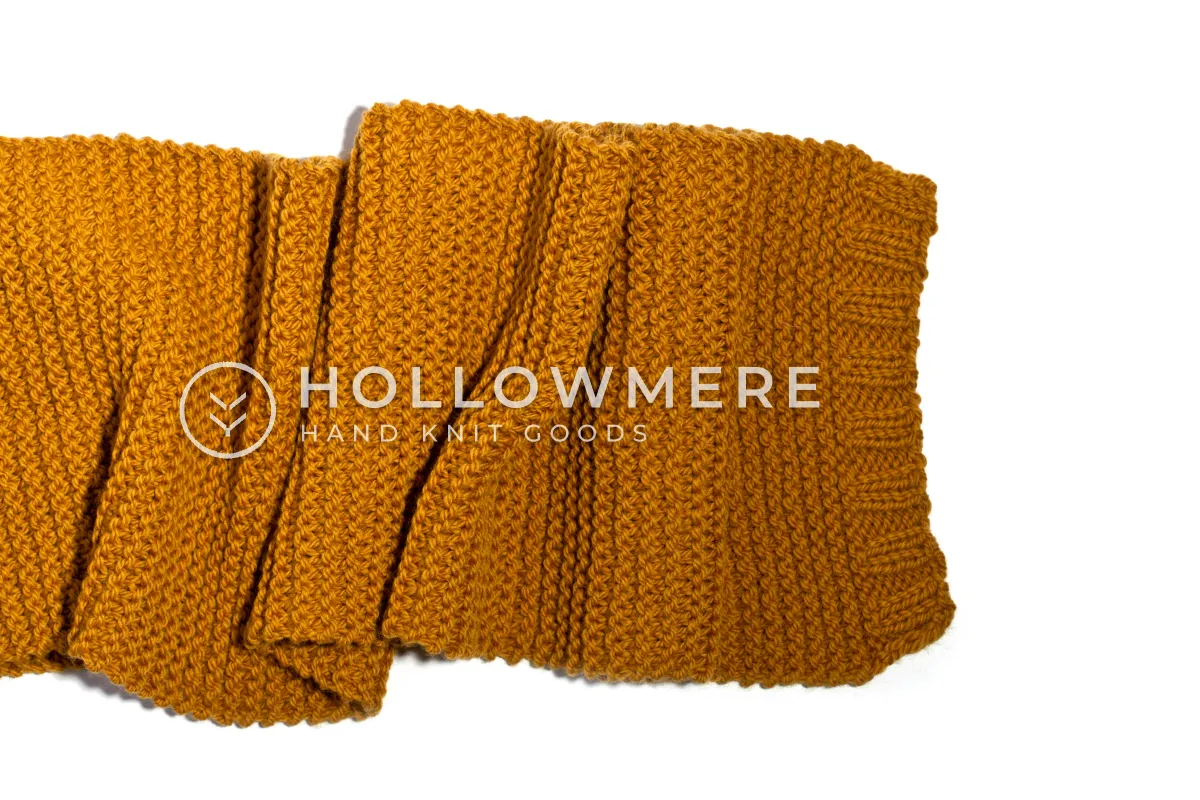 Watermarked first photo
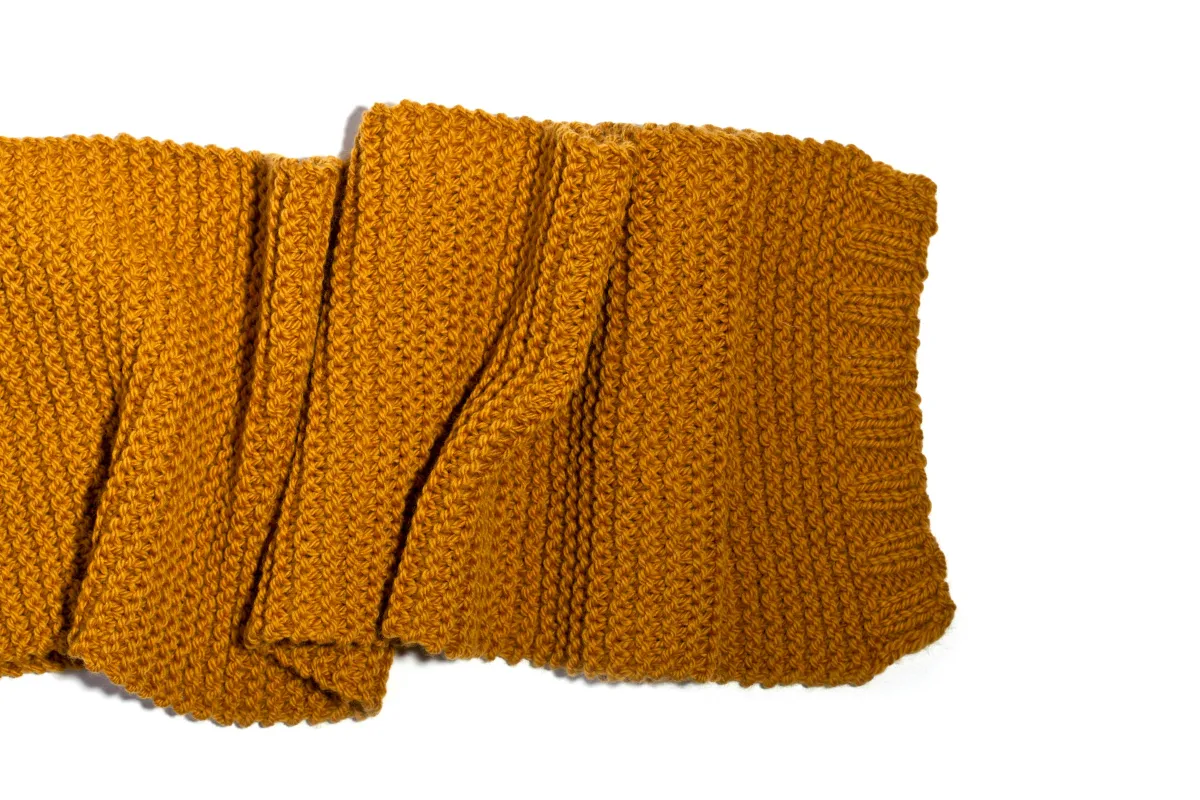 Clean first photo
A mark across the product makes the thumbnail harder to read at a glance and rules the listing out of off-site ads. A small mark in the corner has a different problem: Etsy crops the first photo into square, portrait and landscape thumbnails in different places across the site, and its own advice is to leave enough border around the item that every crop keeps the product. Corners are exactly what those crops remove.
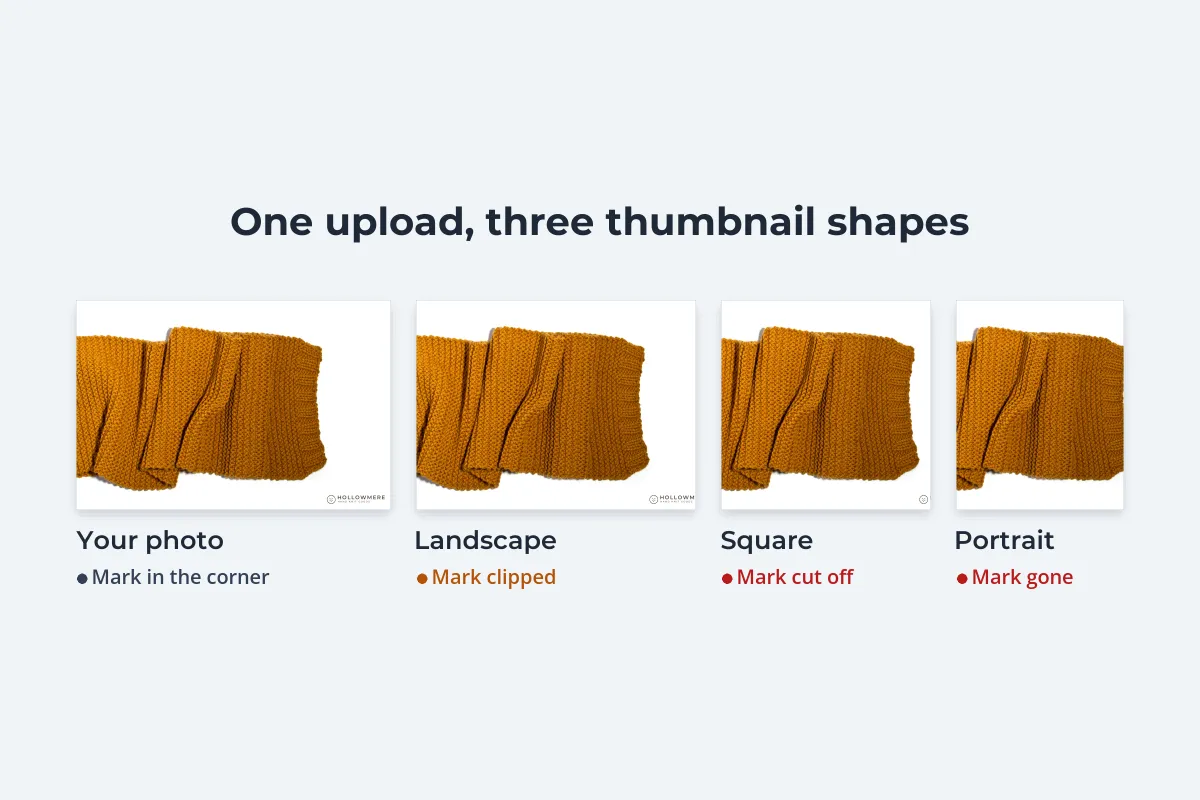
So the first photo is the worst place for a watermark on Etsy, whichever kind you use. Give it a clean background, the product in the center and room around the edges, and save your branding for the photos after it.
Put Your Brand Inside the Photo
Etsy’s preferred alternative is branding that is part of the scene rather than laid on top of it. Because it is physically in the photo, it is not an overlay. And because it sits next to the product, it is hard to remove without leaving a gap in the photo.
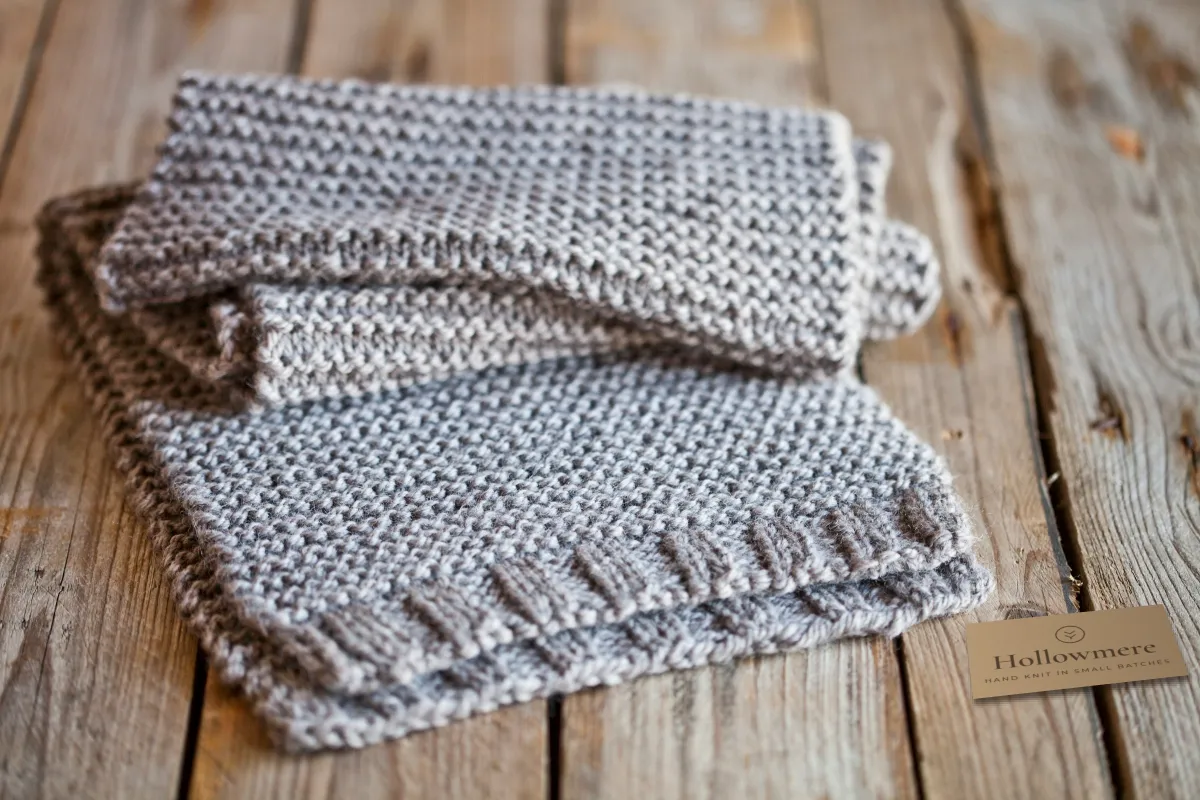
- Swing tags and cards. A kraft card or tag with your logo, placed beside the product or tied to it.
- Packaging. Your box, tissue, sticker or mailer, open in the shot, which also shows buyers what arrives.
- Labels on the product. Woven labels, stamped leather tags or a maker’s mark, if the item has one.
- Props with your name. A business card, a small sign or a stamp, used sparingly.
Use one of these in one or two photos per listing, not all of them. A consistent card or package across the shop does the same job as a logo watermark: anyone who sees a copied photo can see whose product it is.
Watermarking the Rest of Your Etsy Photos
Etsy now allows up to 20 photos per listing. The ones after the first, such as close-ups, styled shots, color options and scale photos, are the ones copycat shops tend to lift, because they cost the most to make. If you want a visible watermark anywhere on Etsy, this is where it causes the least harm.
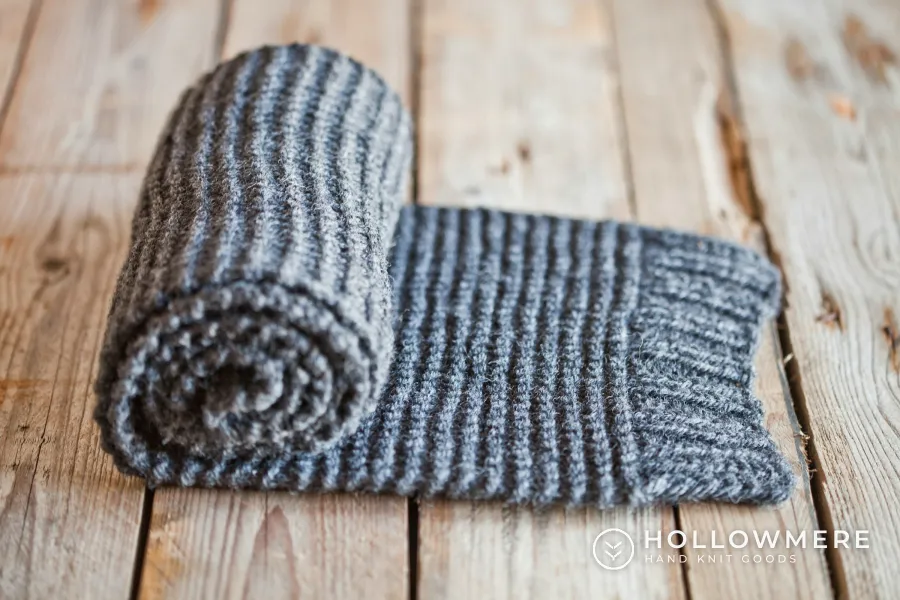
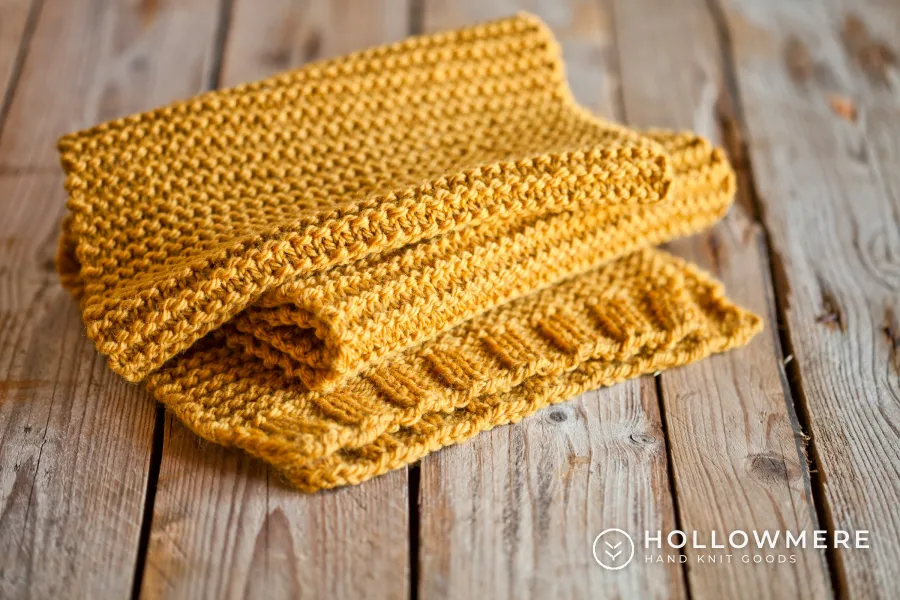
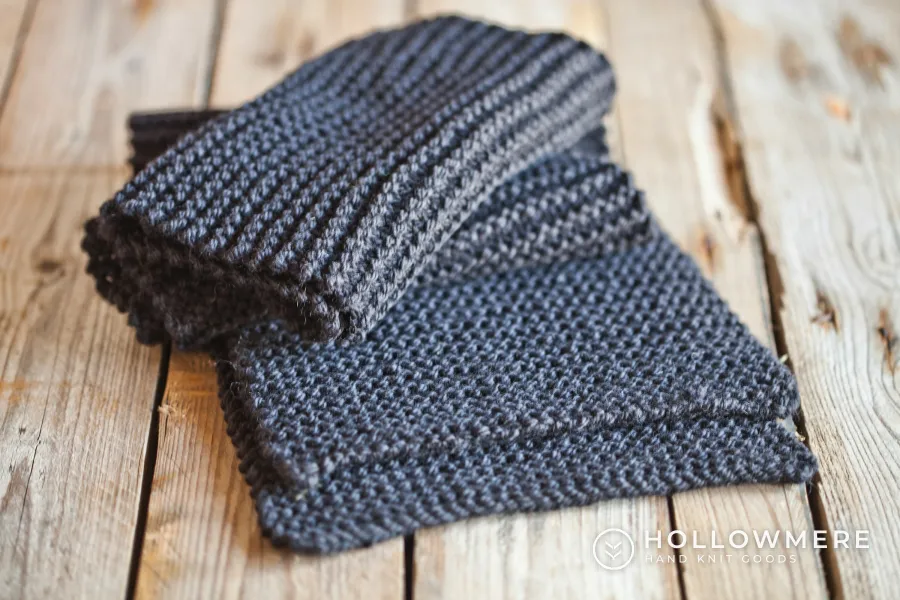
- Small: around 15–20% of the photo’s width. It should read on a phone without competing with the product.
- Out of the way: on a plain area of background or floor, never across the item.
- Consistent: the same corner, size and color on every photo, so the listing looks deliberate.
- White or dark: white with a soft shadow on wood and darker backgrounds, a dark version on white.
Be realistic about what this does. A small corner logo will not stop someone determined to copy a photo, who can crop or retouch it out. It makes lazy copying less attractive, turns reposted photos into a pointer back to your shop, and helps show the photo was yours if you need to report it.
Digital Downloads and Printables Need More
For a scarf, a copied photo is annoying. For a printable, a copied photo can be the product. If your listing photo is the artwork itself at full size, anyone can save it and print it without buying. That is why Etsy suggests photographing the actual print in a setting rather than uploading the file.
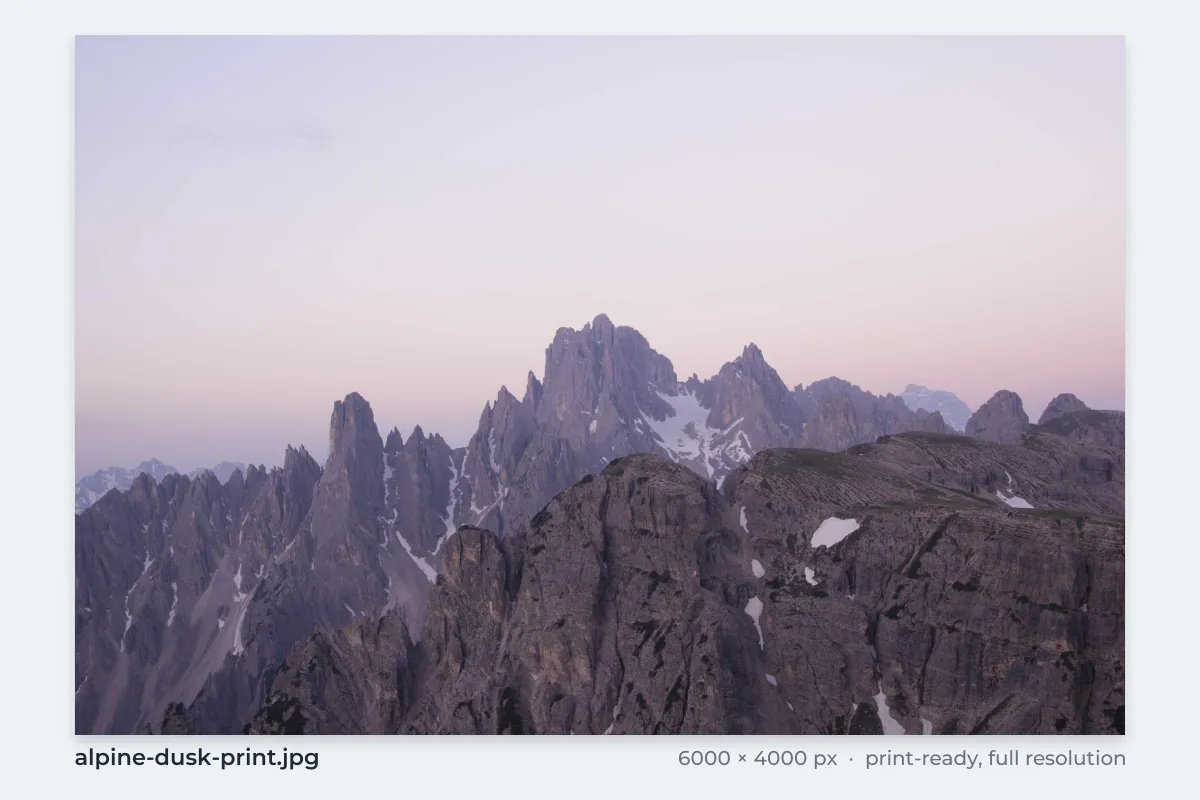 The file itself
 The print on a wall
A wall mockup shows the buyer what they get, and a saved copy is a small framed print in someone else’s living room, not a printable file. Keep the upload size modest too: Etsy’s protection tip of around 1,500 pixels wide gives a sharp listing photo without handing out a print-quality file.

If you show a close-up of the artwork so buyers can judge the detail, that later photo is a good candidate for a faint tiled watermark. It covers the whole crop, so there is no clean corner to cut out. Tiled watermarks covers spacing and opacity. If you sell print-on-demand products, see watermarks for print-on-demand designers for why the print file itself must stay clean.
If Someone Copies Your Etsy Photos
Watermarked or not, some photos will be copied. To find where yours appear, run a reverse image search on your most popular listings. If a copy turns up in another Etsy shop, Etsy recommends contacting the seller first. If that fails, report it through the Etsy Reporting Portal:
-
Register for the Reporting Portal
Sign in with your Etsy account (Etsy asks sellers to use their shop’s account) and choose who owns the rights.
-
Add your intellectual property
Open Intellectual Properties, add the property and its owner, and fill in the details for its type, such as the title of the photo or design.
-
Create a report
Under Reports, choose Create a report, pick the property, then search Etsy for the listings or paste their listing IDs or URLs.
-
Review and submit
Etsy emails a confirmation and later the outcome. You can follow the status in the portal’s Reports tab.
If Etsy removes the listing, the other seller can file a DMCA counter notice, and Etsy must process a valid one under its policy. Copies on sites outside Etsy need a takedown notice to that site or its host. See how to file a DMCA takedown for what a notice must include, and what to do about a copycat store if a whole shop has lifted your photos. Keep your original, full-size files: they are the strongest evidence that the photos are yours.
Watermark Etsy Photos in Watermark.ws
The simplest workflow is two sets of files: clean originals for your first photos, and a branded set for the later photos and anywhere outside Etsy.
-
Upload the later photos
Add the detail, styled and color shots for one listing or a whole collection. Leave the first photo of each listing out.
-
Add your logo or shop name
Upload your logo as a PNG with a transparent background, or type your shop name. See the guide to adding a logo to photos.
-
Keep it small and consistent
Place it in a corner on plain background, size it to around 15–20% of the width, and add a soft shadow so it reads on wood and fabric.
-
Save it as a template
Every new listing then gets the same mark in the same spot. For printables, save a second template with a faint tiled mark for close-ups.
-
Download and upload to Etsy
Download the batch as JPGs and add them after your clean first photo.
Watermark.ws works on copies, so your clean originals stay untouched for the first photo, marketplaces and ads. If you also sell on Amazon or eBay, their rules are stricter still; see Amazon and eBay image rules for watermarks.
Sample photos: Mustard scarf on white by Maria Kovalets, Rolled gray scarf by Maria Kovalets, Mustard scarf on floorboards by Maria Kovalets, Gray scarf on floorboards by Maria Kovalets, Charcoal scarf by Maria Kovalets, Living room with sofa by dada design, Mountains at dusk by Ales Krivec on Unsplash.