
On this page
- Who Owns the Photos?
- Credit the Photographer and the Designer
- Symmetrical Compositions: Stay on the Axis
- Minimal Compositions: Negative Space or Structure?
- Dark, Graphic Images: Go Quieter
- Before-and-After and Renovation Shots
- Magazines, Awards and Clients Usually Want Clean Files
- How to Watermark a Project Shoot in Watermark.ws
Who Owns the Photos?
Before anyone adds a watermark, it helps to know whose name belongs on it. Architecture and interior photography usually involves two parties: the architect or designer who created the space, and the photographer who created the image of it.
In the United States, the U.S. Copyright Office explains that the photographer is generally the author and first copyright owner of a photo. A commissioned photo only belongs to the client as a “work made for hire” in limited circumstances, such as when the photographer is an employee or when both sides sign a written agreement for a qualifying type of work. Otherwise, the photographer keeps the copyright and the client receives a license to use the images. Many other countries follow a similar default, but the details differ, so your contract is what really decides it.
| Photographer | Architect or designer | |
|---|---|---|
| Default copyright in the photos | Usually the photographer | Only if the contract transfers it |
| Typical rights | Licenses the images and sets credit terms | Uses the images as the license allows |
| Whose watermark | Their own name or studio | A photographer credit, plus their own studio if agreed |
This is a general summary. Check your contract, and if ownership or usage matters for a project, talk to a lawyer where you work. For the basics of registration in the US, see should you register copyright on your photos.
Credit the Photographer and the Designer
When an interior designer or architect publishes project photos, the fairest and most useful watermark credits both people. It tells viewers who designed the space and who photographed it — and it saves you both from explaining it every time an image is reposted.

- Agree the wording in advance. Many photographers specify the credit line in their license — follow it exactly.
- Keep it to two short lines. “Photo © Name” and “Interior design: Studio” is enough.
- Use small, spaced capitals. They look calm and deliberate on clean, modern spaces.
- Never remove or replace the photographer’s credit with your own. It is their work, and it may break the license.
In Watermark.ws, each line can be its own text watermark with its own font and size, and you can save the pair as a template for every project shoot.
Symmetrical Compositions: Stay on the Axis
Architectural photographers go to great lengths to make verticals straight and compositions perfectly balanced. A watermark tucked into one corner undoes some of that: it is the only asymmetrical element in the frame, so the eye goes straight to it.
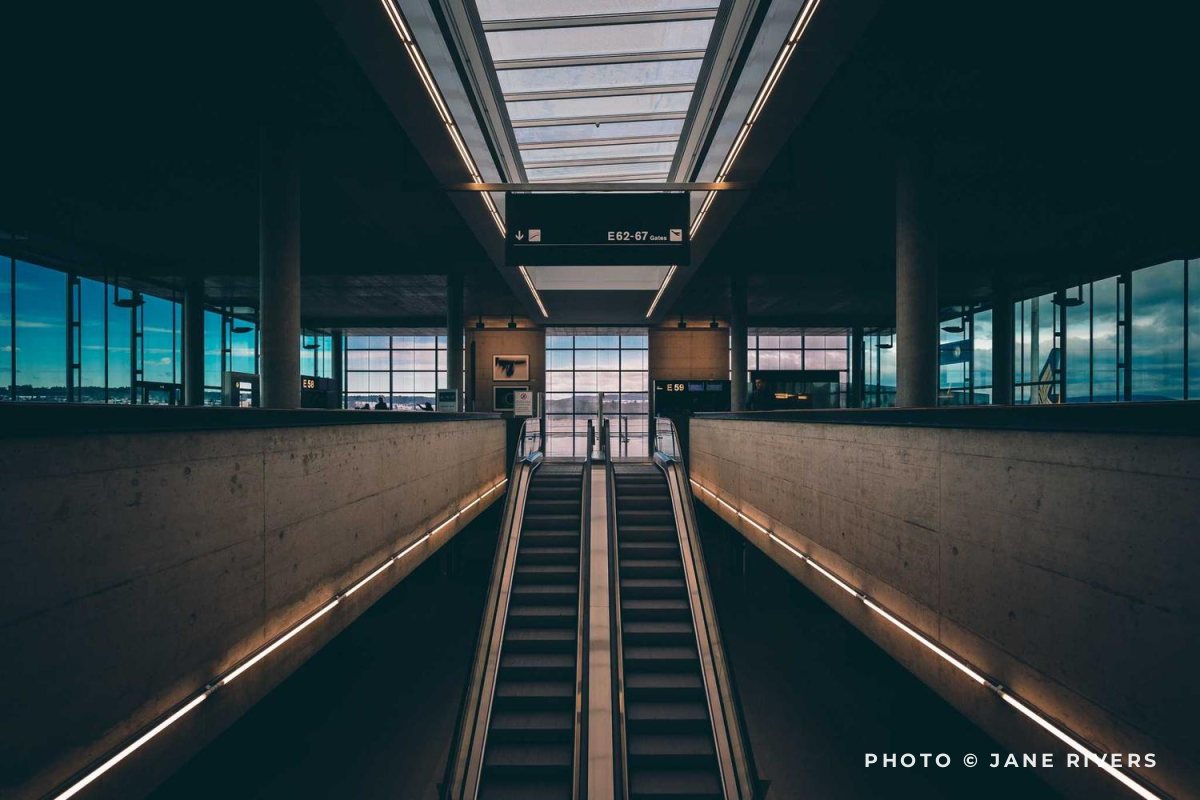
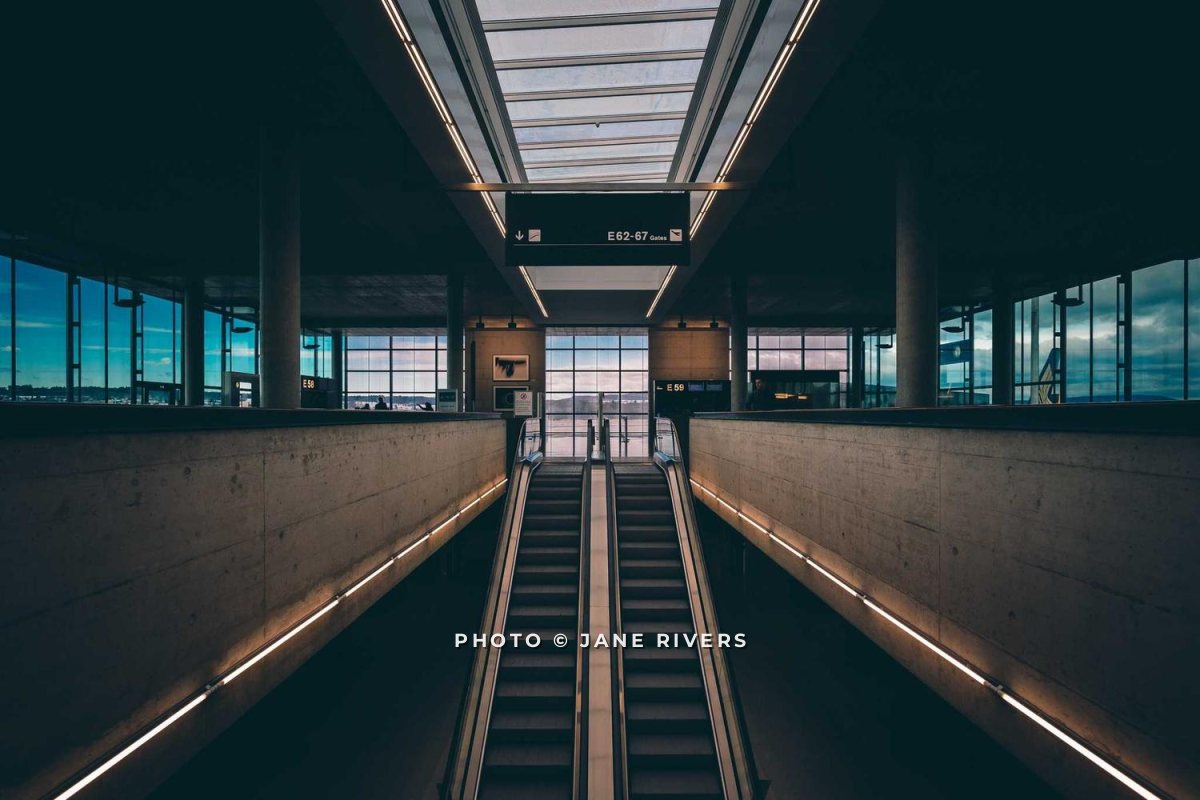
Centered on the vertical axis, the same credit becomes part of the symmetry. It also sits inside the frame rather than at its edge, so it cannot be cropped off without cutting into the image. For the general trade-offs of each position, see where to put a watermark on a photo.
Minimal Compositions: Negative Space or Structure?
Minimal architecture photos often use a large area of plain sky or wall. The watermark can sit in that negative space, or on the building itself. Each has a cost:

Best for: Portfolio and website images, where the composition matters most.

Best for: Images shared widely or with people you do not know.
In the negative space, the credit is elegant but easy to crop or paint out — plain sky is the easiest thing to rebuild. On the facade, it crosses real detail and is much harder to remove. A good compromise is to keep it in the negative space but close to the building, so any crop that removes it also cuts into the subject.
Dark, Graphic Images: Go Quieter
High-contrast, black-and-white architecture is common, and pure white text on a near-black area is the loudest thing you can add to it. A softer gray keeps the credit readable without competing with the lines of the building.

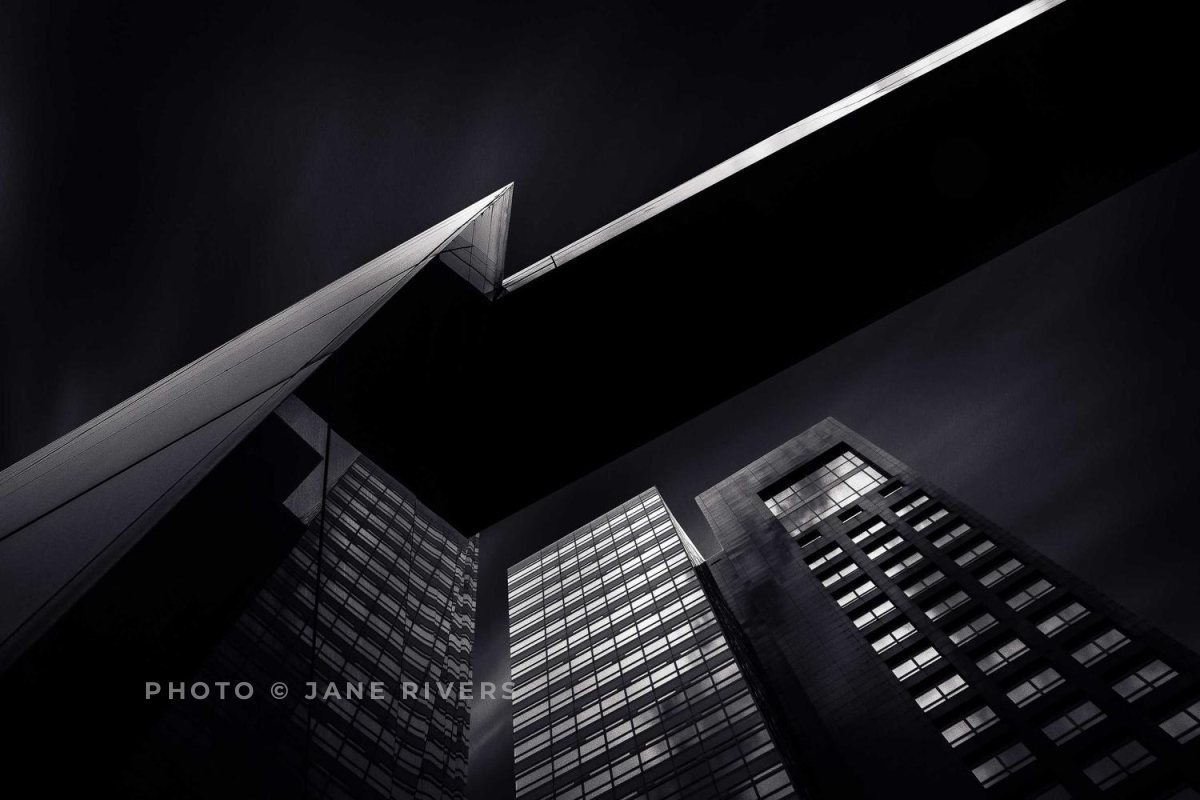
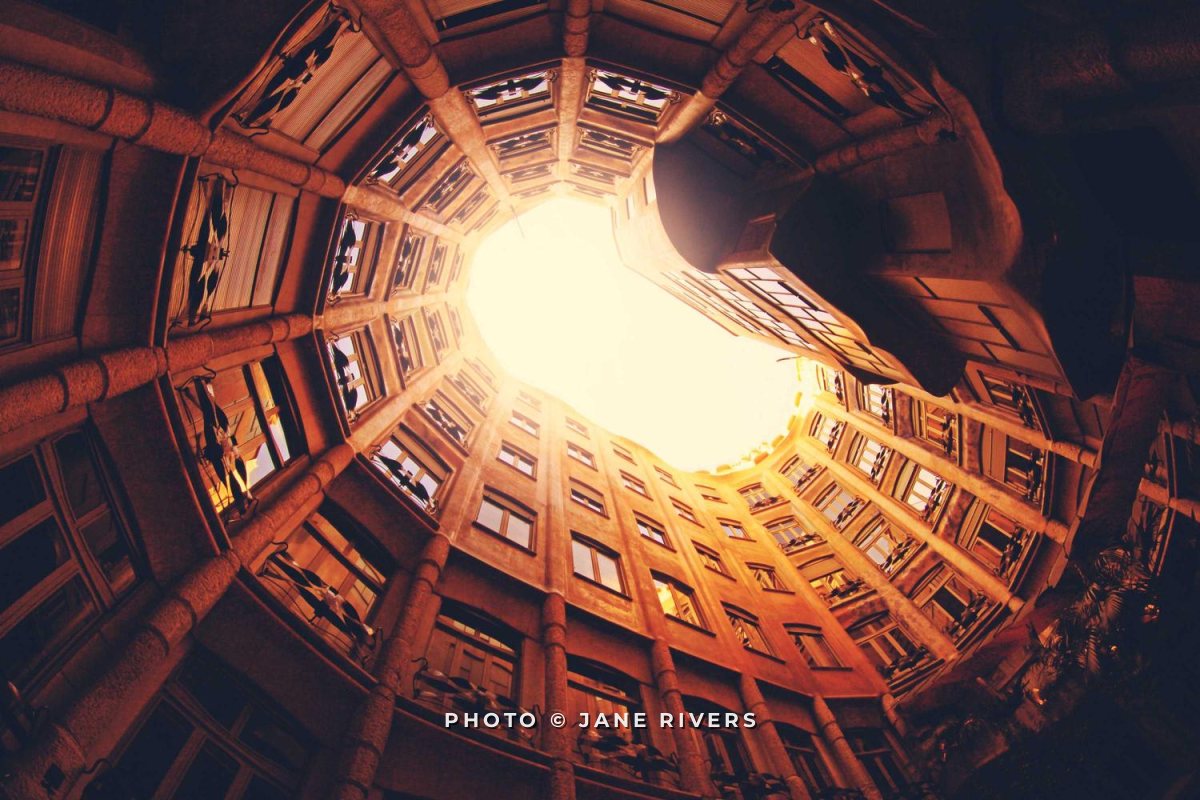
Interiors follow the same idea. In a warm, dimly lit room, a faintly warm off-white blends with the light instead of looking pasted on:

For more on choosing tones, see what color a watermark should be.
Before-and-After and Renovation Shots
Before-and-after pairs are some of the most shared images in interior design and renovation — and some of the most misused. They get reposted without credit, and sometimes presented by someone else as their own project.
- Watermark both halves the same way. The same credit, size and position on the “before” and the “after” keeps the pair together when they are shared separately.
- Credit the project, not just the studio. A short project name alongside the studio makes the pair harder to pass off as another project.
- Keep the credit off the transformation. The detail that changed — the new kitchen, the restored staircase — is what viewers came to see.
If you work with listing photos rather than design portfolios, the priorities are different again: see watermarking real estate photos.
Magazines, Awards and Clients Usually Want Clean Files
Publications, award programs and many clients ask for unwatermarked, high-resolution images, and credit the photographer and designer in the caption instead. A watermarked file can get a submission rejected or delayed.
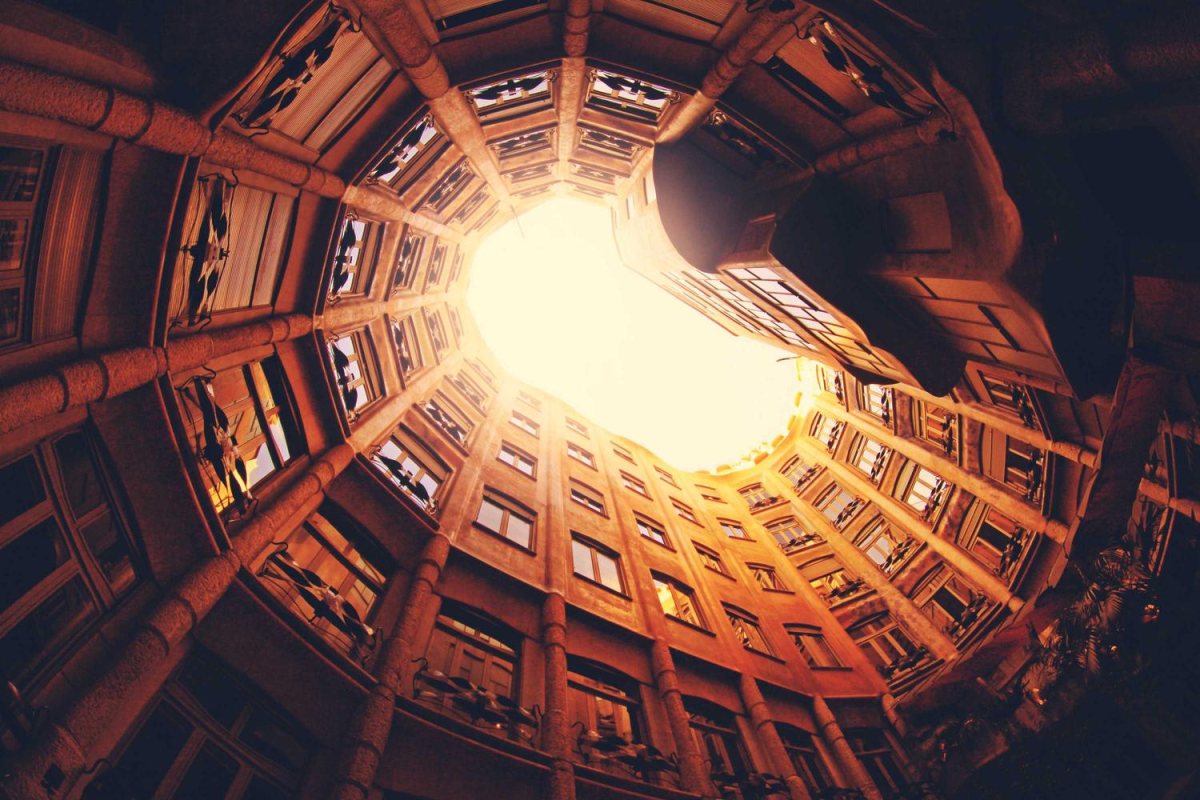
Keep two sets of every project: clean originals for submissions, press and client deliveries, and watermarked, web-sized copies for your website and social media. Read each submission brief — requirements vary — and send exactly what it asks for.
| Where the image goes | Version |
|---|---|
| Your website and portfolio | Watermarked, web-sized |
| Social media | Watermarked, web-sized |
| Magazines and award entries | Clean, full resolution, credit in the caption |
| Client deliveries | Clean, as agreed in the license |
| Previews for new clients | Watermarked, or a stronger preview mark |
How to Watermark a Project Shoot in Watermark.ws
- Upload the project’s photos — your originals are never changed, so your clean set stays clean.
- Add the credit as text watermarks, one per line, and set the font, size, letter spacing and color.
- Place it on the axis or near the subject, and apply it to all files in the batch.
- Adjust individual photos where the credit lands on an important detail.
- Resize for the web if you want smaller copies, then download them all.
- Save it as a template so every project shoot gets the same credit.

Sample photos: College facade by Vadim Sherbakov, Escalator corridor by Erez Attias, Historic building by Anthony DELANOIX, Graphic building by Padurariu Alexandru, Café interior by Jeff Sheldon, Courtyard by Alexandre Perotto, Interior by Charlie Foster on Unsplash.