On this page
How to Add a Watermark in Google Docs
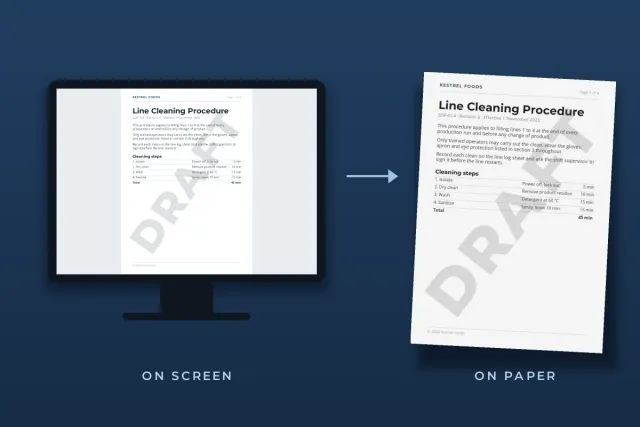
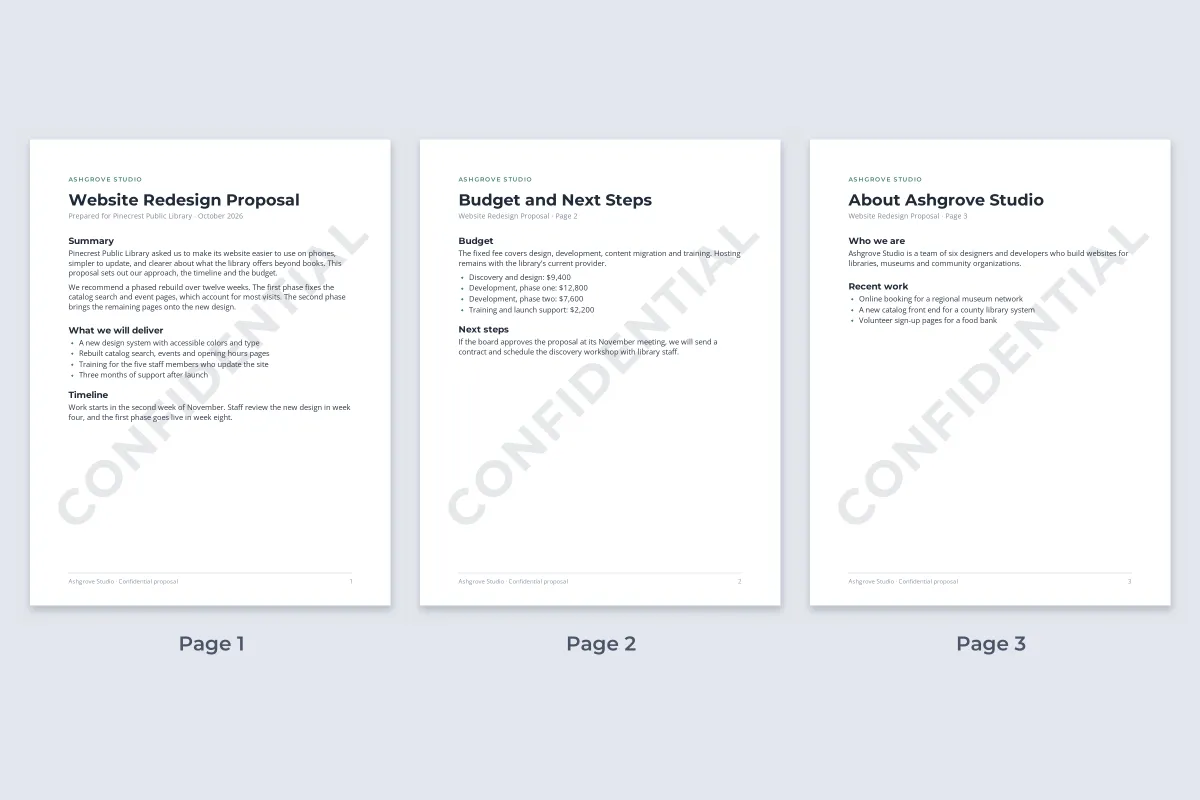
Unlike Excel and PowerPoint, Google Docs has a built-in watermark. Open the document on a computer and choose Insert › Page elements › Watermark. A panel opens on the right with two options, Image and Text. The watermark you add sits behind your text and repeats on every page.
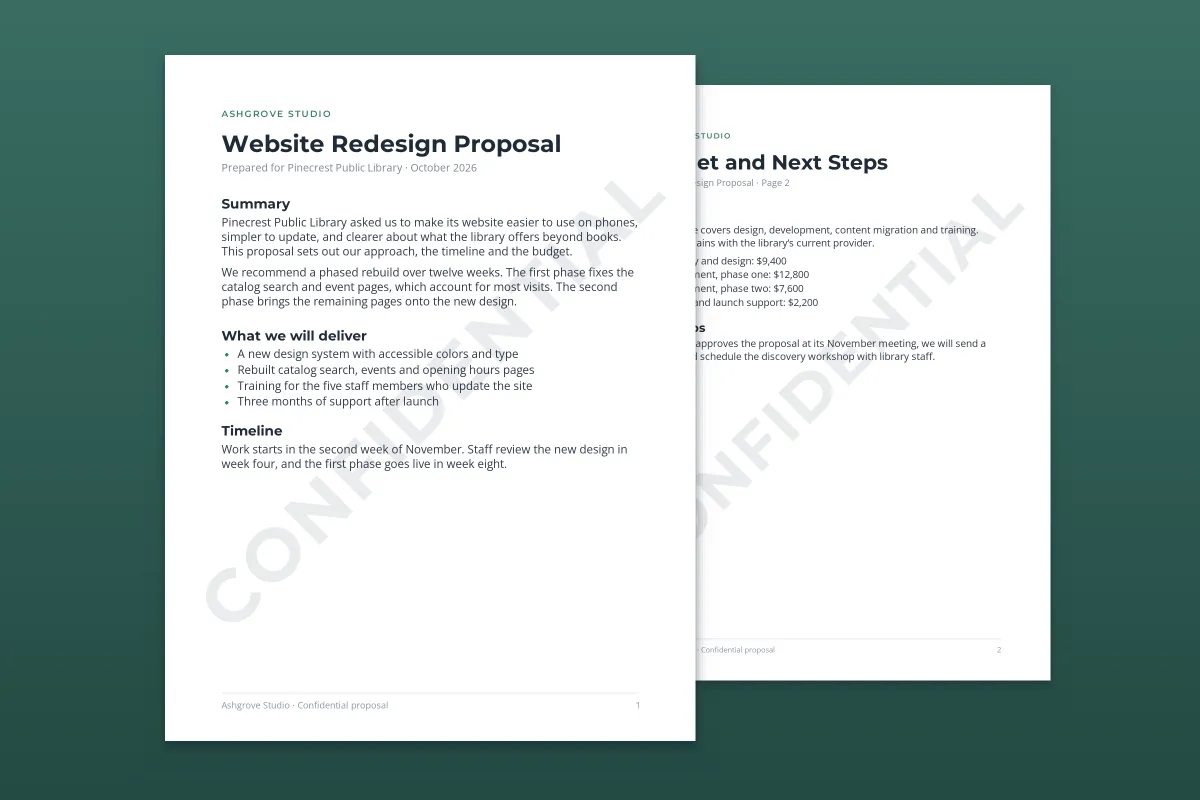
- Text watermark: Insert › Page elements › Watermark › Text, type DRAFT or CONFIDENTIAL, adjust the style, and click Done.
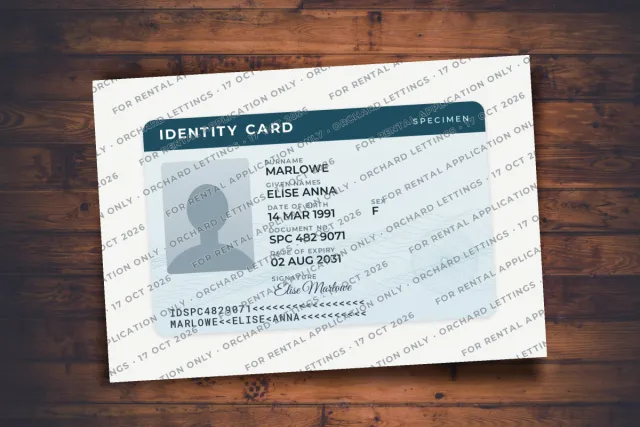
- Image watermark: the same path, then Image › Select image. Keep Faded on so the text stays readable.
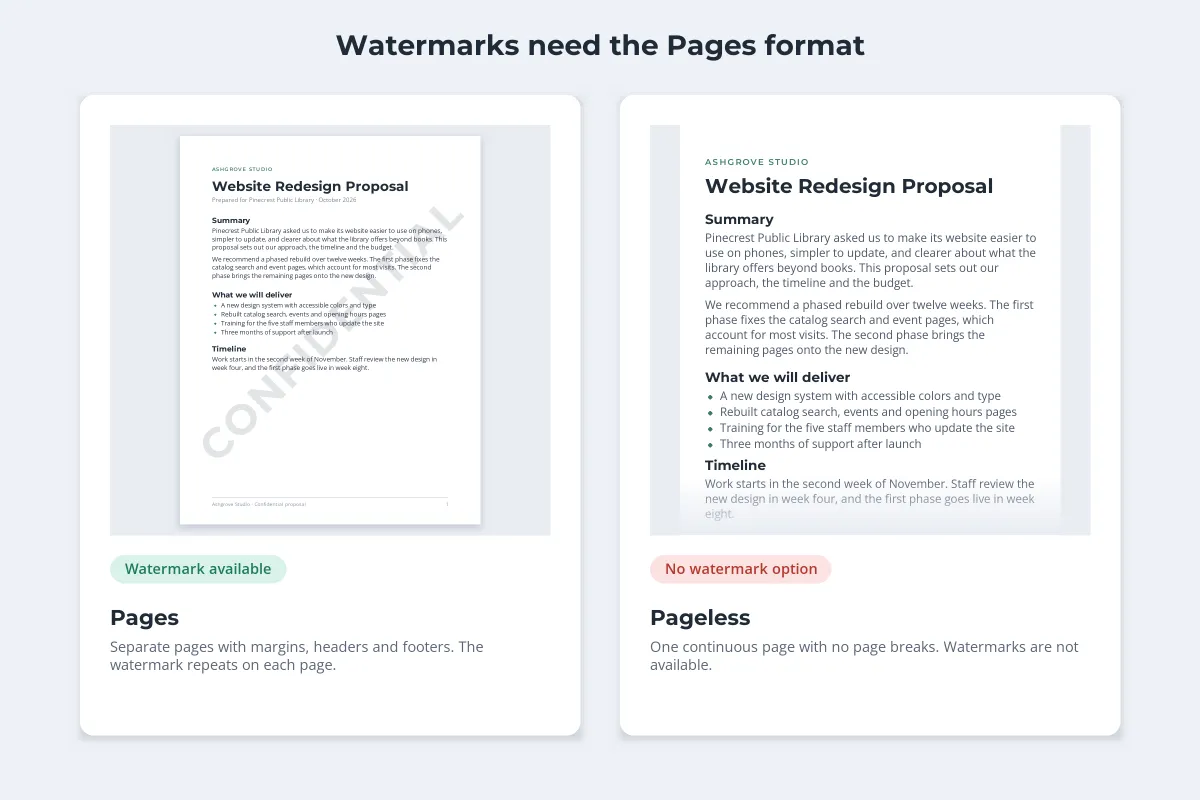
- Needs pages format: watermarks are not available in pageless documents.
- Computer only: Google’s help says to use Docs on a computer to add, edit or remove one.
- Not a lock: anyone who can edit the document can remove it. Share a watermarked PDF when that matters.
Add a Text Watermark Like DRAFT or CONFIDENTIAL
-
Open the watermark panel
On your computer, open the document and choose Insert › Page elements › Watermark.
-
Choose Text
In the panel on the right, click Text and type the words: DRAFT, CONFIDENTIAL, SAMPLE, or your company name.
-
Format it
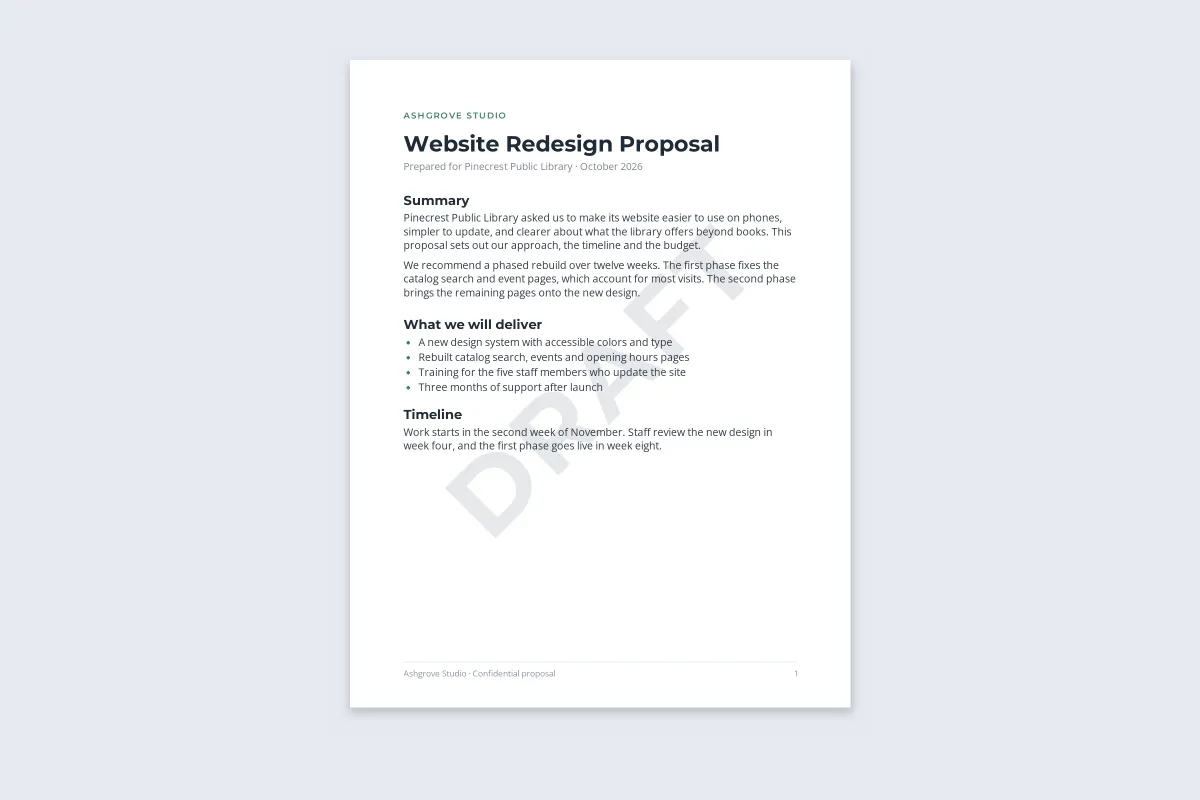
Use the panel to pick the font, size and color, set the transparency, and choose a diagonal or horizontal layout.
-
Click Done
The watermark appears behind the text on every page of the document.
 Diagonal
 Horizontal
Diagonal is the classic look and crosses more lines of text, so it is harder to miss and harder to crop out of a screenshot. Horizontal looks calmer on short documents such as letters. Either way, keep the color light: a mid gray with high transparency lets people read the page without thinking about the mark.
Which word to use, and what each label signals to the reader, is covered in confidential and draft watermarks. A confidential document also needs the label in its header and footer; how to mark a document as confidential covers the full set.
Add an Image or Logo Watermark
-
Open the panel and choose Image
Choose Insert › Page elements › Watermark, then click Image in the panel.
-
Select the image
Click Select image and pick one from Drive, Photos, a URL or your camera, or upload it from your computer. A transparent PNG of your logo works best.
-
Adjust the scale and fading
Set the size in the panel and leave Faded switched on unless your image is already very light.
-
Click Done
For more control, right-click the watermark, choose Select watermark, and open Image options in the toolbar.
 Faded off
 Faded on
A full-strength logo behind body text looks like a printing error and makes the page tiring to read. Faded lightens it to the point where it brands the page without competing with the words. If even the faded version feels heavy, upload a lighter version of the logo. For a rule of thumb on how faint to go, see how transparent a watermark should be.
 Text watermark
 Image watermark
A text watermark tells the reader the status of the document. An image watermark tells them who it came from. The panel offers one or the other, so if you want a logo and a word together, make a single image that contains both and upload that.
Why a Google Docs Watermark Is Missing or Broken
- The document is pageless. Watermarks only exist in pages format, and switching a document to pageless hides any watermark it already has. Switch back under File › Page setup › Pages.
- You are on a phone or tablet. Google’s help for the Android and iPhone apps sends you to Docs on a computer to add, edit or remove a watermark.
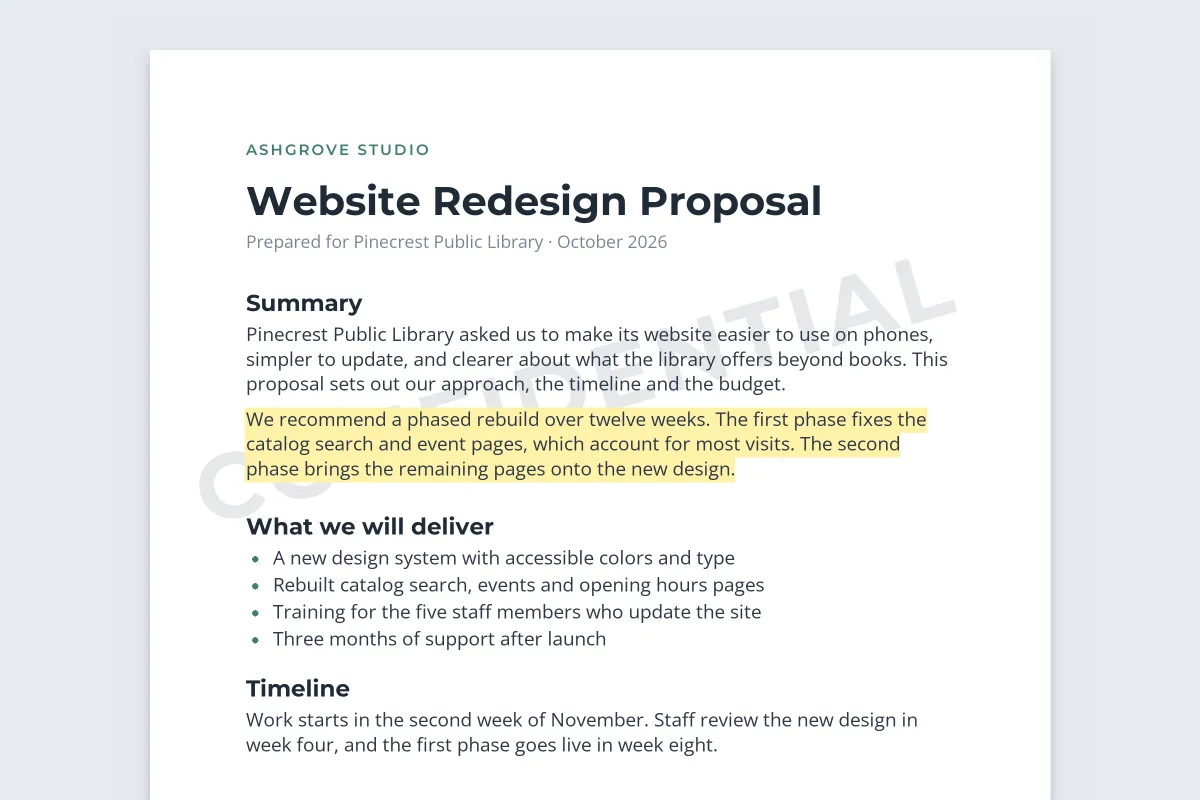
- Parts of it are missing. Google notes that gaps usually mean the text has a background color, which covers the watermark. Remove the highlight or background color from that text.
 Highlighted text
 Highlight removed
Highlighting is the most common cause of a broken watermark. The yellow background is opaque, so the letters of CONFIDENTIAL vanish behind it. Spreadsheets have the same problem with filled cells, as described in how to add a watermark in Excel.
What a Google Docs Watermark Does Not Do
A watermark in Docs is a label, not a lock. It is part of the document, so anyone who can edit the document can open the watermark panel and click Remove watermark. Keep that in mind when you decide who gets which kind of access:
- Editors can change or remove the watermark.
- Viewers and commenters cannot edit it, but by default they can download, print or copy the document. In the Share dialog, open the settings (the gear icon) and clear "Viewers and commenters can see the option to download, print, and copy" if you do not want that.
- Downloads keep it. The watermark is on the page, so a PDF from File › Download includes it. Google says text watermarks are also preserved when you export to Word, where they can of course be deleted.
If a document is going to clients, applicants or anyone outside your organization, send a PDF instead of a link to the Doc. A PDF has no watermark panel and no edit history, and a mark drawn across every page is far more work to remove.
The PDF Route: Download, Then Watermark
For documents that leave your hands, the sturdier workflow is to download a PDF and watermark that file.
-
Download the PDF
In Google Docs, choose File › Download › PDF Document (.pdf). Any Docs watermark comes along on every page.
-
Watermark the PDF
Upload the PDF to Watermark.ws and add your text or logo. Set the opacity, angle and position, or turn on tiling to repeat a small mark across each page.
-
Personalize it if needed
Save the design as a template, then change only the recipient’s name for each copy, such as "For Pinecrest Library".
-
Download and send
Every page carries the mark, and a whole batch of PDFs can share the same settings.
 Downloaded PDF
 Tiled, with recipient
Naming the recipient in the mark discourages forwarding and tells you whose copy leaked if one does. Traceable watermarks for leaked documents covers that approach in full. How to watermark a PDF without ruining it covers keeping the page readable, and the guide to watermarking PDFs online walks through the tool.
Watermark.ws does not connect to Google Docs or edit documents in your Drive. It watermarks the PDF you download, and it also handles Word (.docx) files if you download the document in that format instead. A PDF that needs a password to open has to have the password removed first.