On this page
Why Travel Photos Need a Watermark
A great travel photo does not stay on your blog for long. It gets shared by people planning the same trip, reposted by destination and tourism accounts, pinned to mood boards, and used to illustrate other people’s articles. Most of that is flattering. Much of it happens without a link back to you.
A watermark will not stop someone who is determined to use your photo, but it makes sure that every copy — credited or not — still says who took it and where to find more. For a travel blogger, that is free distribution.
Most travel photos are marketing for your blog, so aim for a watermark people notice without resenting. Save heavier, protective marks for photos you sell as prints or license.
Sky or Landscape?
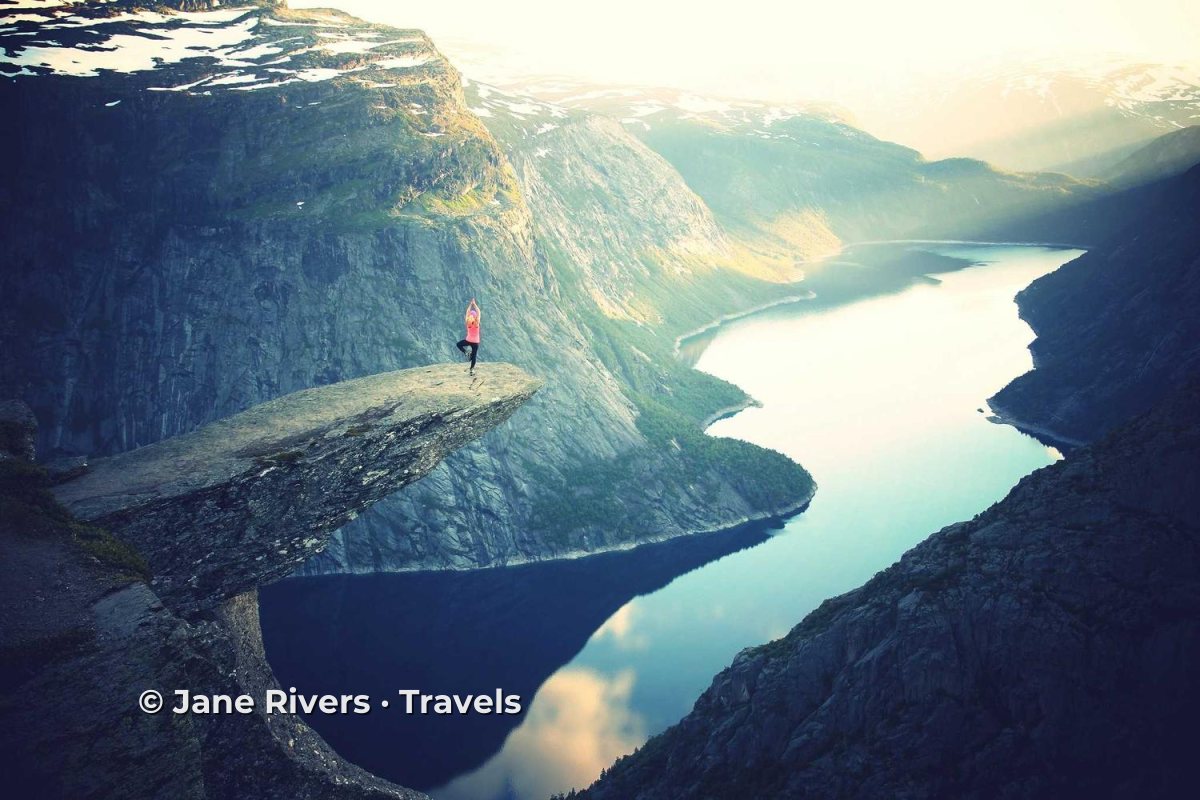
Landscapes usually have a big, empty sky, and it looks like the obvious place for a watermark: the text is easy to read and nothing important is covered. The problem is that the sky is also the easiest part of a photo to crop off or paint over.
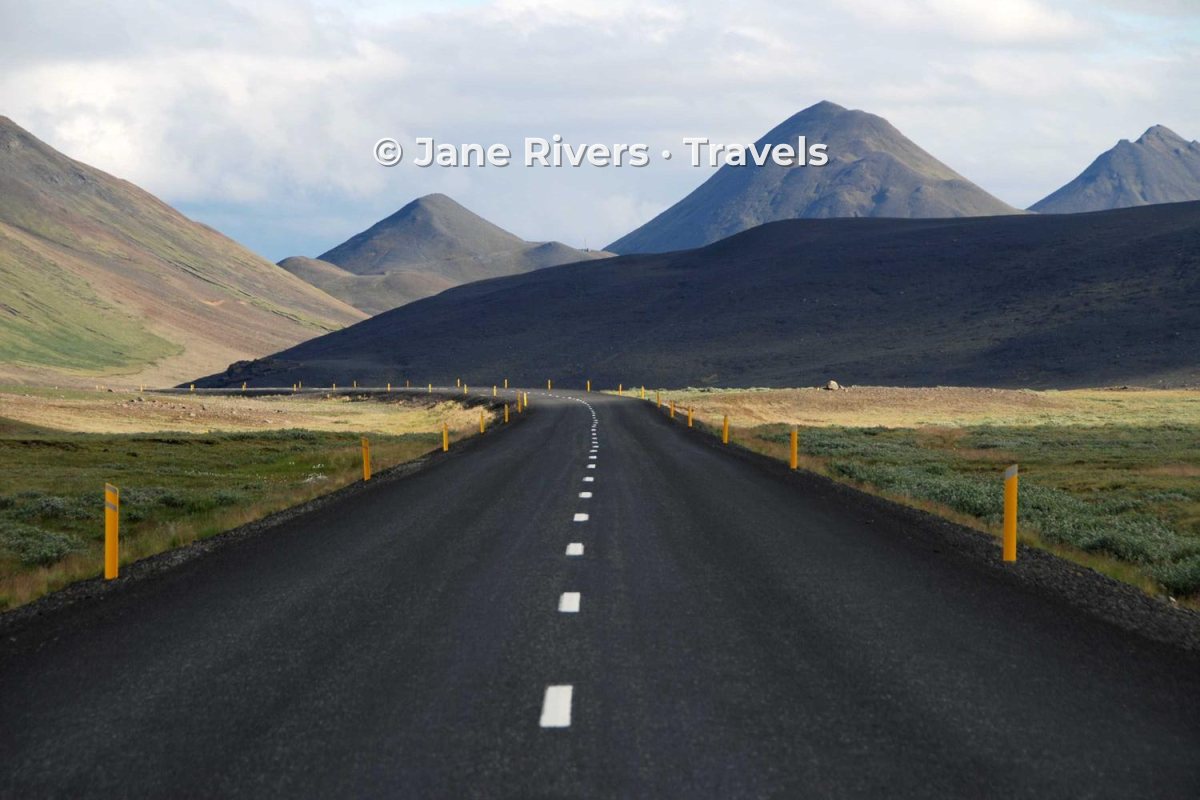
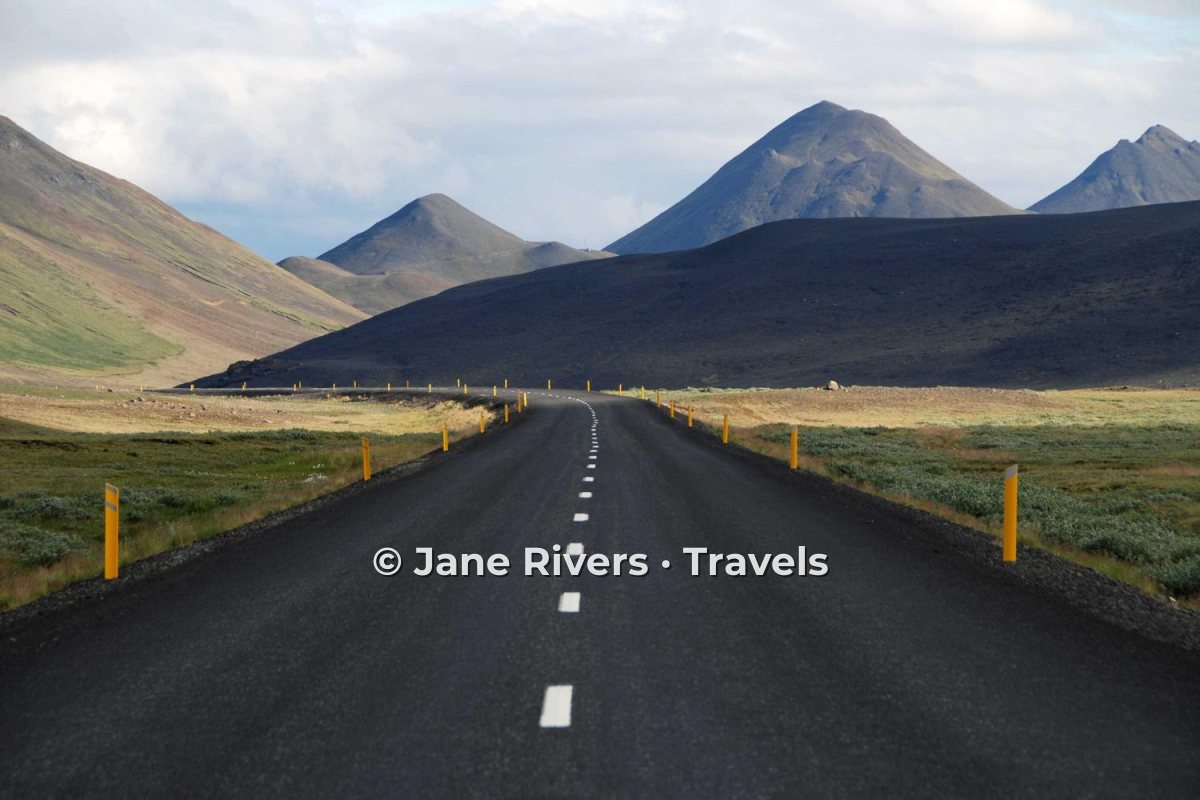
On the right, the watermark sits on the road and fields, where there is texture and detail. It is still easy to read, and removing it means rebuilding part of the scene rather than a patch of plain blue. If the sky is where you want it, keep it close to the horizon so a crop would take the mountains with it. The guide to watermark removal explains why plain areas are so easy to repair.
Cities, Night Scenes and Street Details
Travel covers every kind of scene, and each needs a slightly different touch:



The rule underneath all three is contrast: the watermark has to stand out from whatever is directly behind it. See what color a watermark should be and how transparent it should be for the details.
Blog, Social Media or Print Sales?
The same photo often does three different jobs. It illustrates a post on your blog, it goes on social media to bring people to that post, and — for many travel photographers — it is for sale as a print. Each job calls for a different watermark.
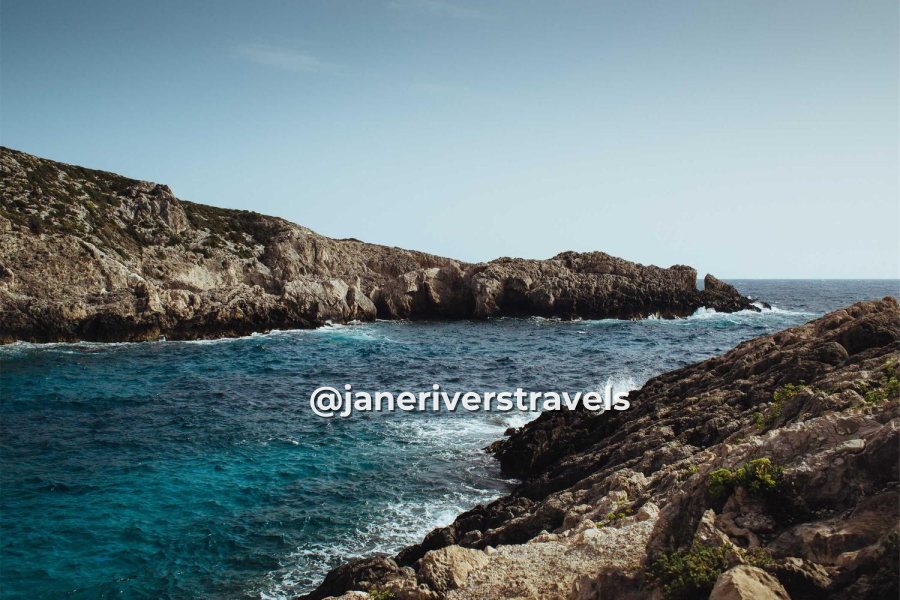

| Where the photo goes | Watermark | Why |
|---|---|---|
| Your blog | Small web address | Credit when images are copied from your posts. |
| Instagram and other social | @handle near the subject | Survives crops and leads to your profile. |
| Web address, clearly readable | Pins are saved and re-uploaded constantly. | |
| Print or license previews | Tiled or large and semi-transparent | The clean file is what the buyer pays for. |
Watermark.ws works on copies, so you can run the same originals through different watermarks for each destination. For platform-specific advice, see watermarking photos for Instagram and tiled watermarks.
Brand a Whole Trip Series
Travel posts come in series: a road trip in ten stops, a week on one island, a city guide with twenty photos. When the watermark is identical on every photo — same text, same font, same size, same corner — the series looks designed, and your photos become recognizable even before anyone reads the credit.
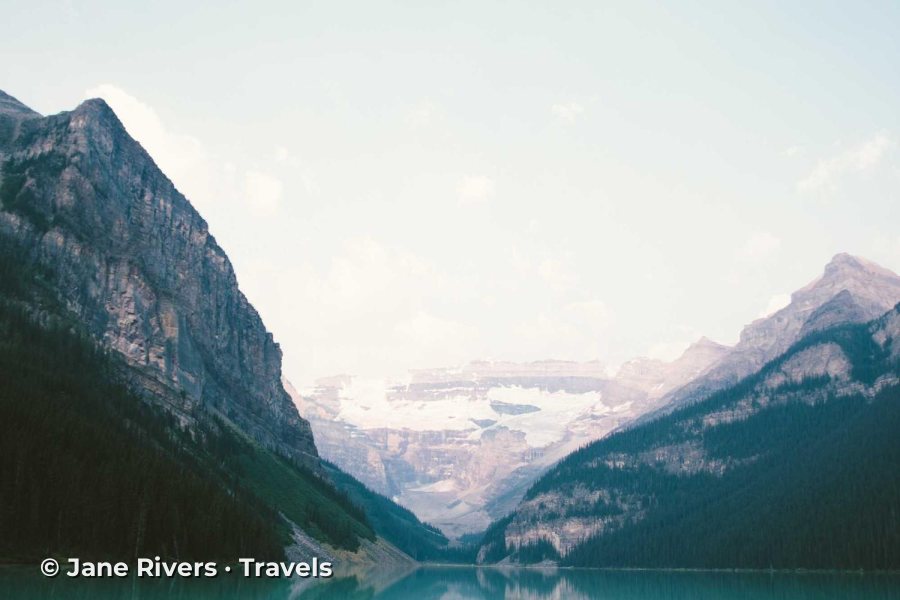
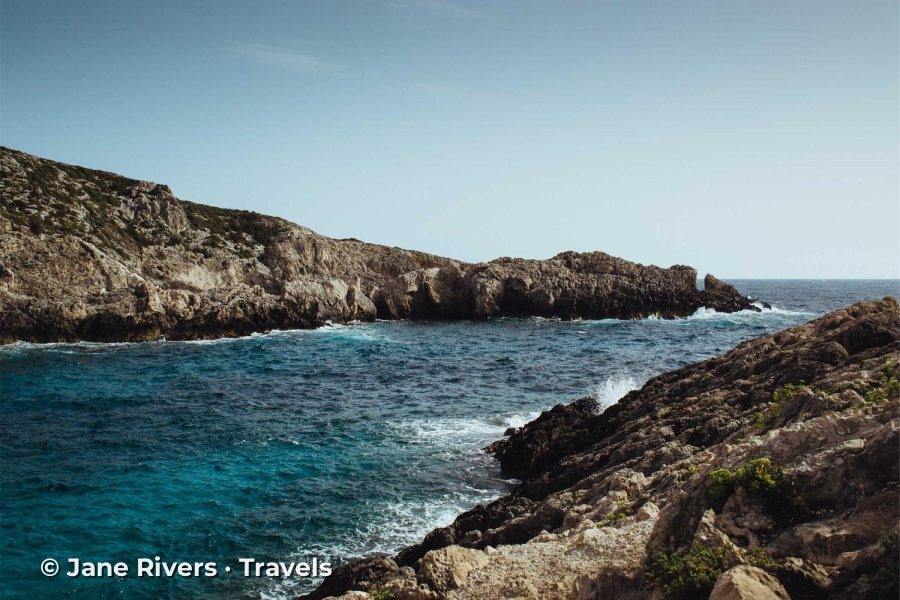
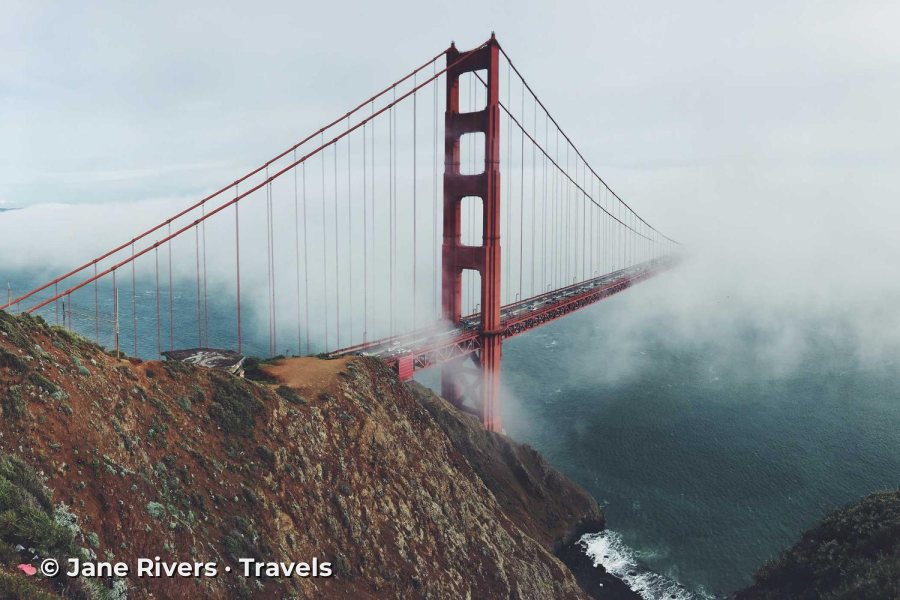
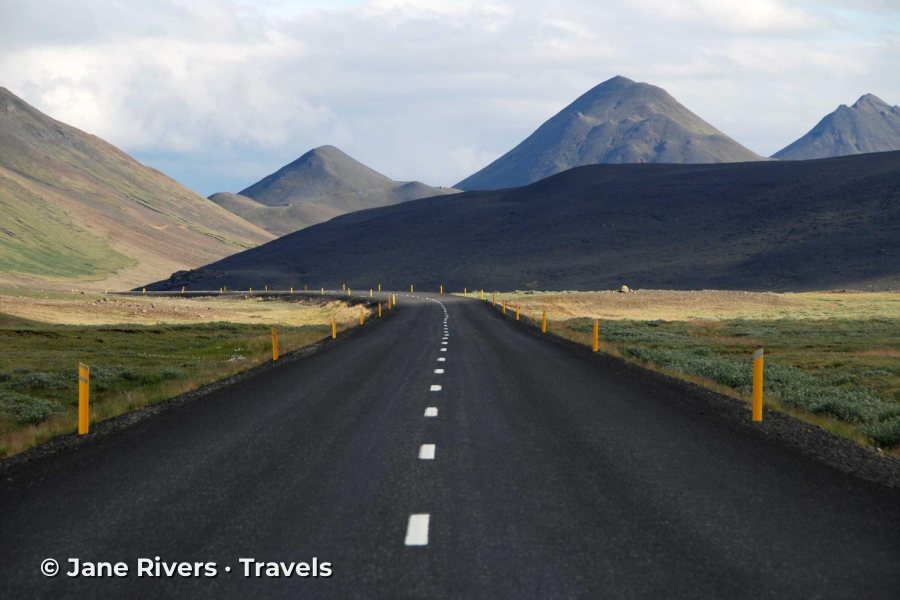
The easiest way to keep a series consistent is to set the watermark up once and save it as a template, then apply it to every batch from the trip. Leave room to nudge the watermark on individual photos where it lands on something important.
When Destination Accounts Repost You
Reposts of travel photos often credit the place, not the person: the caption names the city or the viewpoint, and the photographer is an afterthought — if they are mentioned at all. Anyone who loves the photo has to go looking for you.
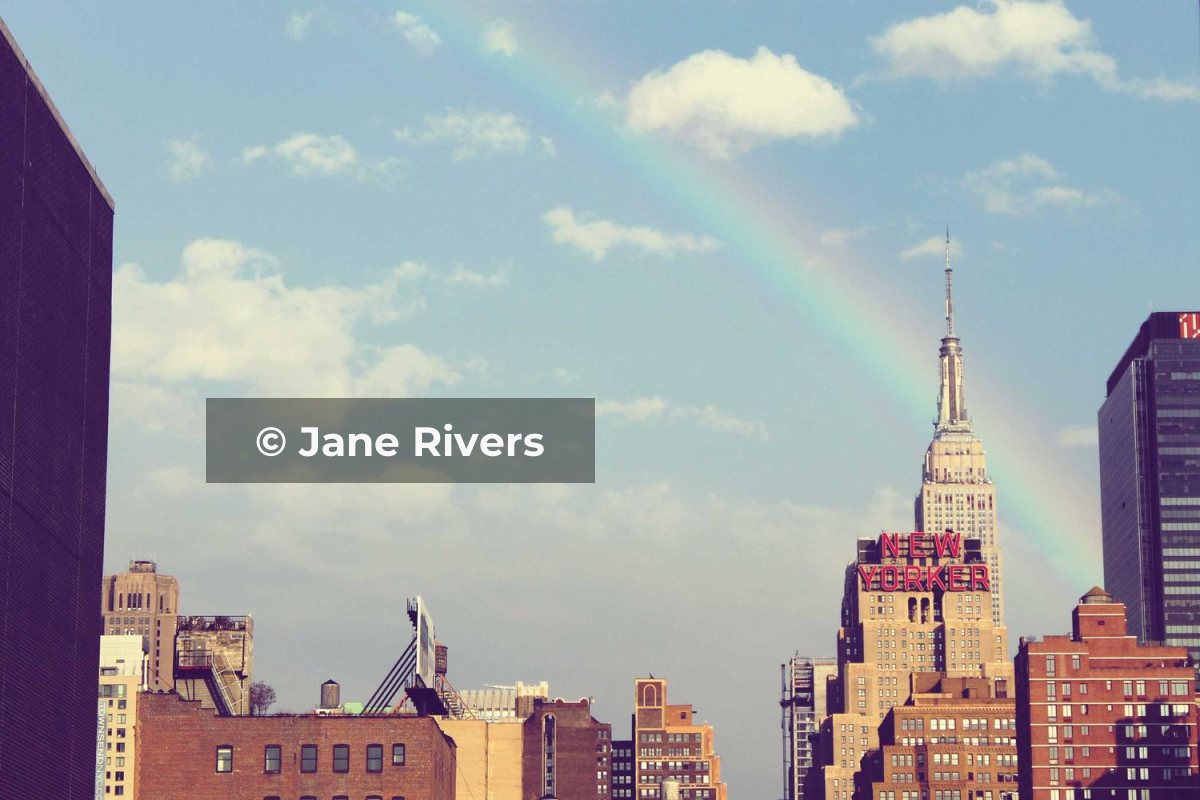

A second line with your web address or handle turns an uncredited repost into a signpost. It is also worth asking accounts that repost you to tag you properly — most will. If a photo is used commercially without permission, that is a different matter: see what to do when someone steals your photos.
Tourism Boards, Brands and Guest Posts
As a travel blog grows, some photos stop being just yours to post. A tourism board wants images for its campaign, a hotel wants photos of its terrace, a magazine commissions a guest post. These are licenses, and the rules for them are different from your own blog.
- Deliver clean files. A client paying to use your photos expects them without your watermark. Agree the credit line instead, and ask for it in the caption or next to the image.
- Put the usage in writing. Which channels, which countries, for how long, and whether the client may crop or edit the photo.
- Keep your own copies watermarked. The same photo on your blog and social media still carries your mark, so it stays yours when it is shared.
- Share previews, not originals, when a client is still choosing. A watermarked, web-sized preview set avoids photos being used before the deal is done.
For the licensing side, see how to license your photos.
A Travel Watermark Checklist
- One style for the whole blog. The same font, size and position on every photo builds recognition.
- Web address or handle rather than just your name, so people can find you.
- On the landscape, not in the empty sky, or at least close to the horizon.
- Contrast with what is behind it: a soft band on busy cityscapes, white on night scenes.
- A lighter mark for promotion, a heavier one for anything you sell.
- Resized copies for the web. Keep full-resolution files for print buyers and licensing.
In Watermark.ws, add your text or logo watermark, apply it to every photo in the batch, resize for the web if you like, and download them all at once. Save it as a template for the next trip. See how to batch watermark photos.
Sample photos: Fjord by Julia Caesar, Mountain road by Bec Brown, Cityscape by Wojtek Witkowski, Night skyline by Oleg Chursin, Street by Kristian Karlsson, Coastline by Pawel Kadysz, Mountain lake by Daniel Roe, Bridge in fog by Rob Bye, Skyline by Alyssa Smith on Unsplash.