On this page
- Artwork Has Nowhere to Hide a Watermark
- Start With a Good Photo of the Work
- Share Small: Resolution Is Your Best Protection
- Placement That Respects the Composition
- Three Ways to Mark Your Work
- Your Painted Signature Is Not a Watermark
- Print Shops and Print-on-Demand
- What About AI Training?
- Preparing Artwork in Watermark.ws
Artwork Has Nowhere to Hide a Watermark
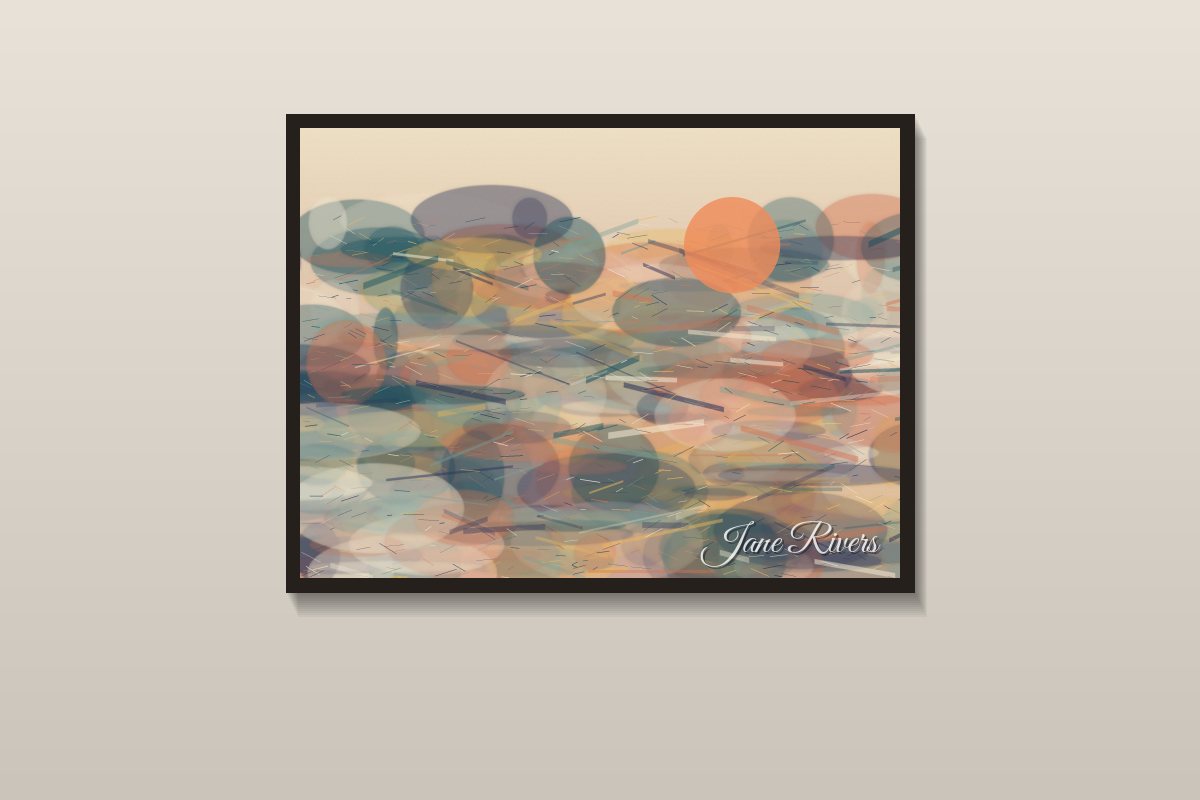
Photographers have it easy: most photos have sky, a wall or a blurred background where a watermark can sit. A painting or an illustration is composed edge to edge. Every brushstroke and every empty space was a decision, so any watermark lands on part of the work.
That changes the strategy. For artists, the watermark is only one layer of protection — and often not the most important one. The size of the file you share, and how you photograph the work in the first place, do more to protect it than any mark you add.
- Share small. A web-sized copy looks great on screen but is useless for printing.
- Keep the mark faint and off the focal point. Around 30–40% opacity over a quieter area.
- Use heavier marks only for work in progress and previews sent to clients.
- Never watermark files for your print partner. They need the clean, full-resolution original.
Start With a Good Photo of the Work
For physical work, the digital copy you share is a photograph or a scan. If that copy is poor, the watermark is the least of your problems.
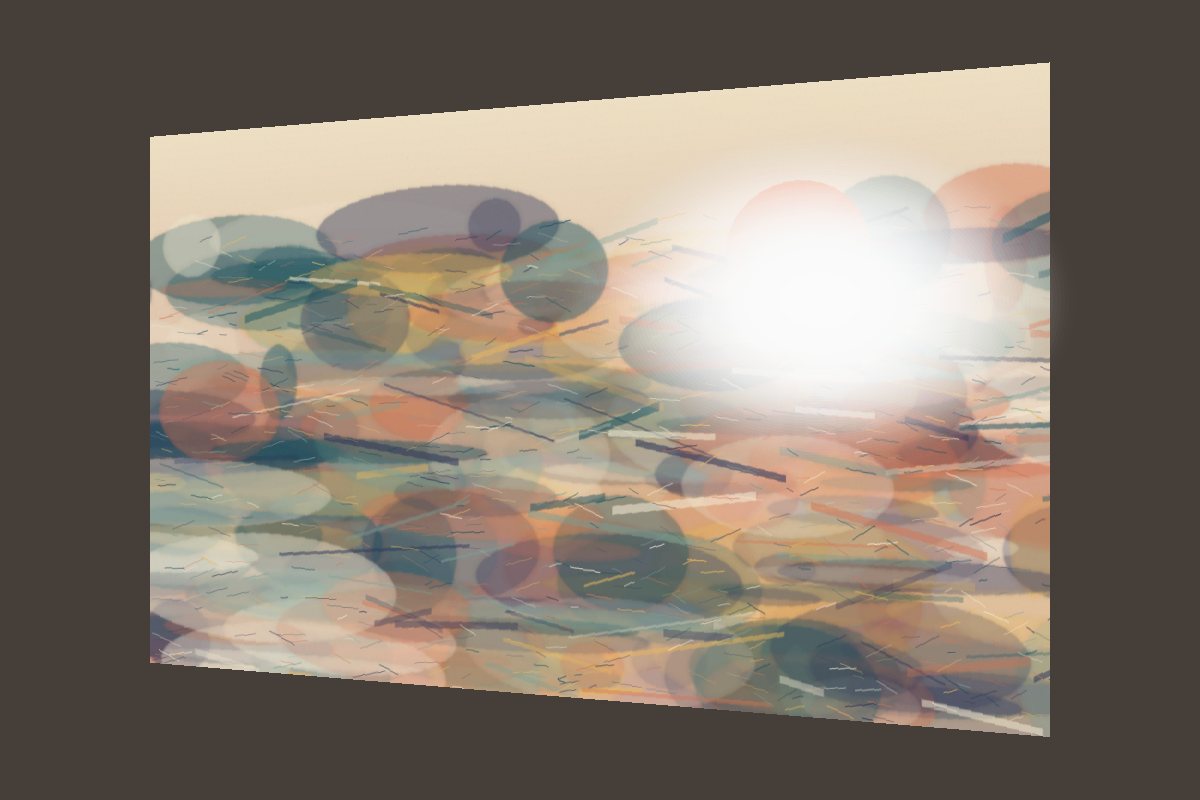

- Shoot square-on. Line the camera up with the center of the piece so the edges stay parallel. Flat work up to about letter size is often easier to scan.
- Use even, soft light. Daylight from a window on an overcast day, or two lights at equal angles, avoids hot spots and glare on varnish or glass.
- Take it out of the frame if glass reflects the room.
- Crop to the edges of the work — no wall, no easel, no floor.
- Check the color against the original before you share it.
Share Small: Resolution Is Your Best Protection
The thing people most want to do with stolen art is print it — on posters, shirts and phone cases. Printing needs a large file. So the single most effective step is to share a copy that looks good on a screen and falls apart when enlarged.
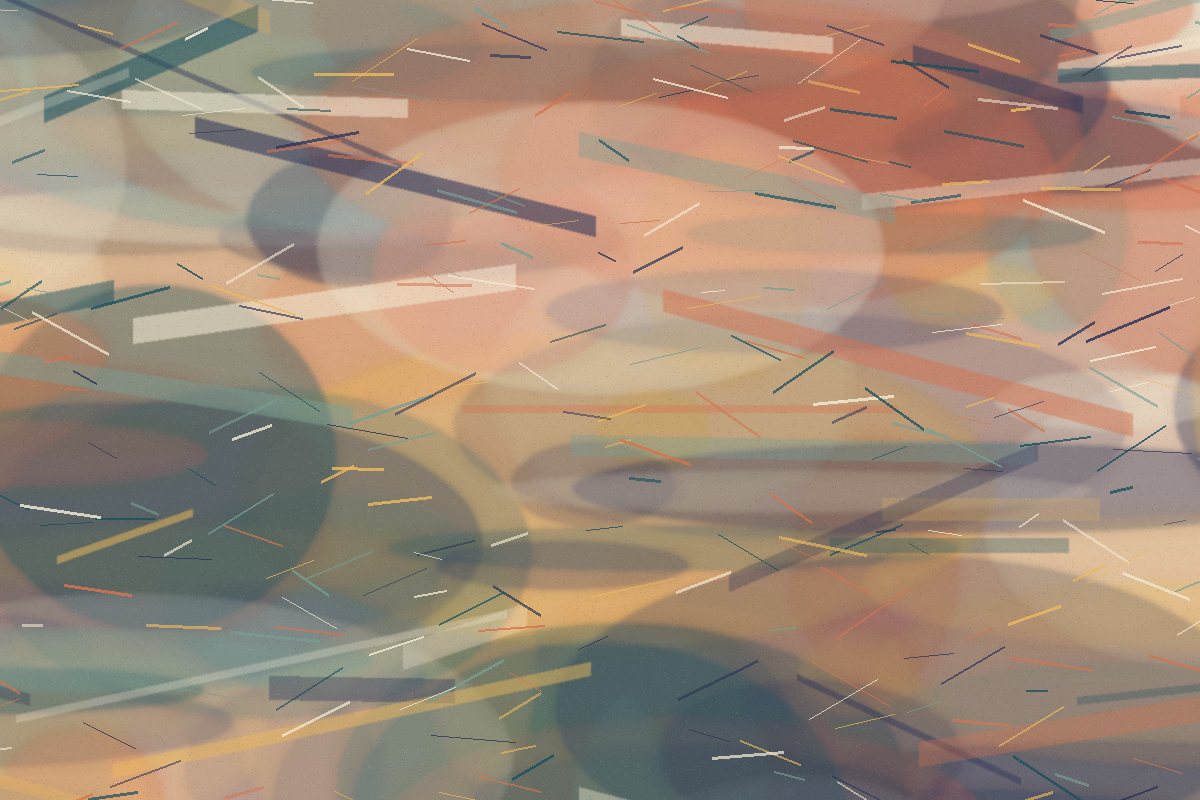
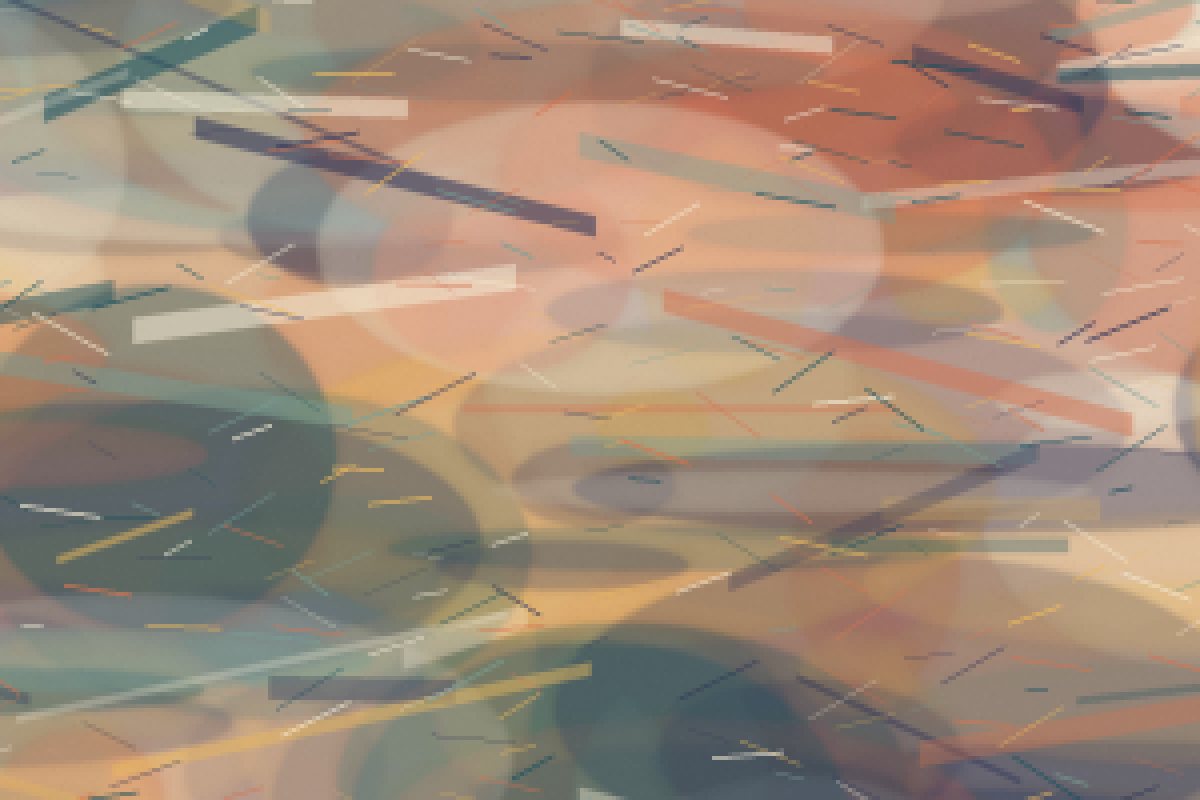
Both images show the same small area of the painting. On the left, cut from the full-size file, the fine strokes are crisp. On the right, cut from a web-sized copy, they are gone. A copy like that is fine for a phone screen or a portfolio page, and far too soft for a large print. For sizes and how to resize, see resizing photos before sharing them online.
| Where you share | File size | Watermark |
|---|---|---|
| Social media | Web size, around 1,080–1,600 px on the long edge | Faint mark or signature |
| Your portfolio website | Web size, around 1,600–2,000 px | Faint mark or none |
| Online shop listings | Web size | Check the platform's rules first |
| Work in progress to a client | Small | Clear, tiled "work in progress" mark |
| Print partner or print-on-demand | Full resolution | None — they print what you send |
Placement That Respects the Composition
A big, bold watermark across the middle of a piece makes it impossible to see what you actually made — which defeats the point of sharing it.
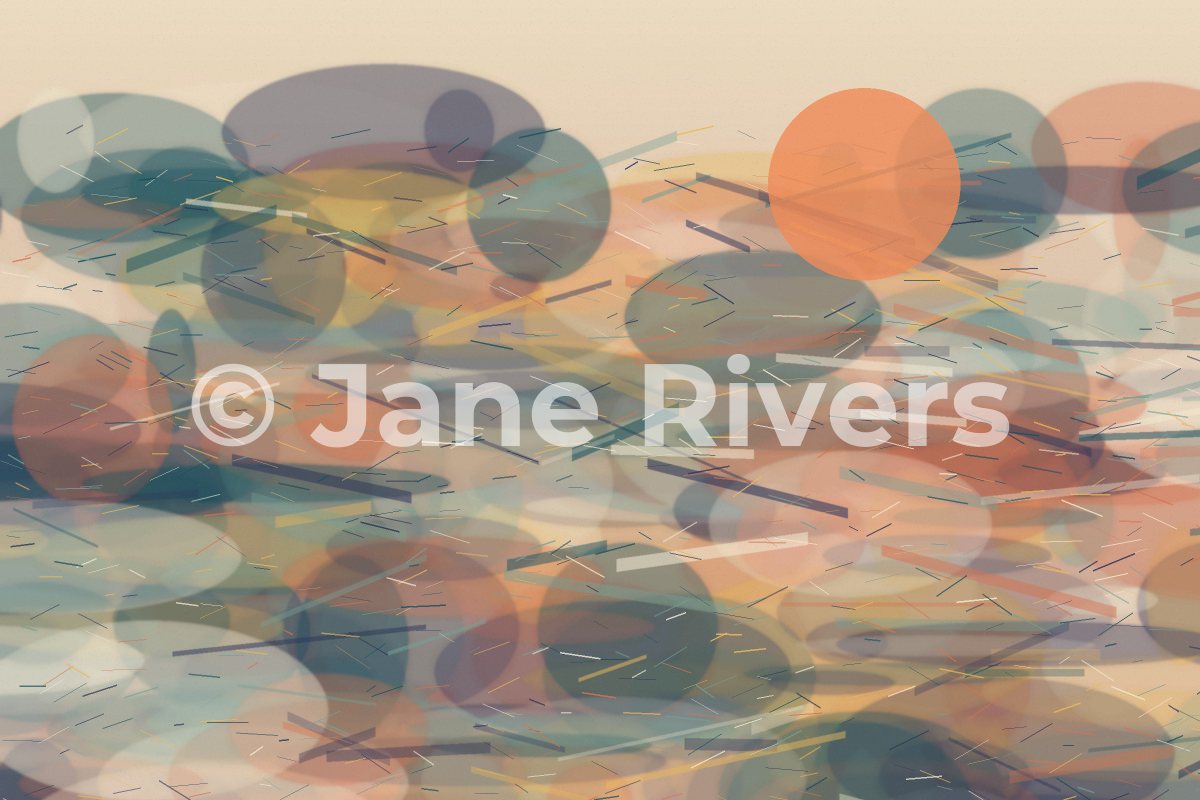
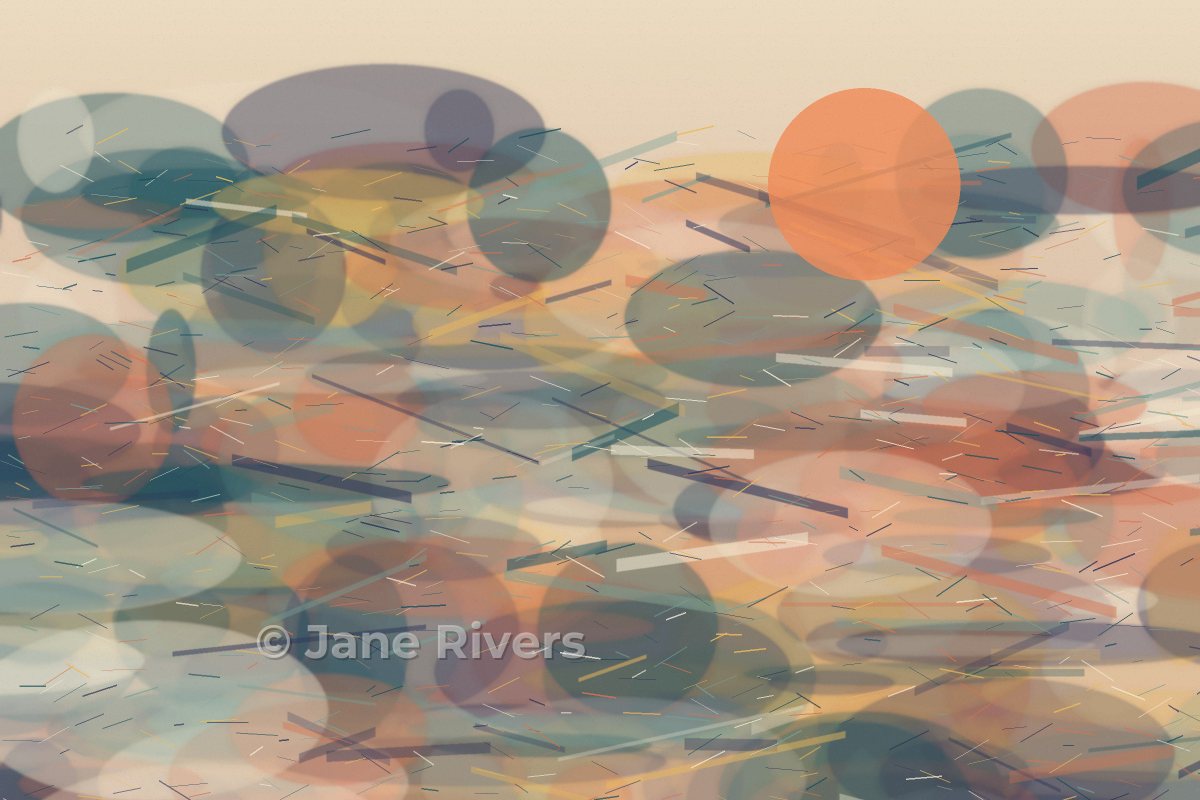
- Stay off the focal point. Look for the area of the piece with the least going on and place the mark there.
- Keep it inside the image, a little way from the edge, so a simple crop does not remove it.
- Keep it faint — around 30–40% opacity — with a soft shadow if it disappears into busy passages.
- Use the same mark on everything so people learn to recognize it.
A faint mark will not stop a determined copier. Its job is to credit you when the image is shared, and to make it obvious that the copy is not a clean original. The protection comes mainly from the file size. See how transparent a watermark should be and can watermarks be removed? for the trade-offs.
Three Ways to Mark Your Work


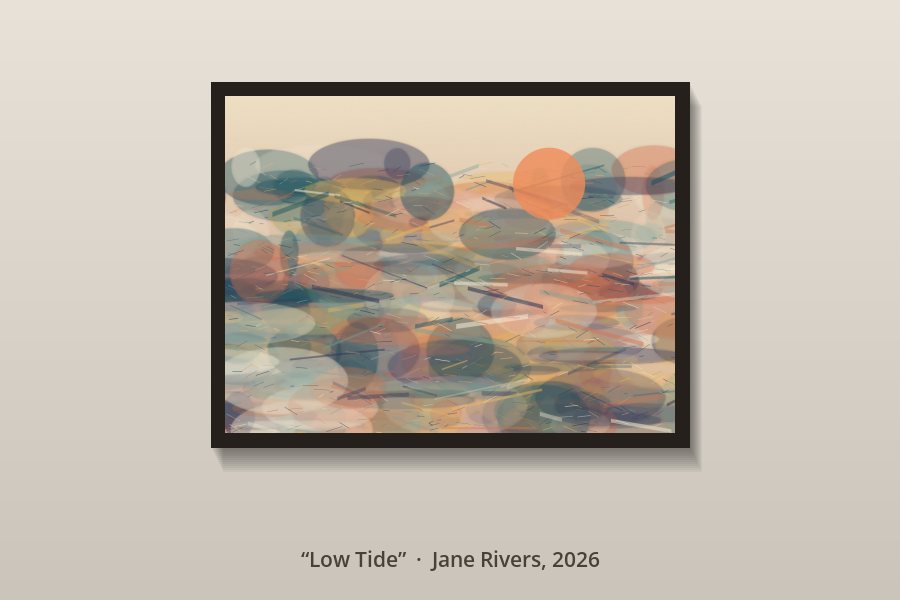
Commissions deserve the heaviest treatment. Sketches and drafts sent for approval are exactly the files a client could take and finish elsewhere, so a tiled "work in progress" watermark and a small file size are appropriate until the final is paid for. The same approach is covered for photographers in how to watermark client proofs.
Your Painted Signature Is Not a Watermark
Many artists sign the physical piece and assume that covers the digital copy. It does credit you, and it belongs on the work. But a signature is usually small and near the edge, so a crop removes it from a digital copy without touching anything else — exactly like a corner watermark.
Treat them as two different things. The signature is part of the artwork. The digital watermark is part of the copy you share, and you can change or remove it for each use. For a watermark that looks like handwriting, see signature watermarks.
Print Shops and Print-on-Demand
Print partners and print-on-demand services print exactly the file you upload. Send them the clean, full-resolution original — a watermarked or web-sized file would end up on your customer's wall.
- Keep the master file private and share it only with the printer.
- Use web-sized copies everywhere else, including your social posts promoting the print.
- Check marketplace rules before watermarking product listings — some platforms restrict watermarks on listing images. See watermarking product photos.
What About AI Training?
A visible watermark credits you and discourages casual copying, but it does not stop an image from being collected for training AI models. That is a separate problem with its own tools and settings, covered in how to protect your art from AI training.
Whatever else you do, keep your full-resolution files, sketches and the dates you made them. If a piece is copied, they are the simplest proof that it is yours. See what to do when someone steals your work.
Preparing Artwork in Watermark.ws
-
1
Upload your photographed or scanned pieces
Add a whole series at once — every piece gets the same treatment.
-
2
Resize for the web
Set a width in pixels or a percentage, so the shared copy is screen-sized.
-
3
Add a faint mark
A text or logo watermark at around 30–40% opacity, placed in a quiet area. Add a soft shadow if it disappears.
-
4
Adjust each piece
Every composition is different — nudge the mark off the focal point where needed.
-
5
Save it as a template and download
Reuse the same size and mark for the next series. Your originals are never changed.
Sample photos: Sketches and studies by Florian Klauer on Unsplash.