On this page
What Is a Watermark? A Simple Definition
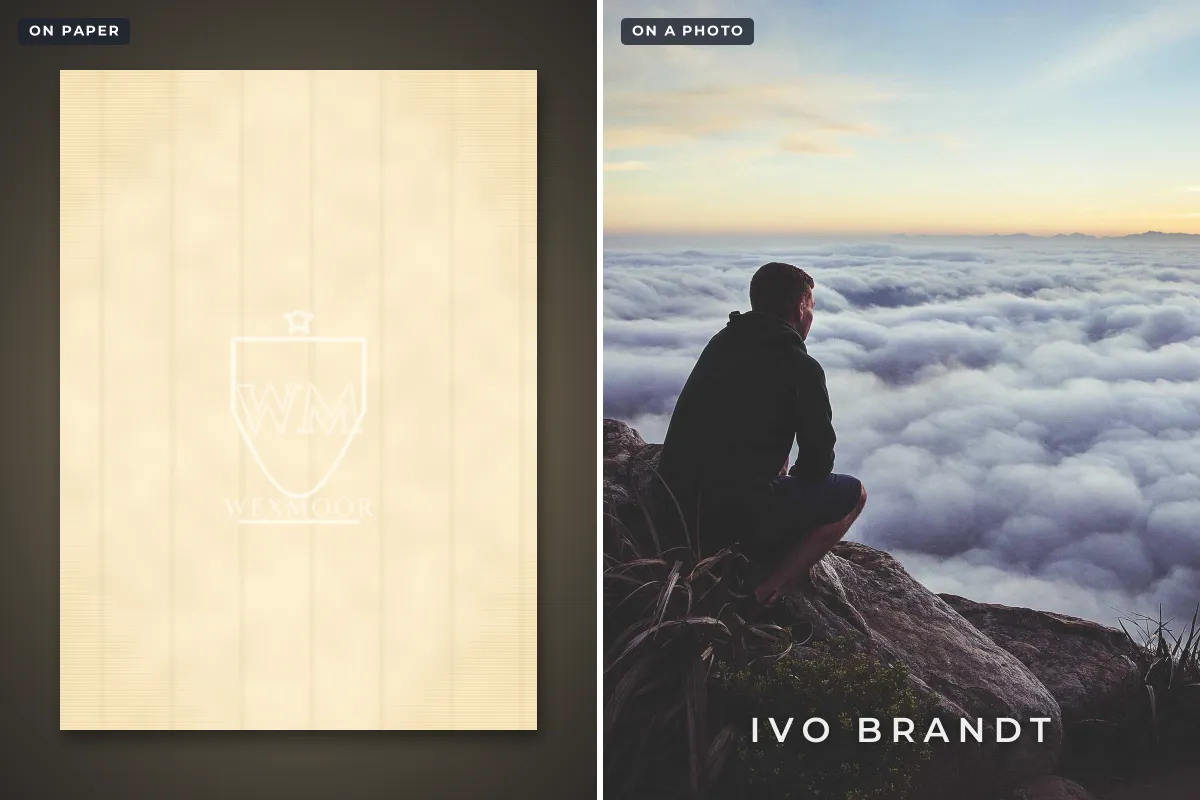
A watermark is a mark that identifies who made, owns or issued something, and that stays with it without hiding what it is. The original watermarks were designs formed inside sheets of paper, visible when you hold the sheet up to the light. Today the word more often means a name, logo or pattern placed over a photo, video or document, or an identifying signal hidden inside a digital file.
- Paper watermark: a design made thinner in the paper itself while the sheet is formed. Hold it to the light and it appears.
- Visible digital watermark: text, a logo or a pattern laid over a photo, video or document, usually semi-transparent.
- Invisible digital watermark: an identifier hidden in the file’s pixels or sound, readable only with special software.
- What they share: each one carries information about origin or ownership, and is meant to stay with the work wherever it goes.
Paper Watermarks: Where the Word Comes From
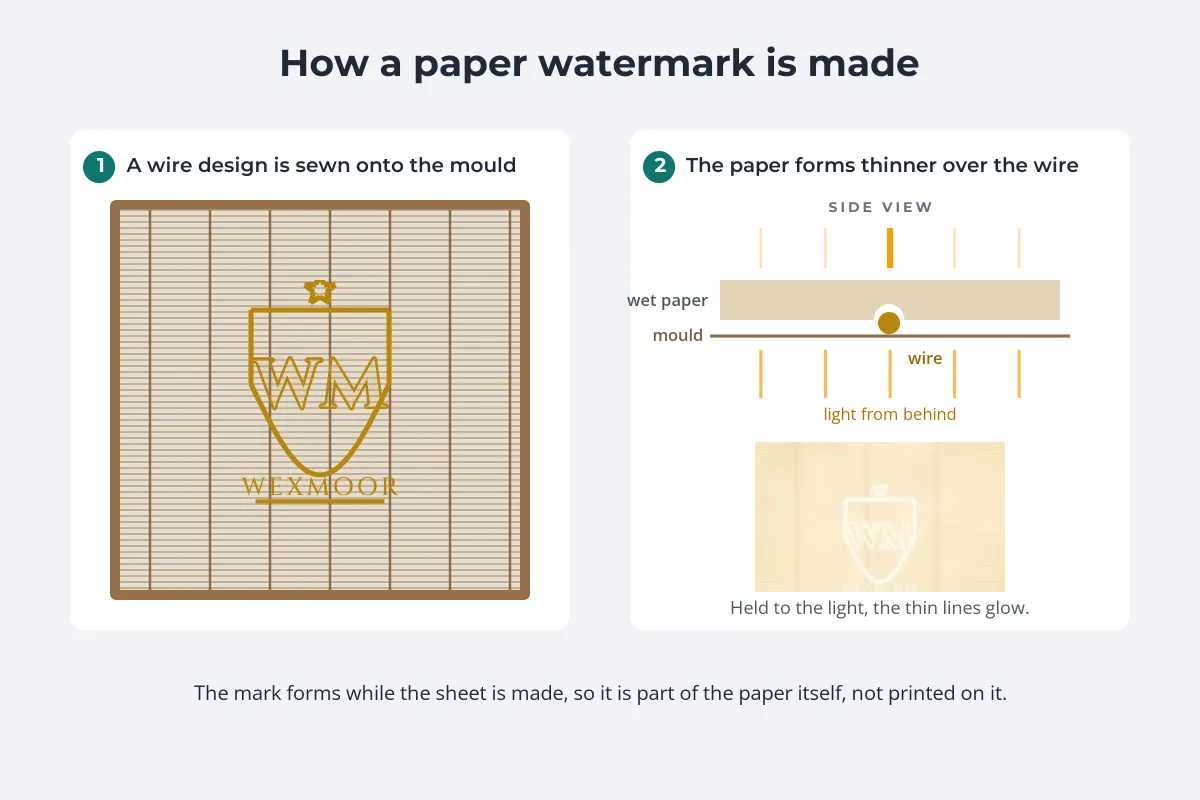
The first known Western watermarks were made by papermakers in Fabriano, Italy, around 1282. Papermakers twisted a design out of wire and sewed it onto the screen of the mould they used to scoop up pulp. As the sheet formed, the fibers settled more thinly over the wire, leaving a design that is barely noticeable on a desk and glows when the paper is held to a window.
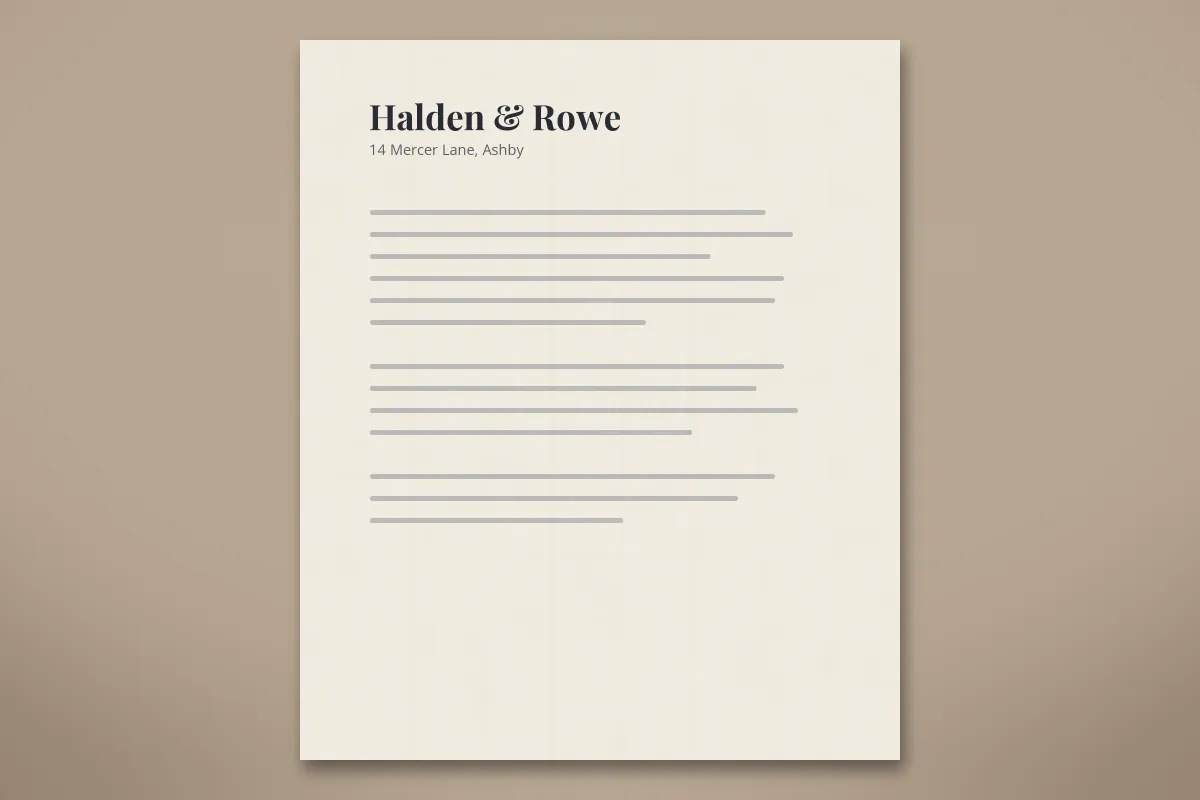 On the desk
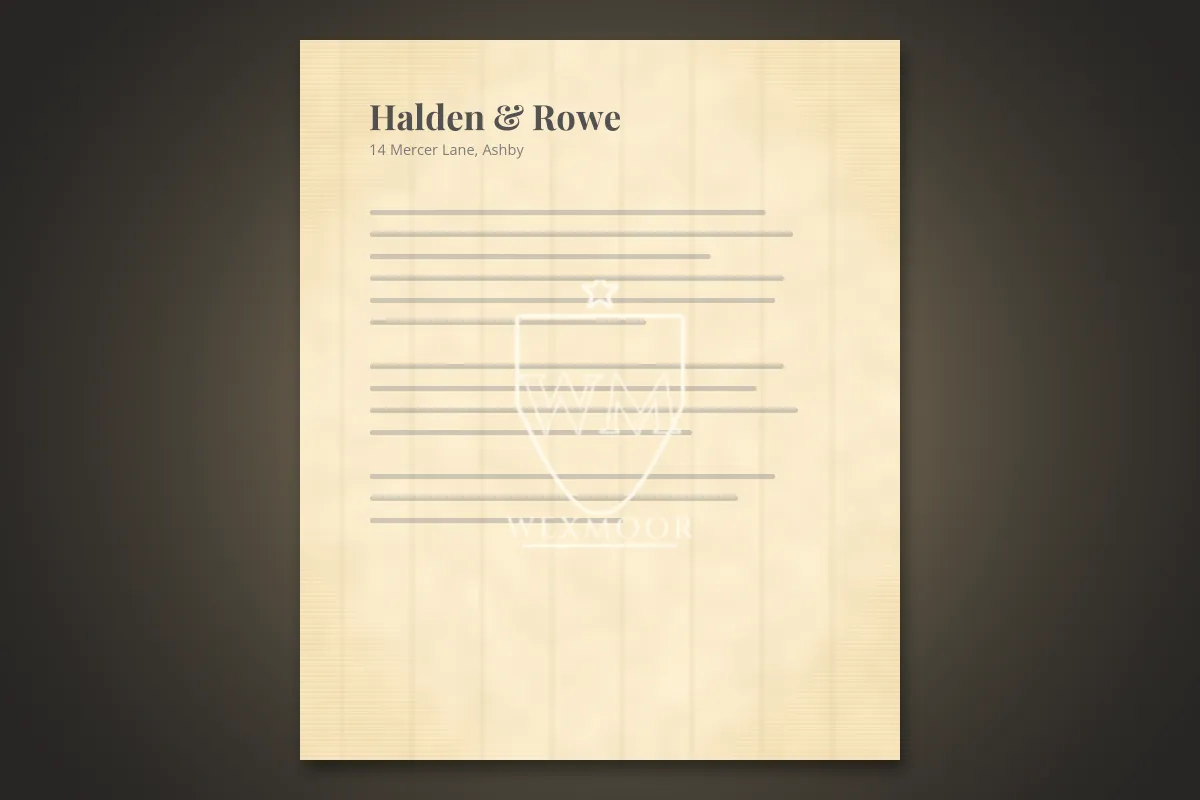 Held to the light
Mills used their marks to identify their paper and its quality, a little like a trademark. Centuries later, those marks became a tool for historians: because each mould wore out and was replaced, a watermark can help date and place an undated document. In 1907, the Swiss scholar Charles-Moïse Briquet published a catalogue of more than 16,000 watermarks from European paper made between 1282 and 1600.
Industrial papermaking kept the idea alive. The dandy roll, introduced in 1826, pressed watermarks into machine-made paper, and from the mid-19th century "shaded" watermarks, which vary the paper’s thickness gradually instead of in lines, made it possible to form detailed images such as portraits.
Watermarks on Banknotes, Passports and Stamps
Because a true watermark is part of the paper rather than printed on it, it is hard to fake with an ordinary printer. That makes it a classic security feature:
- Banknotes. The U.S. Treasury tells people to hold a $20 note to the light and look for a faint image of President Jackson in the blank space beside the portrait, visible from both sides. The European Central Bank describes the euro’s watermark as a portrait of Europa, the value and the main motif, made by varying the paper’s thickness.
- Passports and official certificates are often printed on watermarked security paper for the same reason.
- Postage stamps. Collectors check stamps for watermarks too: Britain’s Penny Black of 1840 was printed on paper watermarked with a small crown.
Not every banknote has a paper watermark anymore. Polymer notes, used in countries such as the UK, Canada and Australia, have no paper to thin, so they rely on clear windows and other features instead.
Digital Watermarks: Visible and Invisible
When photos, video and documents went digital, the word followed. A digital watermark does the same job as the mark in the paper, saying who a file belongs to, but there are two very different kinds.
Visible watermarks are what most people mean today: a name, logo, © notice or pattern placed on top of the content, usually semi-transparent so the content still shows through.


Invisible watermarks hide an identifier in the file itself, as tiny changes to pixels or sound that people cannot see or hear. Specialist software adds them and a matching detector reads them back. Some AI image generators now embed one in every picture they create; how AI image generators mark their pictures covers which ones, and invisible watermarks and Content Credentials explains how the technology works.
| Visible watermark | Invisible watermark | |
|---|---|---|
| Who notices it | Everyone who sees the image | Only someone with the right detector |
| Main job | Credit, deterrence, branding, status | Tracking and proving where a file came from |
| Effect on the image | Covers part of it | None you can see |
| How to add one | Any watermarking tool or editor | Specialist software or a service |
| Weak point | Can be cropped or edited out | Can be weakened by heavy editing; useless if nobody checks |
Is This a Watermark? How to Tell
If you are looking at a mark and wondering whether it counts, these checks usually settle it:
- On a photo or video: text, a logo or a pattern that floats over the picture rather than belonging to the scene, often see-through and often near a corner or repeated across the frame. It usually names a person, a business, a website or a stock agency. A shop sign or a printed T-shirt in the scene is not a watermark.
- On a stock or preview image: a repeating pattern or a large logo across the middle means you are looking at a preview. The clean version is what the agency licenses.
- On paper: hold the sheet up to a light. A true watermark appears lighter than the paper around it and is formed in the paper, not printed. A logo you can see clearly in normal light, printed in ink, is just printing.
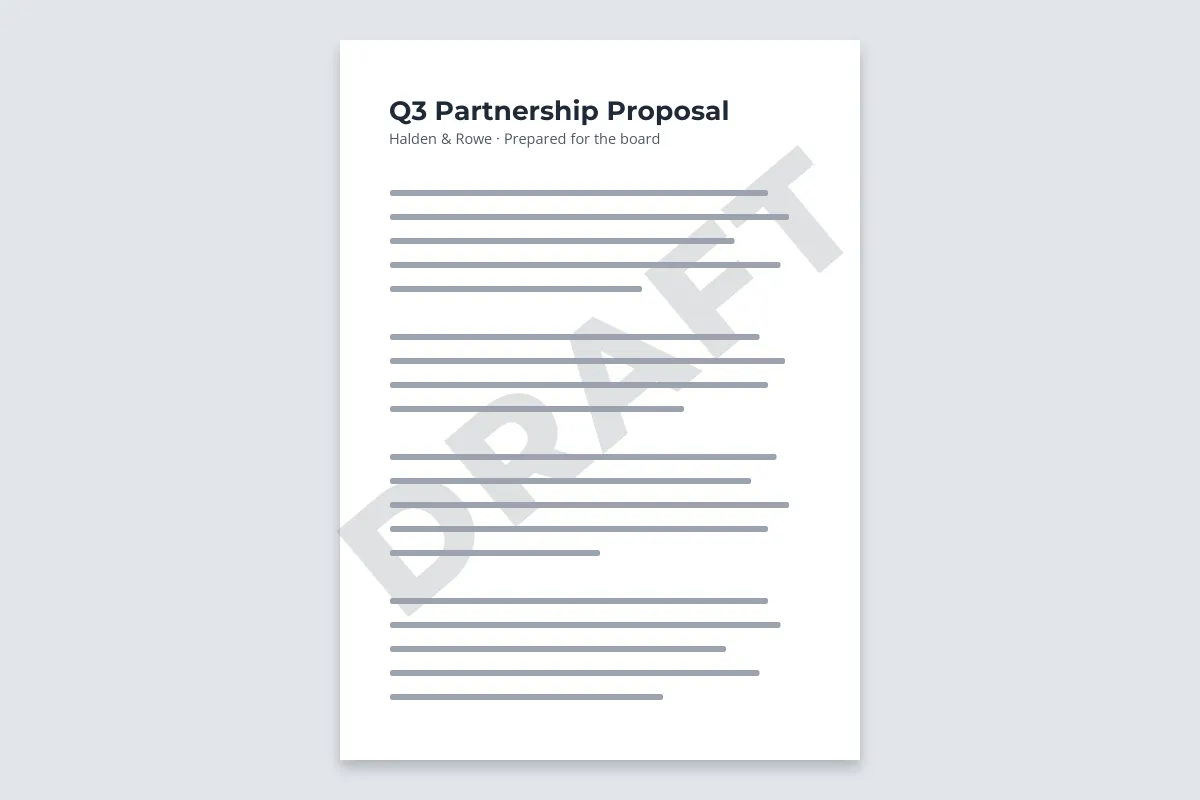
- In a Word file or PDF: a faint word or logo behind the text on every page, like DRAFT, CONFIDENTIAL or a company logo, is a document watermark. Confidential and draft watermarks covers how they are used.
Most photos and artwork are protected by copyright whether or not they carry a watermark. A watermark is one way of saying "this is mine"; its absence says nothing about permission. See how to write a copyright notice for what the © line adds.
Why People Use Watermarks
A digital watermark can do any of five jobs, and the best design depends on which one matters most:
| Job | Typical example | Typical style |
|---|---|---|
| Credit | A photographer posting on social media | Small name or @handle near the edge |
| Deterrence | A print, stock image or client proof | Large, faint mark or tiled pattern across the subject |
| Branding | A shop’s product photos | Logo in the same place on every image |
| Status | A contract or report before sign-off | DRAFT or CONFIDENTIAL behind the text |
| Tracing | A document sent to a few named people | A different name on each copy |
A small corner mark is easy to crop off, so it gives credit more than protection; where to put a watermark compares placements, and tiled watermarks explains the strongest option. No visible watermark is impossible to remove, as can watermarks be removed? shows, but a well-placed one makes misuse slower, uglier and easier to trace. For finished designs to borrow from, browse these watermark examples.
How to Add a Watermark to Your Own Work
Watermark.ws adds visible text and logo watermarks to photos, PDFs, Word documents, GIFs and videos, one file or a whole batch at a time. It does not add invisible watermarks.
-
Upload your files
Drag in photos, documents or videos. No signup is needed to try it.
-
Add text or a logo
Type your name, website or a © notice, or upload a logo. A transparent PNG logo gives the cleanest result.
-
Style and place it
Choose a font, then set the size, opacity and position, or tile it across the whole image.
-
Save a template and download
Reuse the same watermark on every future batch.
Sample photos: Above the clouds by Joshua Earle, Cholla cacti by Demi DeHerrera, White cliffs by the sea by davide ragusa on Unsplash.