On this page
- How to Report Stolen Photos on Instagram: The Short Answer
- Copyright or Impersonation: Pick the Right Report
- Is a Repost With Credit Still Theft?
- What to Collect Before You Report
- How to File an Instagram Copyright Report
- Your Report Is Not Anonymous
- What Happens After You Report
- Make the Next Repost Carry Your Name
How to Report Stolen Photos on Instagram: The Short Answer
To report stolen photos on Instagram, use its copyright report form. Instagram’s Help Center links to it from the Copyright page, and the same form covers Threads. Only the copyright owner, or someone authorized to act for them, can file. If the account is pretending to be you, that is a different report: impersonation.
- Save the evidence first: the post’s URL, a screenshot, the username and your original.
- File a copyright report through the form in Instagram’s Help Center, with a link to every post that uses your photo.
- Expect them to see your name and email. Instagram shares both with the account, so use a business address.
- Use an impersonation report if the account is posing as you. It needs a photo of your ID, and it stays anonymous.
- Prevent the next one with a watermark that survives a square crop.
Copyright or Impersonation: Pick the Right Report
Instagram handles two kinds of photo theft through two different channels, and choosing the wrong one wastes time.
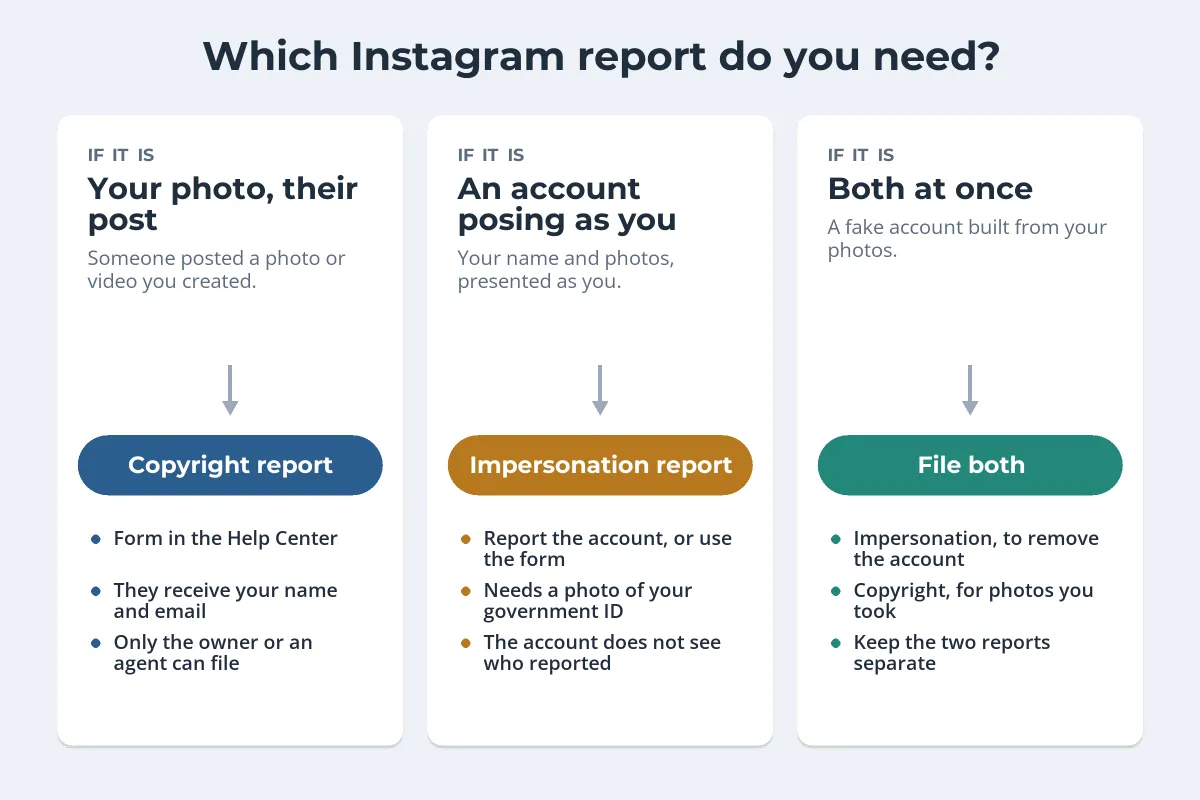
- Copyright is for a photo or video you created that someone else posted. A repost on a feature account, your shot in a brand’s ad, your image in someone’s carousel. You do not need to appear in the photo, and appearing in it does not give you copyright: Instagram’s help notes that the person who took the photo usually owns it.
- Impersonation is for an account that pretends to be you or someone you represent. Instagram asks for a photo of a government-issued ID, and only responds to the person being impersonated or their representative, such as a parent. Unlike a copyright report, the account does not learn who reported it.
- Both apply when a fake account uses photos you took to pose as you. Report the account for impersonation, and the photos for copyright if you want them gone wherever else they appear.
If you are in a photo someone else took and you object to it being posted, that is usually a privacy question, not a copyright one. Instagram has a separate privacy report for it.
Is a Repost With Credit Still Theft?
Feature accounts often repost photos with a tag and a line like “no copyright infringement intended”, and many people assume that makes it fine. Instagram’s own copyright help says otherwise.
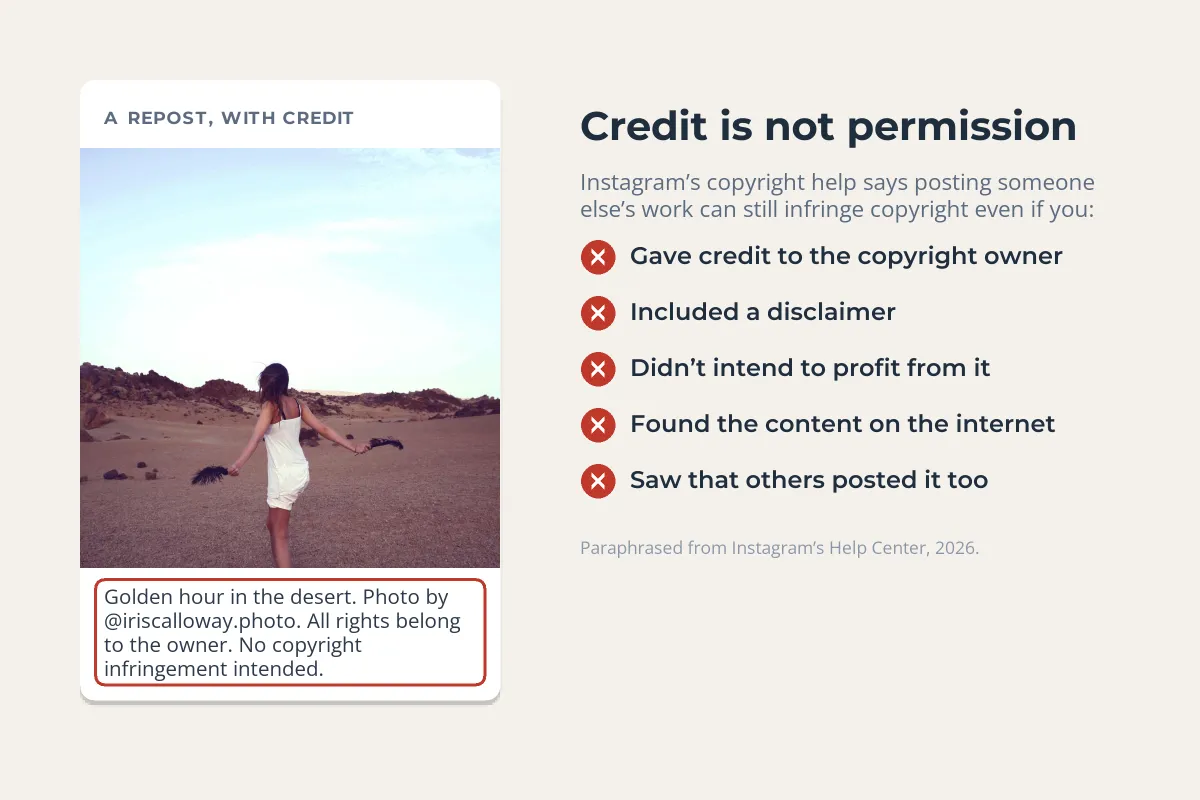
Its list of things that do not prevent infringement includes giving credit to the owner, adding a disclaimer, not intending to profit, finding the content on the internet and seeing that others posted it too. Whether you report a credited repost is your call. Some photographers welcome the exposure. But if you did not agree to it, you are entitled to report it.
Check one thing first: that you did not give permission somewhere. Contest entries, brand collaborations, hashtag campaigns and stock licenses can all grant rights to repost. Instagram warns that bad-faith or misleading reports can get your own account terminated, and in the US can create liability under section 512(f) of the DMCA. Fair use and similar exceptions can also cover some uses; fair use and photos explains where the lines usually fall.
What to Collect Before You Report
Posts can be deleted, archived or edited the moment the account owner suspects trouble. Capture everything while it is still up:
- The URL of each post. Instagram asks for links that lead directly to the infringing content, not just the profile. In the app, the share options on a post include a link you can copy. On the web, copy it from the address bar.
- A screenshot of each post with the username, the caption and the date visible.
- Stories and Reels. Stories disappear after 24 hours, so report quickly and keep a screen recording.
- Your original: the post where you shared it first and the full-resolution file. Reposts are usually smaller and cropped, which helps show which came first.
If one account took your photo, others may have too. A reverse image search on Google Lens or TinEye finds copies outside Instagram, such as websites and shops using the same shot. How to find stolen photos with reverse image search covers each tool.
How to File an Instagram Copyright Report
The general Report option on a post is built for community guideline problems. For copyright, Instagram points you to its dedicated form instead:
-
Open the copyright form
In Instagram’s Help Center, go to the Copyright page and follow the link to report copyright infringement, or open instagram.com/help/ipreporting/report/copyright directly.
-
Say who you are
Your full name, mailing address and phone number, and whether you own the copyright or are reporting for a client or organization.
-
Describe your work
What the photo is and where you published it. A link to your original post is the clearest proof.
-
List every infringing post
Paste the URL of each post that uses your photo. One report can cover several posts.
-
Confirm the declaration and sign
A good-faith statement that the use is not authorized, a statement that the report is accurate, and, under penalty of perjury, that you are the owner or authorized to act. Then add your electronic signature.
You will get an automated email with a report number. Keep it: you need it if Instagram asks for more information, which it sometimes does, and if you later want to withdraw the report. Instagram also accepts complete copyright claims by post to its DMCA designated agent, or by email to ip@instagram.com, but calls the online form the fastest and easiest route. Facebook runs on the same Meta system, so reporting copyright infringement on Facebook follows nearly the same steps if your photo is there too.
If your work is copied at scale and you own a registered trademark, Meta’s Brand Rights Protection tool lets approved rights holders search for and report trademark, copyright and counterfeit violations across Facebook and Instagram. Access is by application.
Your Report Is Not Anonymous
This catches people out. Most Instagram reports are anonymous, but intellectual property reports are the exception. When Instagram removes a post after a copyright report through its form, it typically sends the account that posted it the details below.
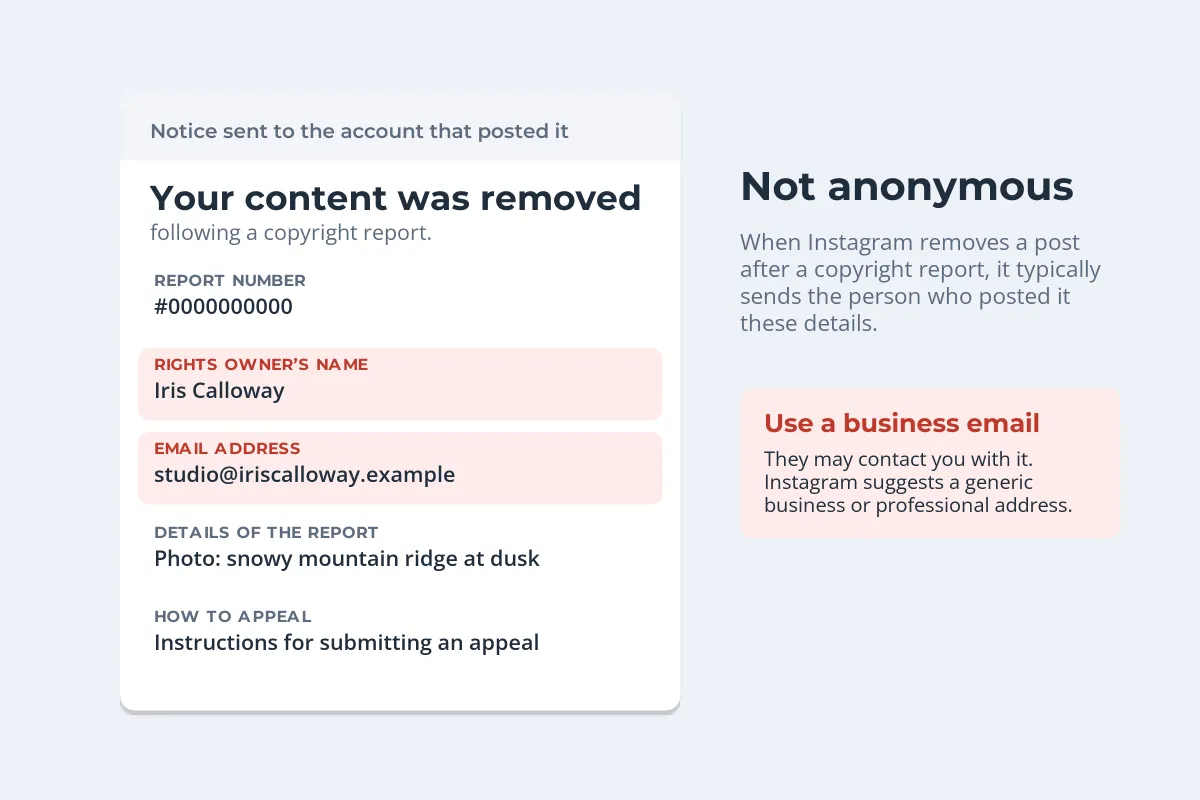
The person can use those details to contact you, so Instagram itself suggests a generic business or professional email address. If you report for a client, Instagram shares the name of the client or organization that owns the rights. If being named would put you at risk, think about that before you file, or have a representative file for you.
What Happens After You Report
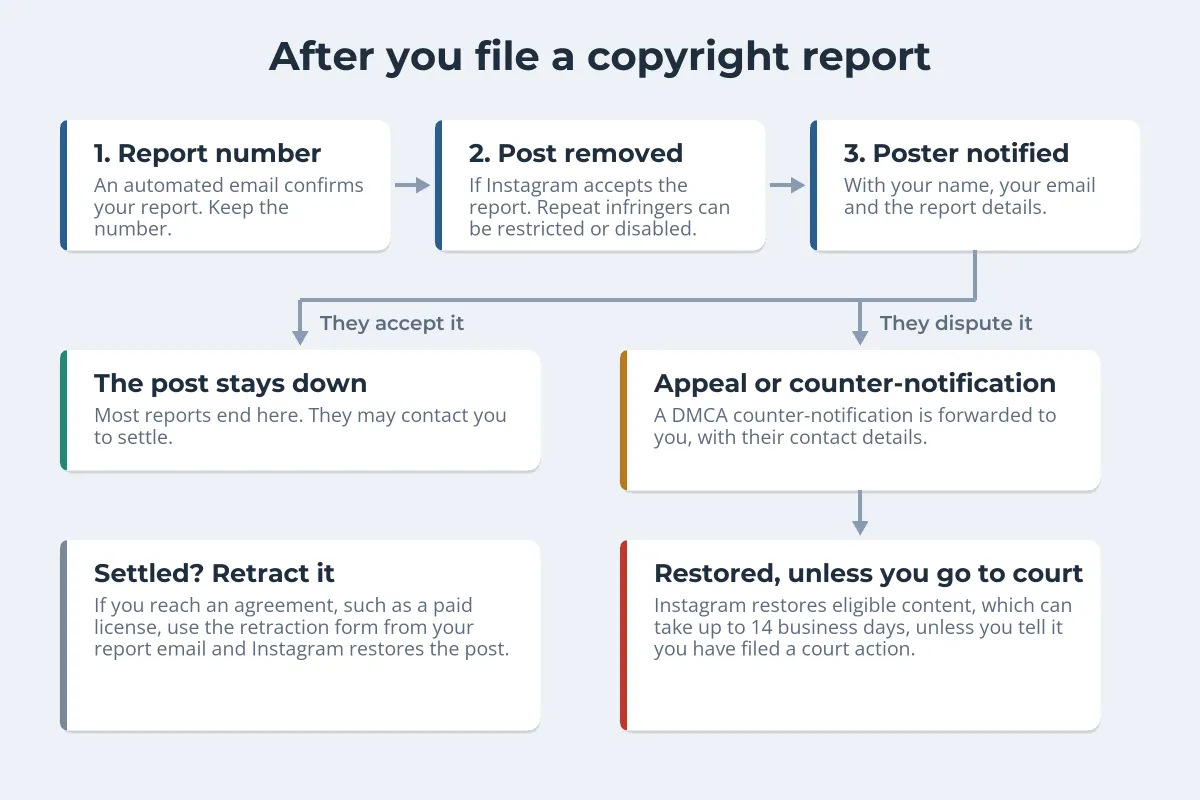
- Removal. If the report is accepted, the post is taken down and the account is told why.
- Repeat infringers. Accounts that keep posting other people’s work can have posting limited, lose features, or be disabled under Instagram’s repeat infringer policy.
- Appeals and counter-notifications. The poster can appeal. Under the DMCA they can also file a counter-notification, which Instagram forwards to you with their contact details. Unless you tell Instagram you have filed a court action to keep the content down, it restores eligible content, a process that can take up to 14 business days.
- Retraction. If you settle, for example by agreeing a paid license, you can withdraw the report with the retraction form linked in your report email, and Instagram restores the post where it can.
That last option is worth remembering. A business that used your photo may be happy to pay for it once it understands the alternative. How to license your photos covers how to price and word that license.
The same steps work outside the US: Instagram’s form is open to rights holders anywhere, and in the EU the Digital Services Act also obliges platforms to take notices of illegal content. If the photo is also on a website or another platform, see what to do when someone steals your photos, and for Pinterest specifically, how to report stolen pins.
Make the Next Repost Carry Your Name
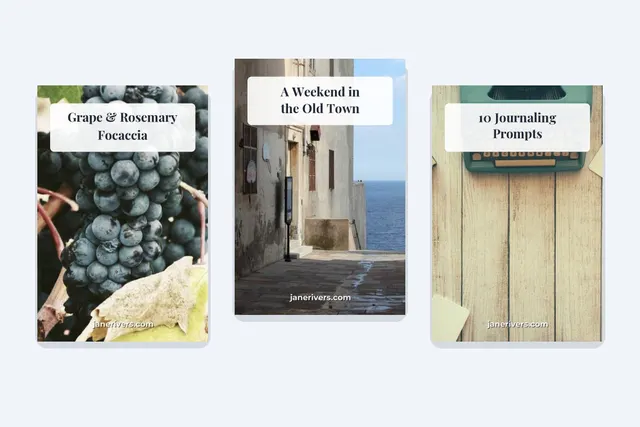
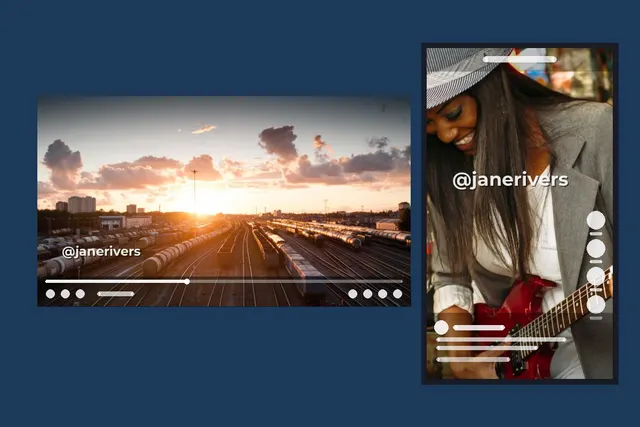
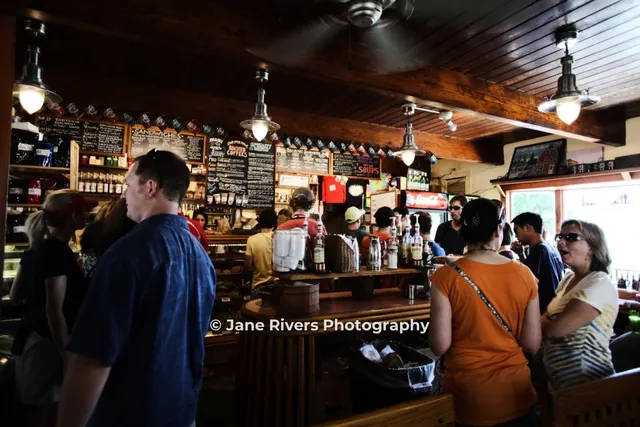
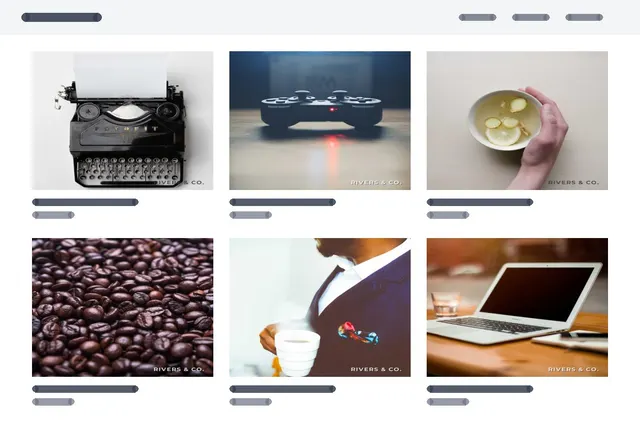
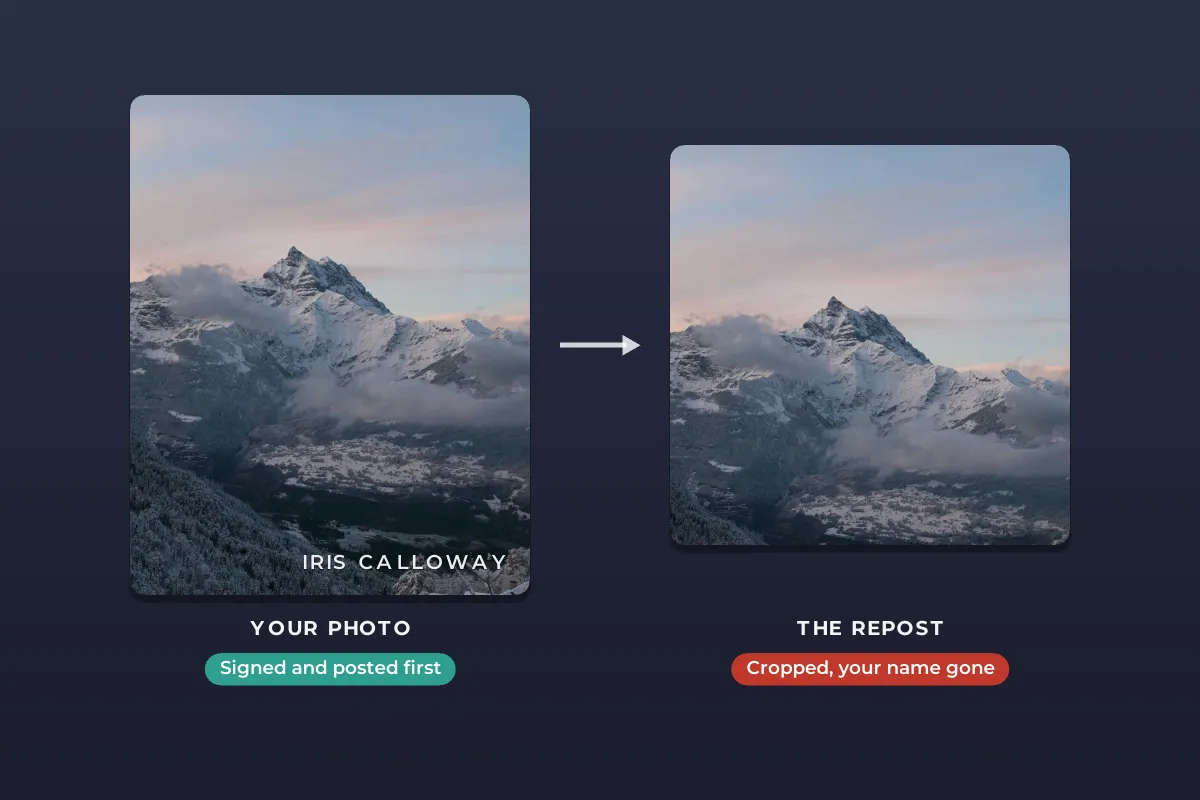
No setting stops people screenshotting a public post. What you can control is whether a copy still says who made it. Reposts are usually cropped to a square or 4:5, so a mark tucked into a corner is the first thing to go.
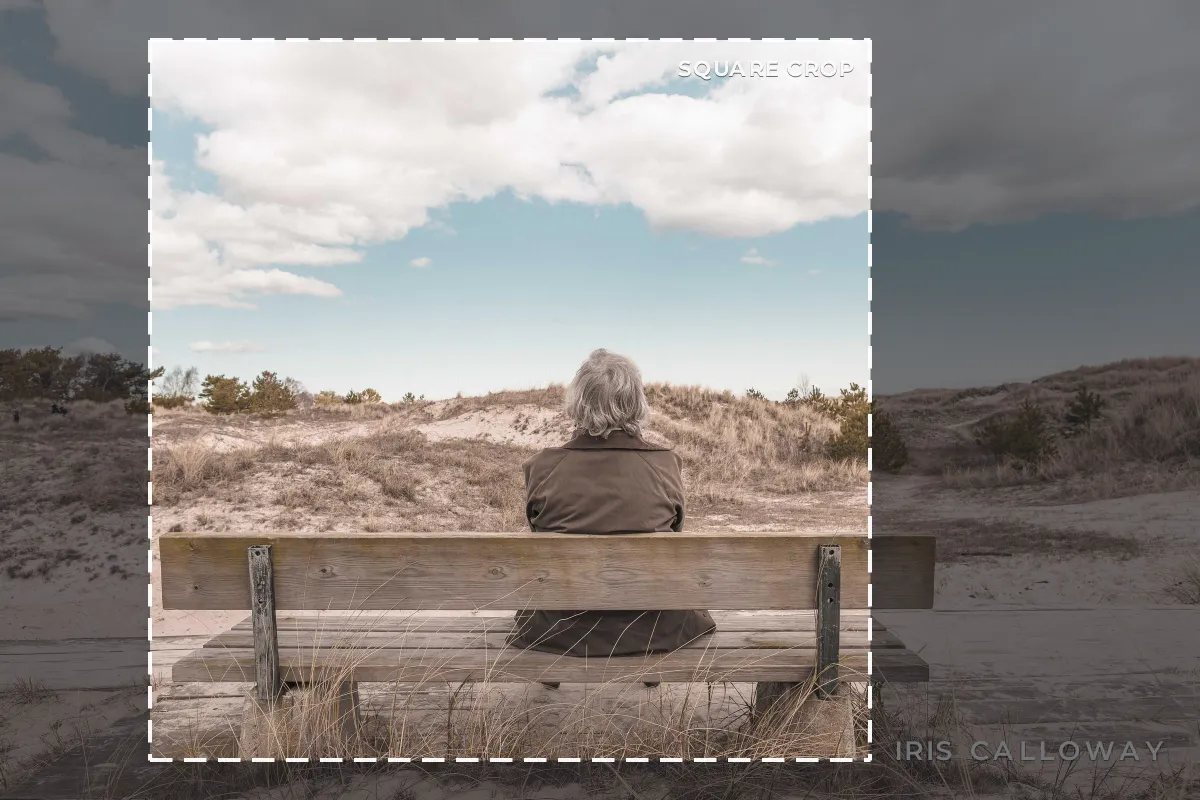 Corner: cropped out
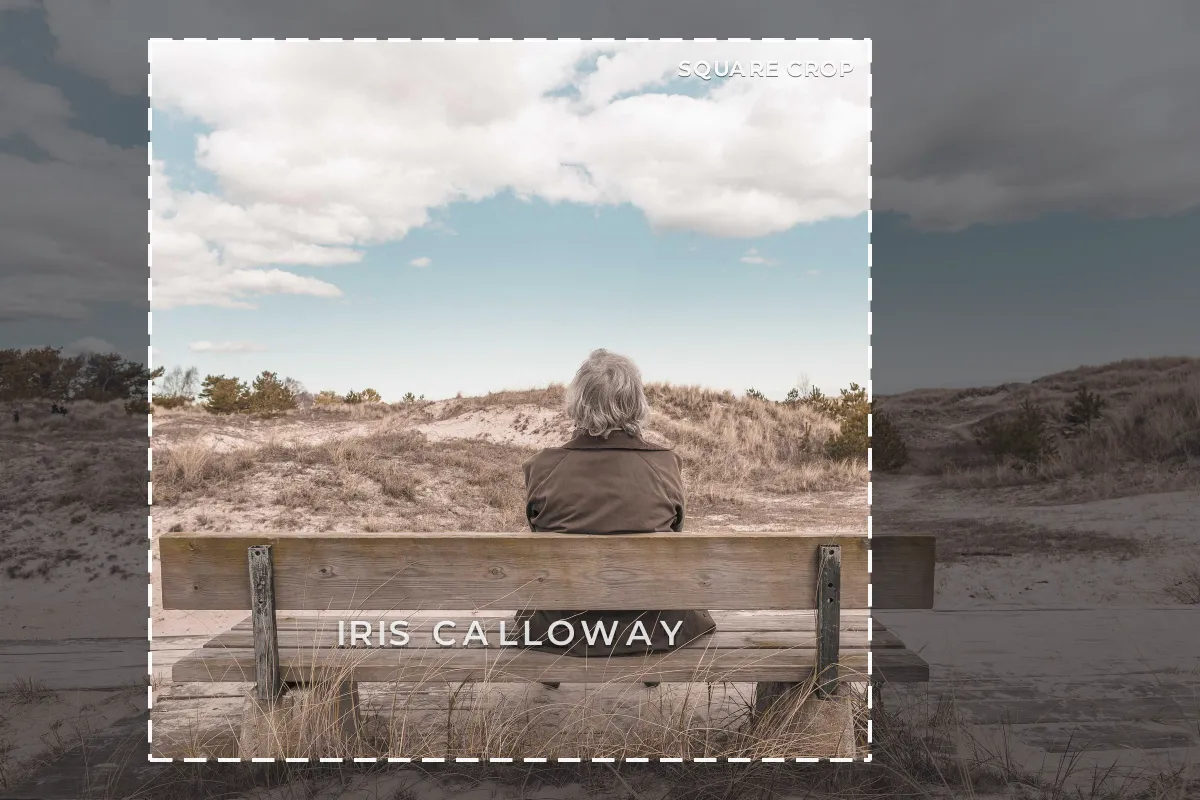 Inside the frame: survives
- Keep the mark inside the square. Place it within the central square of the photo, over a calm area, so any common crop keeps it.
- Make it findable. On Instagram your handle is what people search for, so it often works better than your full name.
- Keep it modest. Small and semi-transparent with a soft shadow reads on a phone without spoiling the photo.
Watermark.ws can add your handle or logo to a whole batch of photos at once and save the setup as a template for every future post. For size, placement and the 4:5 frame, see how to watermark photos for Instagram, and for the 9:16 frame, how to watermark Stories and Reels.
Sample photos: Mountain ridge by Jonathan Bean, Desert by Jessica Polar, Bench in the dunes by Mikael Kristenson on Unsplash.