On this page
- Why December Is the Time to Do It
- Register the Year’s Published Photos as One Group
- Check the Copyright Fields in Your Export Presets
- Search for Copies of Your Ten Best Photos
- File the Year’s Licenses and Model Releases
- Set Next Year’s Watermark Template
- Back Up the Catalogue, Twice
- The Checklist at a Glance
Why December Is the Time to Do It
Most copyright admin is easy to postpone because nothing goes wrong on the day you skip it. The cost shows up later: a stolen photo you cannot register in time, an old year on every export, a model release nobody can find. The end of the year is a natural deadline, and the year’s work is still fresh enough to sort quickly.
- Register the year’s published photos as one group with the US Copyright Office, if you register.
- Check the copyright fields in your export presets, and move the year on.
- Search for copies of your ten best photos.
- File the year’s licenses and model releases where you can find them.
- Set next year’s watermark template, if your watermark carries a year.
- Back up the catalogue twice, one copy away from home.
The registration section covers the US Copyright Office and US law; most countries have no registration system, and none is needed to own copyright. For decisions about a specific photo or dispute, talk to a copyright lawyer.
Register the Year’s Published Photos as One Group
You own the copyright in your photos without registering them. In the US, registration is what lets you sue over a US work and, if done in time, claim statutory damages and attorney’s fees. Should you register copyright on your photos? explains what it gets you; this section is about doing it efficiently.
The Copyright Office’s group registration of published photographs lets you register up to 750 photos in one online application. According to the Office’s Circular 42, a group must meet these rules:
| Requirement | What it means for a year-end claim |
|---|---|
| Up to 750 photographs | Published more than 750? File more than one group, each with its own fee. |
| Photographs only | No videos, text or designs in the same claim. |
| All published, or all unpublished | The year’s unpublished work goes in a separate claim. |
| One author | Every photo taken by the same photographer. Second shooters’ photos need their own claim. |
| One claimant | The same owner for every photo, such as you or your company. |
| One calendar year | Every published photo in the group was first published in the same year. |
| A title list | A title and file name for each photo, plus the month and year it was published, as a spreadsheet or PDF. |
| A digital copy of each photo | JPEG, GIF or TIFF, ideally zipped with the title list. Each upload can be up to 500 MB, and the copies may be compressed to fit. |
At the time of writing, the Copyright Office fee schedule lists $55 for a group of published or unpublished photographs (checked in November 2026). Fees change, so check it before you file.
There is a matching group registration of unpublished photographs, also up to 750 photos by one author for one claimant, for work you have not published: a personal project, a series you plan to sell later, images held back for a book. Published and unpublished photos cannot share a claim.
Statutory damages and fees for an infringement that began before you registered are generally available only if you registered within three months of first publication. A claim filed in mid-December covers photos published since mid-September that way; January’s photos only for copying that starts after registration. If registration matters to your business, file every quarter and treat December as the catch-up.
-
Collect the year’s published photos
Export them from your catalogue into one folder, at a modest size. A collection or tag for "published" through the year makes this a five-minute job next time.
-
Note the month each one was published
"Published" has a legal meaning: public display alone, such as a post, does not necessarily count. The Office’s photographs page explains how to decide, and links the title-list template.
-
Fill in the title list
One row per photo: title, file name, month and year of publication. The file names must match the files you upload.
-
Apply online and upload
In the Office’s electronic registration system, choose to register a group of photographs, then "Published Photographs". Upload the zip and pay the fee.
-
File the certificate with the year
Keep the certificate, the title list and the deposit copies together, so you can show what was registered when.
Check the Copyright Fields in Your Export Presets
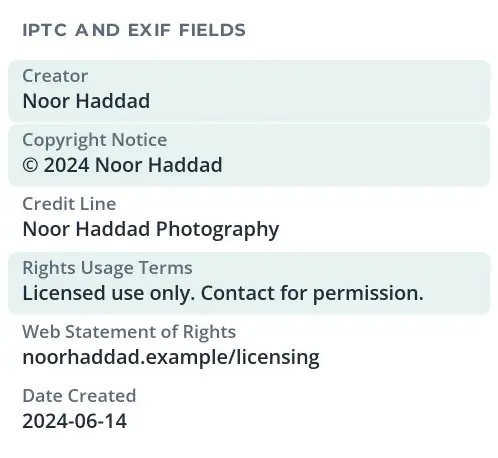
Your export presets write the same copyright details into every file you deliver. They are also easy to forget for years. Open the metadata preset in Lightroom, Capture One or whatever you export from, and check each field:
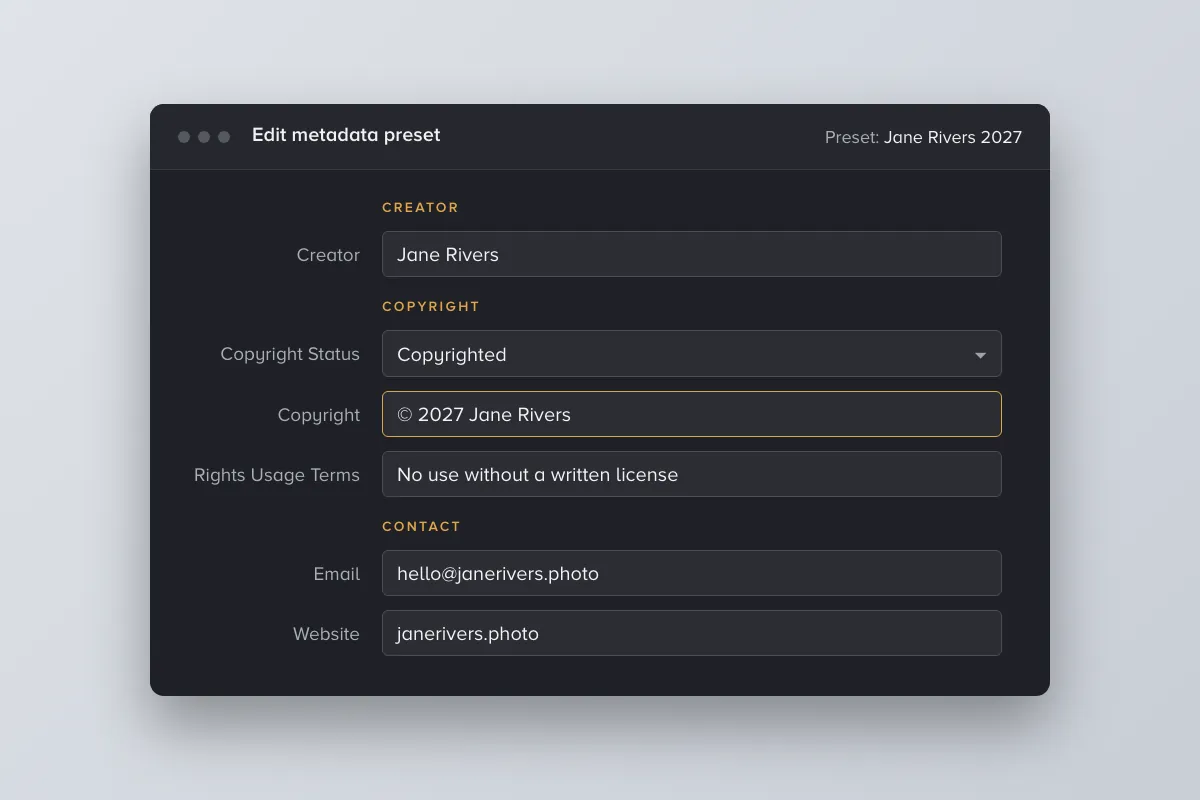
- Creator: your name as you want it credited.
- Copyright Status: set to Copyrighted, so software shows it as protected.
- Copyright notice: © plus the year of first publication and your name. Make a new preset with next year’s date for new work, and keep this year’s for re-exporting this year’s photos.
- Rights Usage Terms: one short line, such as "No use without a written license".
- Contact email and website: so someone who finds a copy can ask to license it.
Many social platforms strip metadata on upload, so metadata works best alongside a visible watermark rather than instead of one. Copyright in photo metadata covers which fields survive where.
Search for Copies of Your Ten Best Photos
You cannot check every photo you published, and you do not need to. Pick the ten that matter most: your most shared images, best sellers, portfolio heroes and anything that went viral. Those are the ones most likely to be copied and the ones worth acting on.
- Run each photo through two or three engines. Google Lens, Bing Visual Search and TinEye find different copies.
- Keep a simple sheet: photo, address of the copy, date found, and whether it is licensed, credited or neither.
- Compare it with last year’s sheet. A site that keeps copying your work is worth a closer look.
- Decide what to do with each copy: nothing, a request for credit, an invoice for a license, or a takedown notice.
Find stolen photos with reverse image search walks through each engine, and how to file a DMCA takedown covers the next step. If you find copies of an unregistered photo that matters, ask a lawyer whether registering it first changes your options.
File the Year’s Licenses and Model Releases
A license is only useful if you can find it when someone asks what they are allowed to do. The same goes for releases when a client wants to use a portrait in an ad. Spend an hour putting the year’s paperwork in one place:
- Licenses and invoices that state usage, named by client and date, for example 2026-05 Harbor Bakery license.pdf.
- Model and property releases, filed with the shoot they belong to. See do you need a model release? for when you need one.
- Client contracts, including what they say about portfolio and social media use.
- A list of licenses that end next year, with a calendar reminder a month before each one, so you can offer a renewal.
If any of this year’s usage was agreed only in an email or a message, write it up now while everyone remembers. How to license your photos has the terms to put in writing.
Set Next Year’s Watermark Template
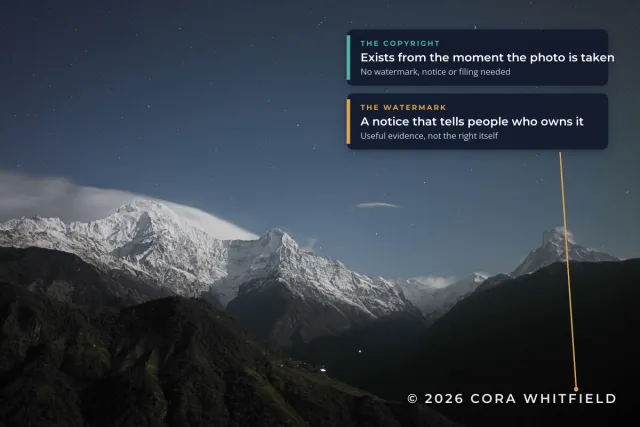
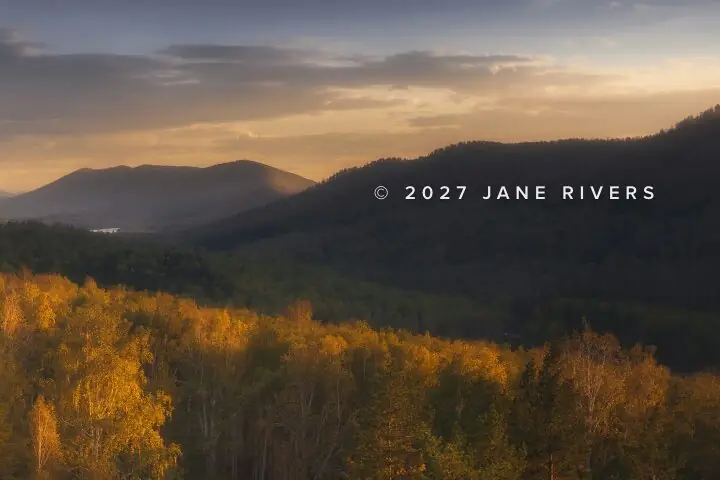
If your watermark is a copyright notice with a year, such as © 2026 Jane Rivers, it should follow the same rule as the metadata: the year a photo was first published. Make next year’s version now, so the first photos you publish in January carry the right year.
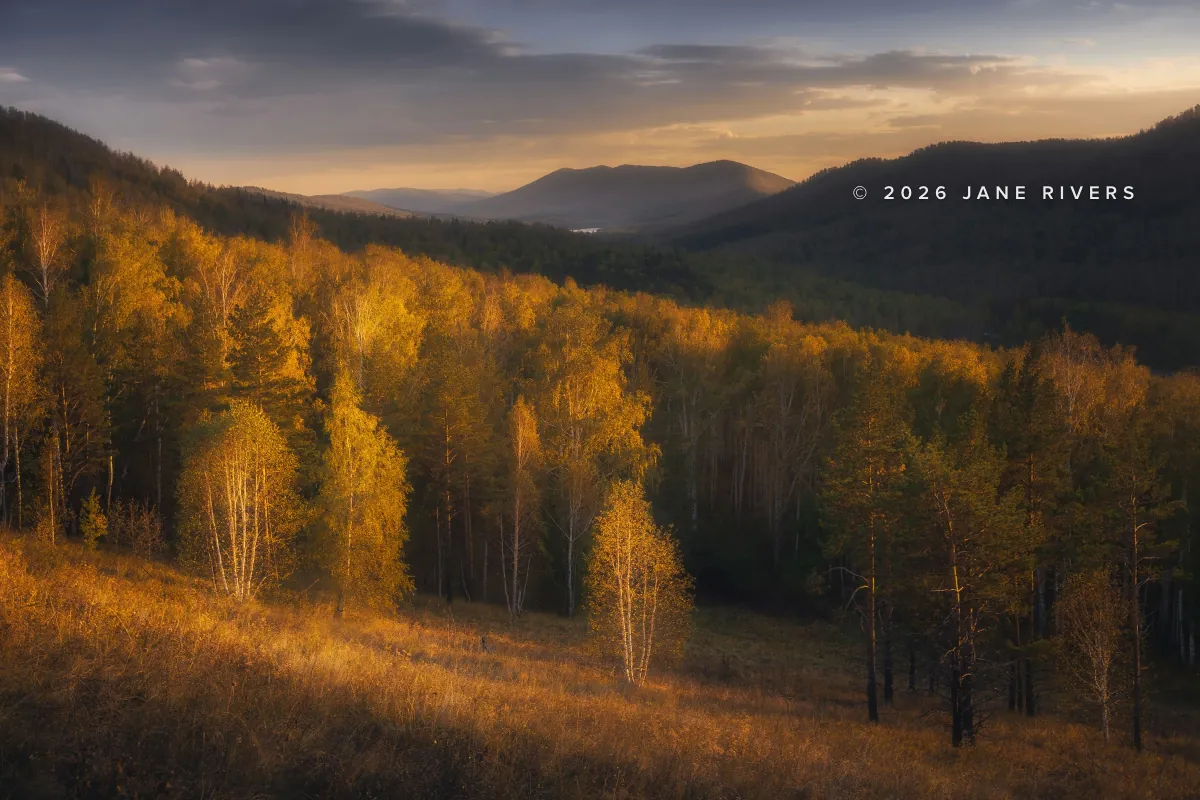 This year’s template
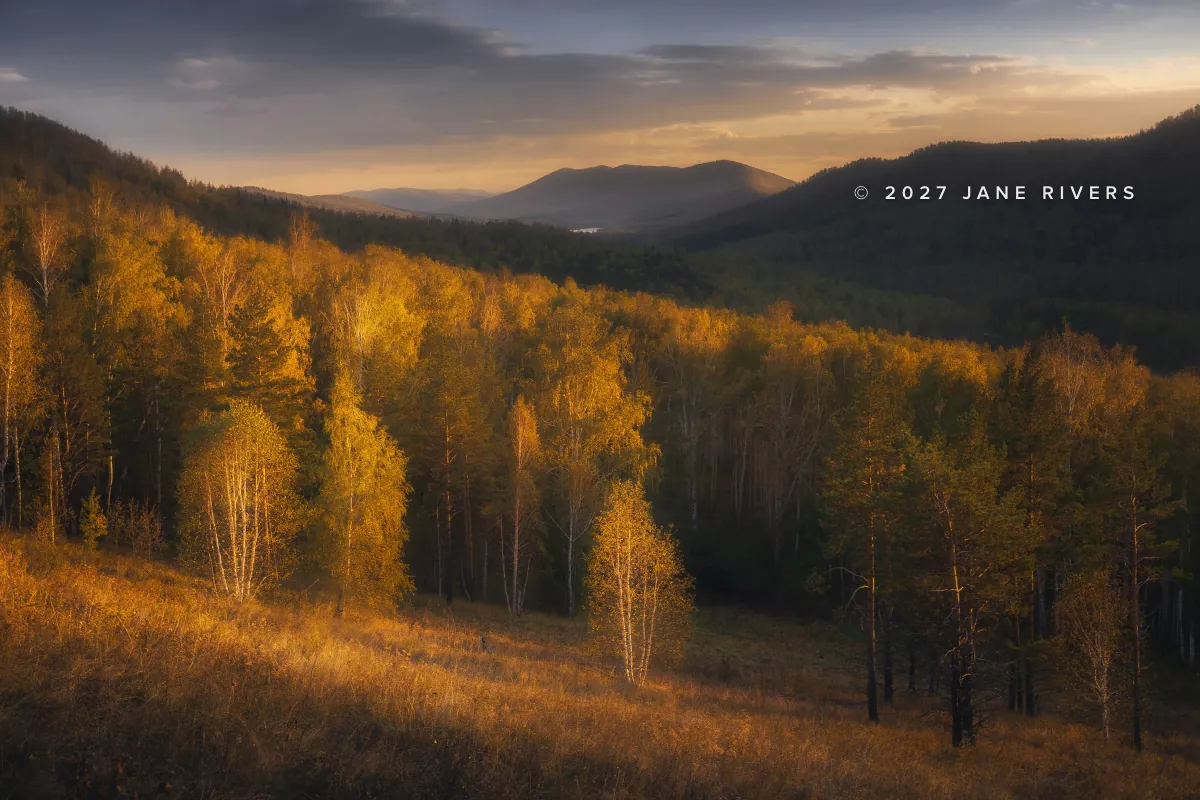 Next year’s template
- Keep both templates. Use the new one for new work from 1 January, and the old one when you re-export this year’s photos.
- Change the year and nothing else. The same font, size and position keep your watermark recognizable.
- Or drop the year. A watermark with just your name never goes out of date; the year can live in the metadata instead.
In Watermark.ws, saved templates are part of Premium: open this year’s, change the year, and save it under a new name. How to write a copyright notice covers the format.
Back Up the Catalogue, Twice
Every other item on this list depends on the files still existing. Registration in particular rests on being able to show the original photo, with its date, years from now. The usual rule is 3-2-1:
| Rule | In practice |
|---|---|
| 3 copies | The working copy plus two backups. |
| 2 kinds of storage | For example an external drive and a cloud backup, so one failure does not take both. |
| 1 copy off-site | Away from home or the studio, in case of fire, flood or theft. |
- Back up the catalogue file too, not just the photos: it holds your edits, keywords and collections.
- Include the paperwork: registration certificates, title lists, licenses and releases.
- Test a restore. Open a few files from each backup. A backup you have never restored is a hope, not a backup.
The Checklist at a Glance
| Job | Done when |
|---|---|
| Register the year | The group application is filed and the title list is saved with the year. |
| Export presets | Next year’s preset has the new year and current contact details. |
| Search for copies | Ten photos are checked and every copy has a decision. |
| Licenses and releases | Everything is in one folder, and next year’s renewals are in the calendar. |
| Watermark template | Next year’s template is saved beside this year’s. |
| Backups | Two backups exist, one off-site, and a restore has been tested. |
Sample photos: Cabin on a frozen lake at dusk by Igor Saikin, Frosty field with a hay bale by Krzysztof Płocha, City street crossing by Sherzod Max, Cherry blossom avenue by Tatiana Rodriguez, Cornflower meadow by Stephan Eickschen, Wedding couple in a field by Brittney Weng, Beach with a thatched umbrella by David Vives, Two blue beach chairs by Aaron Burden, Apple crates in an orchard by Karen Cann, Autumn forest path by Johannes Plenio, Tree in morning mist by Juho Luomala, Cabin in the snowy woods at night by Sean C Davis, Autumn birches and hills by Daniil Silantev on Unsplash.